


Mendix alternatives serve different application requirements. ToolJet, Appsmith and Retool are candidates for internal operations interfaces; OutSystems covers broader app development; Appian emphasizes process orchestration; Power Apps, Zoho Creator, Oracle APEX and Creatio fit particular ecosystems. This guide compares 11 alternatives and keeps Mendix itself as the reference point.
This is a deployment and use-case shortlist, not an independent benchmark or security ranking. Product scope was checked against linked vendor pages on October 5, 2026. If your shortlist is already down to two products, use the focused Mendix versus ToolJet comparison.

Key takeaways
- Separate internal operations apps from native mobile, customer-facing and process-orchestration requirements before selecting a replacement.
- Evaluate platform hosting, AI gateway hosting and inference location separately; a customer-owned API key does not establish an internal data boundary.
- Open-source platform code, self-hosting and portable app definitions are different capabilities. Migration still needs a pilot.
- Compare the complete rollout cost and required Enterprise add-ons rather than mixing old entry prices from different years.
Mendix: The Reference Platform

Mendix provides model-driven application development, process orchestration and AI capabilities. Its platform overview and deployment documentation are the starting points for evaluating web, mobile and runtime requirements.
Record what your existing Mendix apps depend on: domain models, microflows, widgets, integrations, mobile behavior and operating services. Data exports alone will not recreate an app in another builder. Use current Mendix pricing and a deployment-specific quote in the cost model.
Mendix Alternatives at a Glance
| Platform | Shortlist use case | Decision to validate |
|---|---|---|
| ToolJet | Governed internal apps over existing data | Self-hosting, AI boundary and required Enterprise controls/add-ons |
| OutSystems | Broader enterprise web and mobile applications | Exact runtime, lifecycle needs and operating contract |
| Appian | Process orchestration and case management | Required casework, approvals and process-model migration |
| Power Apps | Microsoft-based app estate | Data, connector and environment licensing |
| Retool | Developer-oriented internal apps | Builder/runtime choice, governance and deployment terms |
| Appsmith | JavaScript-based internal interfaces | Edition-specific permissions, audit logs and operations |
| Superblocks | AI-built enterprise internal apps | Cloud, Hybrid or AWS Cloud-Prem deployment boundary |
| Creatio | CRM and business process applications | CRM scope, workflow requirements and operating model |
| Zoho Creator | Form, workflow and mobile business apps | Deluge migration and selected Cloud/On-Premise edition |
| Oracle APEX | Oracle database-centered applications | Database dependency and infrastructure cost |
| Quickbase | Operational work and project management | Data model, integration and process fit |
ToolJet

ToolJet is a candidate for internal dashboards, admin panels, CRUD apps and operational workflows over databases and APIs. It combines AI generation, visual editing, JavaScript/Python logic and 100+ integrations. The AGPL-3.0 Community Edition can be self-hosted; paid features depend on the selected plan.
Team includes SSO, audit logs and Git sync; Enterprise adds SCIM and multiple Self-hosted deployments. Workflows, Agent Builder and private/custom connectors are Self-hosted-only. Review the current Cloud and Self-hosted plans for user allowances, environments and support.
Customer-hosted AI gateway and fully air-gapped operation are Self-hosted Enterprise add-ons. Enterprise BYOK is available on both ToolJet Cloud and Self-hosted deployments. Inference remains internal only with a supported model endpoint inside your network. Review AI and deployment security and the Trust Center. App definitions remain ToolJet-specific, so self-hosting does not eliminate all migration work.
OutSystems

OutSystems is worth shortlisting for broader enterprise application development, including projects where the interface, application logic and lifecycle extend beyond an internal operations console. Its platform overview describes apps and agent development.
Specify the exact product and runtime before comparing deployment options. Test mobile, release and integration requirements in that edition, and request pricing for the environments and operating commitments your organization needs.
Appian
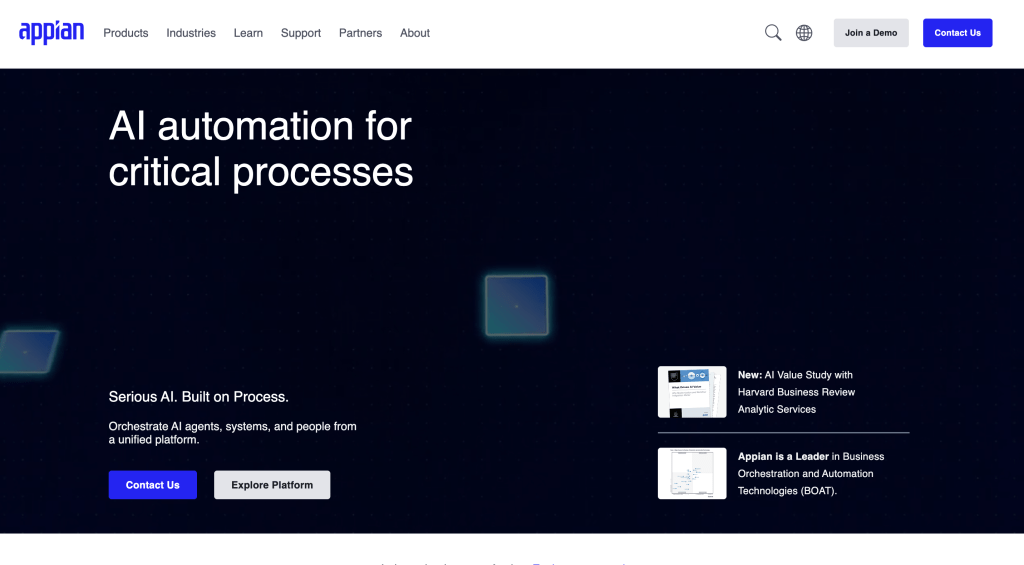
Appian emphasizes process orchestration, case management and automation connecting people, systems and AI. It belongs on the shortlist when the Mendix replacement is primarily a process or casework project; review the Appian platform for current scope.
Evaluate approvals, exceptions, long-running processes and audit evidence. A dashboard builder is not automatically a substitute for the process engine. For sector-specific controls, use our regulated Appian-alternatives guide.
Microsoft Power Apps
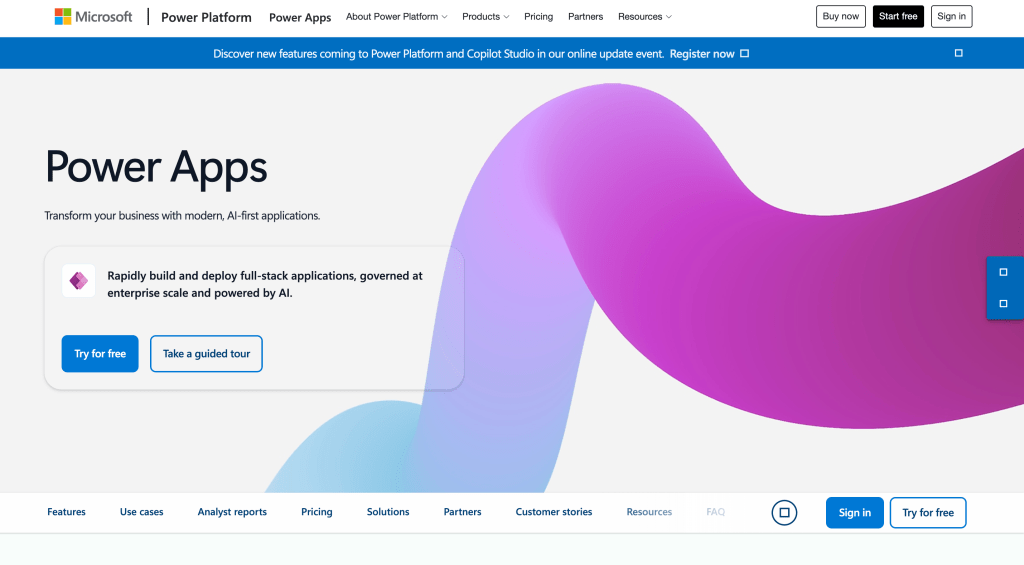
Power Apps is worth evaluating when your identity, collaboration and data systems already use Microsoft services. Its product overview describes AI-assisted apps and centralized environment and data policies.
Confirm production user licensing, premium connectors, Dataverse capacity and related Power Platform services. The Developer Plan supports building and testing; it is not a blanket production license. Evaluate government environments separately where required.
Retool
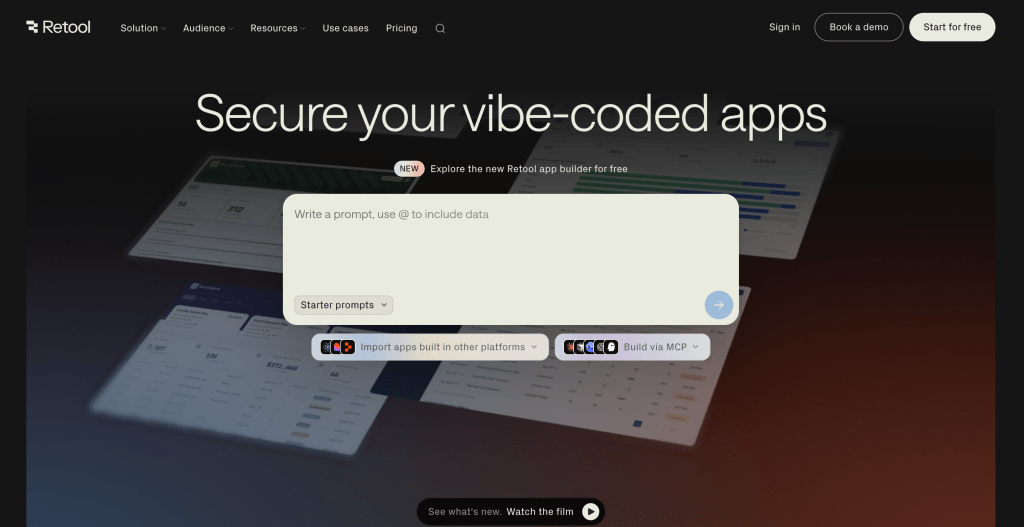
Retool is a candidate for engineering teams building internal applications around databases, APIs and custom logic. Identify which builder and runtime you will use, since that affects development and migration requirements.
The current plan comparison separates builder and internal-user pricing and includes deployment and governance terms. Build the cost model from the actual user mix, hosting, AI usage and support needs rather than an old per-user starting rate.
Appsmith

Appsmith provides an open-source Community Edition and a developer-oriented approach to internal interfaces with JavaScript, widgets and connected data. It is relevant when your team wants to operate the platform and maintain application logic directly.
Its current pricing distinguishes Cloud allowances, paid permissions and audit logs, and Enterprise add-ons. Verify those controls in the edition you plan to operate; evaluate infrastructure, upgrade and recovery work alongside license cost.
Superblocks

Superblocks documents Cloud, Hybrid and Cloud-Prem. In Hybrid, the data plane runs in the customer environment while the control plane and Clark remain cloud-managed. Its full-platform Cloud-Prem model, including AI inference, runs in a customer AWS environment and is managed by Superblocks.
Compare the documented deployment models against your required infrastructure and AI boundary. Cloud-Prem is specifically AWS-based; Hybrid is a separate architecture. Test the generated app, runtime dependencies and release controls in the selected model.
Creatio
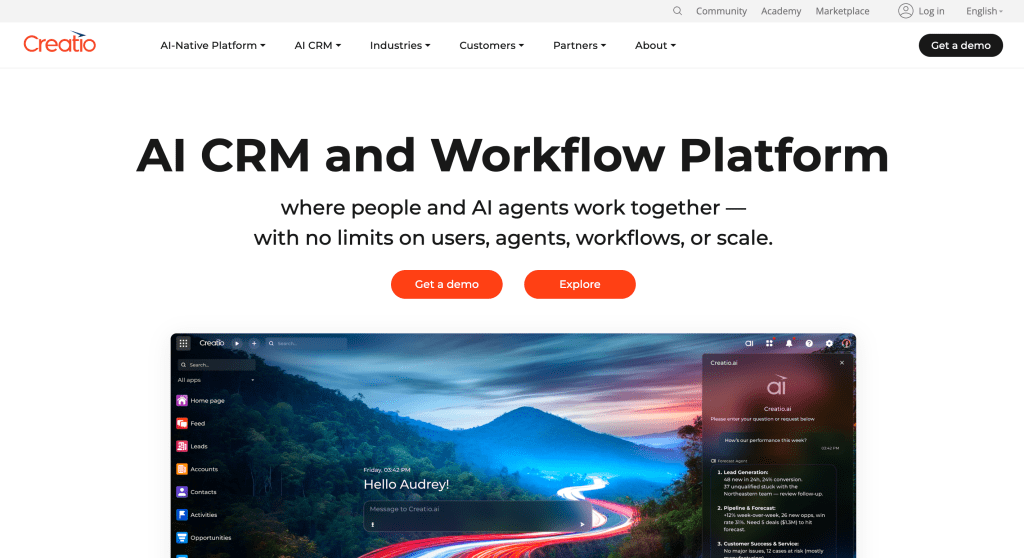
Creatio combines no-code application development with business process and CRM capabilities. Its platform overview is useful when CRM and custom app requirements overlap.
Separate the application-building scope from packaged CRM functionality. Pilot the required workflow and integrations, then confirm the edition, hosting, user licensing and AI operating model with the vendor.
Zoho Creator

Zoho Creator supports forms, workflows and business applications, including mobile use cases. Its product overview covers its app-building model and AI capabilities.
Evaluate Deluge logic, data exports, APIs and the exact deployment edition. Replacing a Creator app is not automatically a replacement for Zoho CRM or the Zoho One suite. Our Zoho Creator alternatives guide separates those scopes.
Oracle APEX
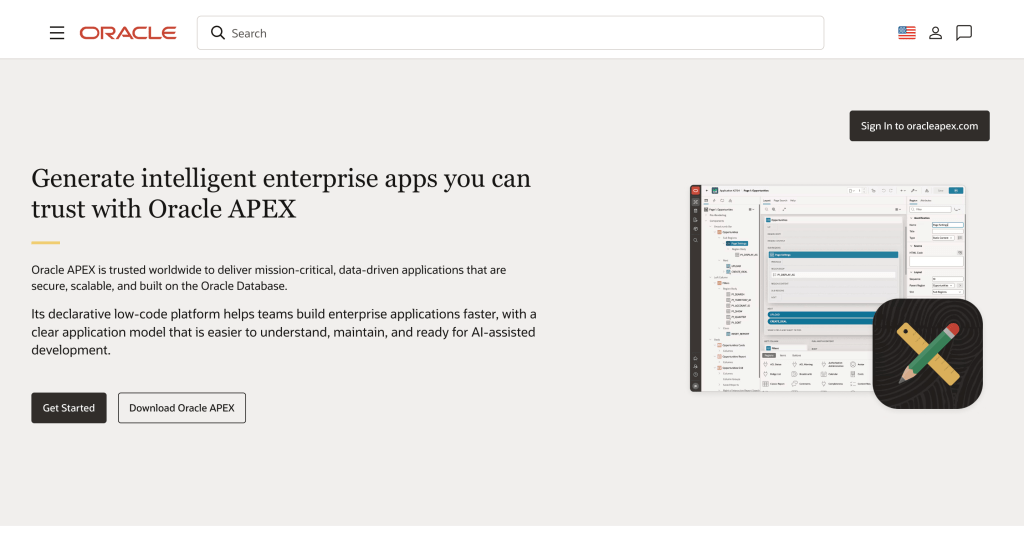
Oracle APEX is a candidate for applications centered on Oracle Database. The Oracle product overview describes its database-based low-code approach.
Evaluate the database and hosting footprint, application dependencies and required team skills. Include infrastructure, database licensing or service costs, operations and migration work in the estimate; do not treat a platform entry price as the full cost.
Quickbase
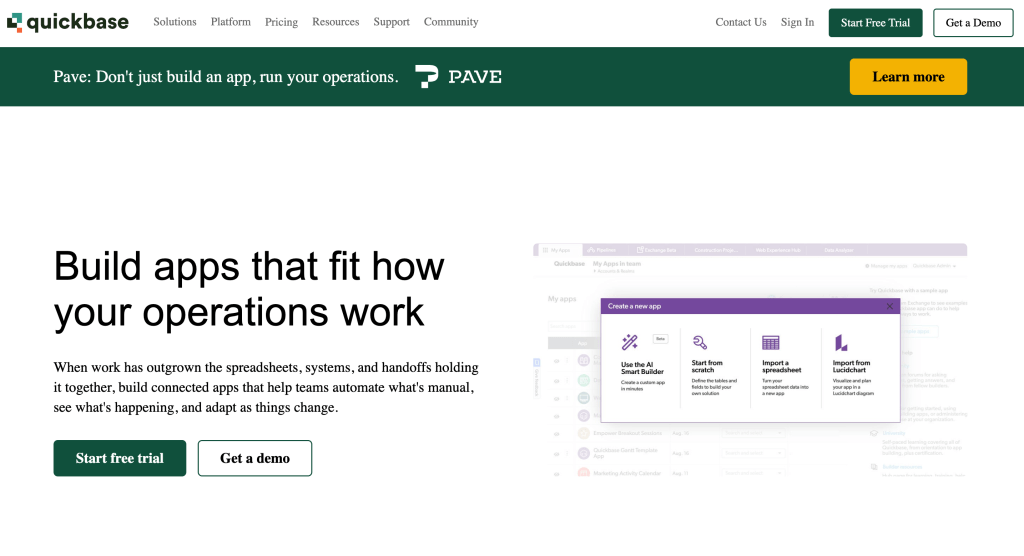
Quickbase focuses on operational work, projects and process management. Its platform overview is relevant when the replacement needs to coordinate work and connected operational records.
Pilot the hardest relationship, permission boundary and cross-system workflow. Confirm whether a configured work-management product meets the requirement or whether your organization needs a broader custom application platform.
Choosing Between Them
Choose the shortlist around the application and operating model, then test it. For an internal console over existing business data, begin with that class of builder. For native/offline mobile, complex casework or a broader application estate, add the platforms designed around those requirements.
- Record the current app’s domain model, flows, integrations, identities and mobile behavior.
- Map where the platform, AI gateway, model endpoint, logs and backups run. Confirm approved external connections.
- Use a pilot with sanitized data to test denied reads/writes, releases, rollback and recovery.
- Compare full costs for the actual builder/viewer mix, environments, AI usage, add-ons and operating responsibilities.
- Keep the migration estimate separate from ongoing operations. Include logic and interface rebuilding, testing and user rollout.
For ToolJet, start with a representative internal application and review the generated queries, credentials and release process. ToolJet Academy provides courses and certifications for team enablement; a deployment discussion can cover required models, infrastructure and Enterprise add-ons.
Frequently Asked Questions
ToolJet, Appsmith, Retool and Superblocks are candidates for internal applications. Compare their app architecture, governance, operating model and AI data boundary using a representative pilot.
ToolJet is focused on internal applications over existing data, with AI generation, visual editing, custom code and open-source self-hosting. Mendix serves broader model-driven application development. The appropriate choice depends on the application and deployment requirements.
Shortlist around required native/offline mobile behavior, application lifecycle and runtime. Mendix and OutSystems address broader application development; verify the actual edition and capabilities in a pilot rather than transferring an internal-tool recommendation to every workload.
Enterprise BYOK is available on both ToolJet Cloud and Self-hosted deployments. Self-hosted Enterprise offers a customer-hosted AI gateway add-on. Internal inference requires a supported model endpoint inside your infrastructure. Confirm compatibility; an external provider still receives requests when used.
Source access and self-hosting provide control over the platform. Application definitions, components and logic can still be platform-specific. Estimate export, rebuilding and testing before a migration.
No. Its documentation lists Cloud, Hybrid and a full-platform Cloud-Prem model in the customer’s AWS environment, managed by Superblocks. Match the selected architecture to your required infrastructure and AI boundary.
Use current vendor terms and a deployment-specific quote for the actual user mix, environment count, AI/provider usage, add-ons and support. Include infrastructure operations and migration effort instead of comparing isolated starting prices.


