Key takeaways
- Evaluate deployment boundaries, identity, release permissions and recovery before choosing a platform for regulated internal applications.
- ToolJet supports open-source self-hosting; customer-hosted AI gateway and fully air-gapped operation are Self-hosted Enterprise add-ons. Enterprise BYOK is available on both ToolJet Cloud and Self-hosted deployments.
- A platform certification or a customer-owned API key does not establish that a particular app meets your regulatory requirements.
- Use a deployment pilot with non-production data to validate access, AI data flows, audit evidence and operational ownership.
For healthcare, finance and government teams, an Appian alternative must meet the deployment and control requirements of the application being replaced. ToolJet is worth evaluating for governed internal apps over existing data; OutSystems and Mendix address broader application development; Power Apps fits Microsoft-based organizations; Appsmith provides developer-focused internal tooling.
This guide focuses on regulated deployment evaluation. For a broader BPM and workflow vendor shortlist, use our general Appian alternatives comparison. The five options below are editorial use-case recommendations, not a security ranking or a certification of the apps you build.
Why Regulated Industries Look for Appian Alternatives
Start with the reason for the change: application architecture, operating cost, integration access, developer skills, or a requirement to control where the platform and AI processing run. Appian itself supports enterprise process orchestration and case management. Replacing an operations dashboard is a different project from replacing a long-running case-management system.
Inventory the current forms, approval steps, service accounts, integrations and recovery procedures. Keep the capabilities your organization uses in the evaluation; a faster prototype does not show that the replacement can reproduce the production process.
Security and Compliance Requirements for Regulated Industries
Turn your organization’s requirements into testable controls. Review the vendor’s current assurance reports, their scope and the responsibilities your team retains. A SOC 2 report, ISO certificate or government-cloud authorization should be evaluated against the service, region and contract you will actually use.
| Control area | Evidence to request | Pilot test |
|---|---|---|
| Data boundary | Platform, database, gateway and model endpoint architecture | Trace requests using sanitized data and confirm all approved destinations. |
| Identity and permissions | SSO, provisioning and application/data-source access controls | Test user removal, least-privilege roles and an unauthorized write. |
| Release governance | Approvals, versioning and environment isolation | Promote a reviewed change and roll it back without reusing development credentials. |
| Audit and retention | Events captured, export options, access and retention | Reconstruct a privileged change and confirm the evidence is available to your security team. |
| Recovery and operations | Backups, restore procedures, support and escalation terms | Restore the application and required data; record recovery time and ownership. |
For sector-specific workloads, include your organization’s additional requirements in this matrix: handling of patient information, financial approval separation, or government procurement and authorization conditions. Have the responsible security and compliance teams review the proposed architecture and contract.
1. ToolJet: Governed Internal Apps on Your Infrastructure
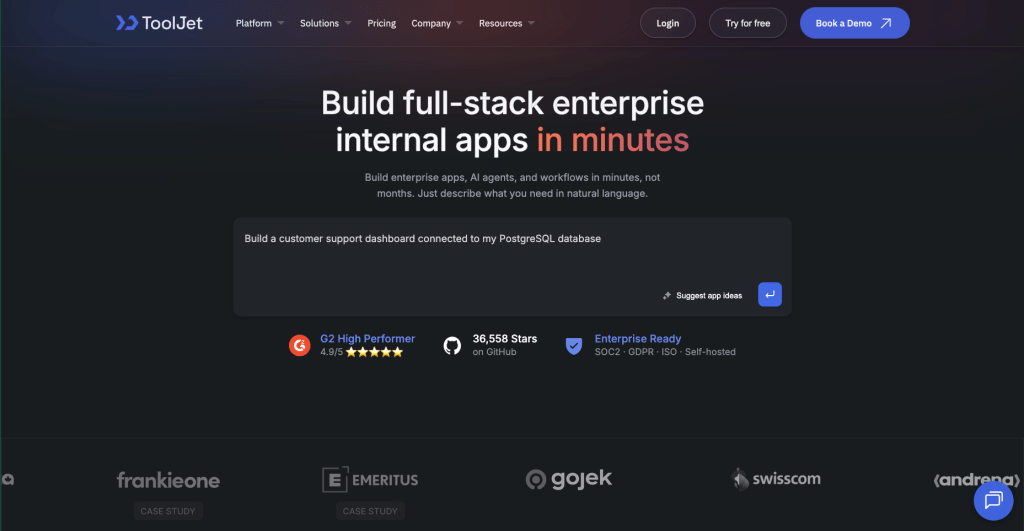
ToolJet is a candidate when the application is an internal operations console, dashboard or workflow over existing databases and APIs. It combines AI app generation, visual editing and JavaScript/Python logic. Its Community Edition is open source; advanced governance and deployment options depend on the licensed plan.
Team includes SSO, audit logs and Git sync. Enterprise adds SCIM and multiple Self-hosted deployments. Separate development, staging and production deployments can use different credentials, with AI enabled only where approved. Review the Cloud and Self-hosted feature tables and security architecture for the controls you need.
Enterprise BYOK is available on both ToolJet Cloud and Self-hosted deployments. A customer-hosted AI gateway is a Self-hosted Enterprise add-on. Keeping inference internal also requires a supported model endpoint inside your network. BYOK with an external provider still sends requests outside your infrastructure. Workflows, Agent Builder and private/custom connectors are Self-hosted-only capabilities.
The fully air-gapped add-on supports offline platform operation and licensing. Your team still operates the deployment, databases, backups and required internal services. Review the ToolJet Trust Center and agree support, recovery and change-management responsibilities before rollout.
2. OutSystems: Broader Enterprise Application Development

OutSystems is worth evaluating when the replacement includes a broader application estate, complex interfaces and full application lifecycle requirements. Its platform overview covers application and agent development.
Specify the exact OutSystems product and runtime in the evaluation. Deployment options and operating responsibilities should be confirmed for that edition rather than treating every OutSystems offering as equivalent. Pilot integrations, release controls and recovery using the contract and architecture proposed for your organization.
3. Mendix: Model-Driven Web and Mobile Applications
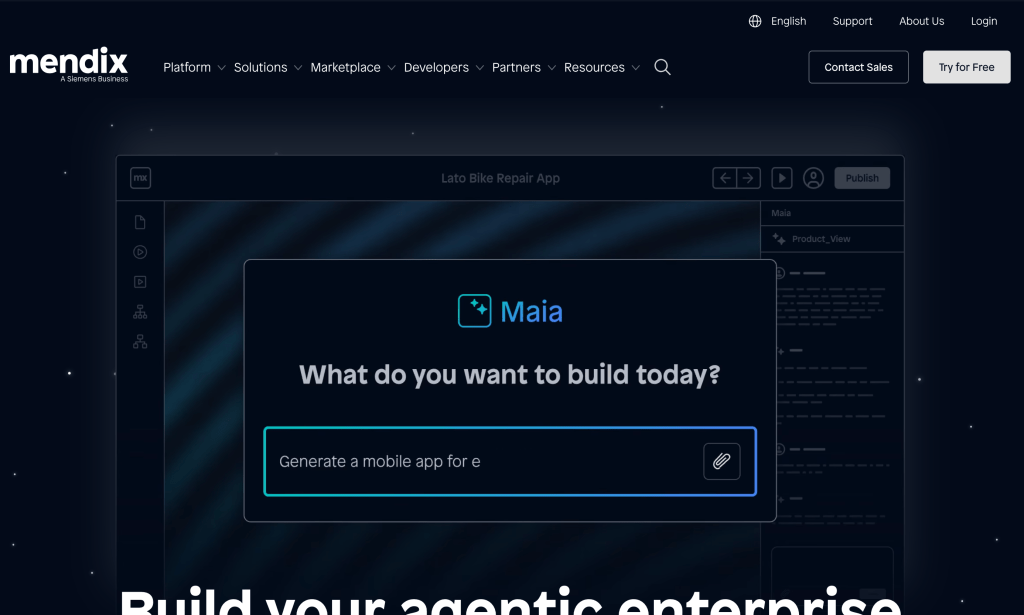
Mendix is a candidate for organizations building a wider set of enterprise web and mobile applications with model-driven development. Its platform overview describes application development, process orchestration and AI governance; its deployment documentation covers the available operating models.
Test the required mobile behavior, approval logic and runtime dependencies. Ask how model processing, observability and support work in the selected deployment. A governance feature does not by itself establish that a particular healthcare or government application meets all required controls.
4. Microsoft Power Apps: Microsoft-Based Organizations
Power Apps fits teams whose identity, collaboration and data systems already use Microsoft services. The product overview describes app development and centralized environment, access and data-loss-prevention controls.
For government work, review Power Apps US Government documentation for eligibility, deployment options and feature differences. Confirm the availability of connectors and AI capabilities in the actual environment. A connector to an on-premises system is distinct from self-hosting the Power Apps platform.
5. Appsmith: Developer-Focused Internal Applications
Appsmith is a candidate for engineering teams building internal interfaces with JavaScript, database queries and APIs. Its plan comparison distinguishes the open-source Community Edition from paid governance features and Enterprise options.
Match granular permissions, audit logs, SSO and any air-gap requirement to the exact edition and add-ons. For a Self-hosted installation, assign ownership for upgrades, backups, secrets and incident response. Validate the hardest query and permission boundary rather than selecting solely on the availability of source code.
Comparison Table: Appian Alternatives for Regulated Deployments
| Platform | Shortlist use case | Deployment or governance question |
|---|---|---|
| ToolJet | Internal operations apps over existing data | Which deployment and Enterprise BYOK configuration, or Self-hosted Enterprise AI gateway and air-gap add-ons match the required data boundary? |
| OutSystems | Broader enterprise app development | Which product/runtime and operating contract meet the deployment and recovery requirements? |
| Mendix | Model-driven enterprise web and mobile apps | Which deployment, runtime and AI configuration will the organization operate? |
| Power Apps | Microsoft-based app and process estate | Does the selected commercial or government environment support the required controls and features? |
| Appsmith | Developer-focused internal interfaces | Which edition provides the needed permissions, audit evidence and isolated operation? |
Product scope was checked against linked vendor sources on October 5, 2026. This table compares evaluation questions, not security scores. Request current evidence and a deployment-specific quote; hosting, user mix, support, AI usage and add-ons can change the total cost.
How to Choose the Right Appian Alternative
Run a bounded pilot before selecting a replacement. Choose one application that includes a difficult integration, an approval or write action, and at least two permission levels. Use sanitized or synthetic data, with credentials limited to the pilot.
- Document the application, gateway and inference endpoint locations. List required outbound access and external service dependencies.
- Test onboarding and offboarding, denied reads/writes, approval separation and access to sensitive logs.
- Build in development, review the generated queries and permissions, then promote with environment-specific credentials.
- Exercise failed API calls, retries, rollback and restoration. Record who responds and which support commitments apply.
- Compare the full rollout cost, including builders, viewers, infrastructure, AI/provider usage, add-ons and operations time.
For AI building, inspect the context that connected accounts can expose. ToolJet’s AI data usage policy explains that discovery can access data available to those credentials. Outbound-only connectivity limits connection direction; it does not mean requests contain no business data.
Evaluate ToolJet for Your Regulated Internal App
If you need internal applications with self-hosting, governed releases and control over AI processing, review ToolJet against your documented requirements. Bring the target infrastructure, identity provider, supported model endpoint, recovery objectives and environment-isolation plan to a deployment discussion.
Keep the evidence from the pilot as the decision record. ToolJet can provide platform capabilities and deployment options; the final application’s access model, data handling and operational controls also depend on how your organization configures and runs it.
Ready to build?
Book a demo with the ToolJet team to discuss your enterprise-grade security and deployment requirements.
Frequently Asked Questions
Shortlist by workload and required deployment. ToolJet fits governed internal apps; OutSystems and Mendix cover broader application development; Power Apps fits Microsoft-based environments; Appsmith provides developer-focused internal interfaces. Validate the actual edition and architecture in a pilot.
No. Self-hosting gives infrastructure control, but compliance also depends on access, data handling, release controls, contracts, logging, recovery and operations. Evaluate vendor assurance evidence and your configuration together.
Self-hosted Enterprise offers a customer-hosted AI gateway add-on. Enterprise BYOK is available on both ToolJet Cloud and Self-hosted deployments. Internal inference additionally requires a supported model endpoint inside your network. A customer-owned key to an external provider still sends requests to that provider.
Yes, with the Self-hosted Enterprise air-gapped deployment add-on, including offline licensing. Keep required data sources and services within the isolated network and use a local gateway and supported local endpoint if AI is enabled.
Enterprise includes multiple Self-hosted deployments. Use separate instances and credentials, enable AI only where approved, and promote reviewed app definitions using GitSync. Runtime features that call an AI service still require that service or must be removed.
Include infrastructure, operations, user allowances, AI/provider usage, required add-ons, support commitments, recovery and migration work. Test permissions and releases using the edition you plan to buy.