


For a business, the best Notion template is the one that matches a specific process and is easy for the team to maintain. Start with a CRM for sales follow-ups, a project dashboard for delivery, a company wiki for shared knowledge, or an onboarding workspace for client handoffs.
This guide groups 20 template ideas by business need. It is an editorial selection guide, not a hands-on ranking of every marketplace listing. The checks under each example describe what to evaluate; they are not a promise that the linked template includes every feature.

Use the shortlist below to choose a starting point, then open the creator’s current listing to confirm availability, price, license, support and included pages. A template purchase and your Notion workspace subscription are separate decisions.
For a small business, choose the simplest template that supports one complete workflow. For a startup, prioritize a roadmap, customer pipeline and shared knowledge before adopting a large all-in-one workspace. Add complexity only when someone owns its upkeep.
Existing screenshots illustrate the layouts originally selected for this article. Templates can change; inspect the current preview before adding real business data.
What is Notion?
Notion templates provide reusable pages and database structures that you can add to a workspace and customize. They can help organize notes, projects and business records, but the template alone does not establish your operating process.
Unlike rigid tools built for a single purpose, Notion gives you the flexibility to design your own workflows. Whether you’re building a CRM, setting up project roadmaps, or managing internal knowledge, Notion lets you create custom systems without writing a line of code.
For businesses, this means:
- Centralized knowledge and documentation
- Easier collaboration across teams
- Custom dashboards to track goals, sales, hiring, and more
- Fewer tools to manage and switch between
Notion’s Marketplace offers free and paid templates. Its template guide explains how to add a free template or buy a paid one, then adapt it to your workspace. Allow time for data cleanup, permissions and team onboarding.
Also, read “Custom application development guide in 2026“.
20 Notion templates by business use case
| Template idea | Business need |
|---|---|
| Small business OS | Operations |
| Business hub | Operations |
| Startup OS | Startups |
| Client CRM | Sales |
| Business plan | Planning |
| Project management dashboard | Projects |
| Content creation | Marketing |
| Financial tracker | Finance |
| HR and recruitment tracker | HR |
| Client onboarding | Client services |
| Freelance business OS | Freelancing |
| Annual business review | Planning |
| Company wiki | Knowledge |
| OKR and goal tracker | Planning |
| Business planning dashboard | Operations |
| Inventory management | Operations |
| Client portal | Client services |
| SaaS metrics tracker | Analytics |
| Business meeting notes | Collaboration |
| Marketing OS | Marketing |
How to evaluate these Notion templates
1. Small business OS Template
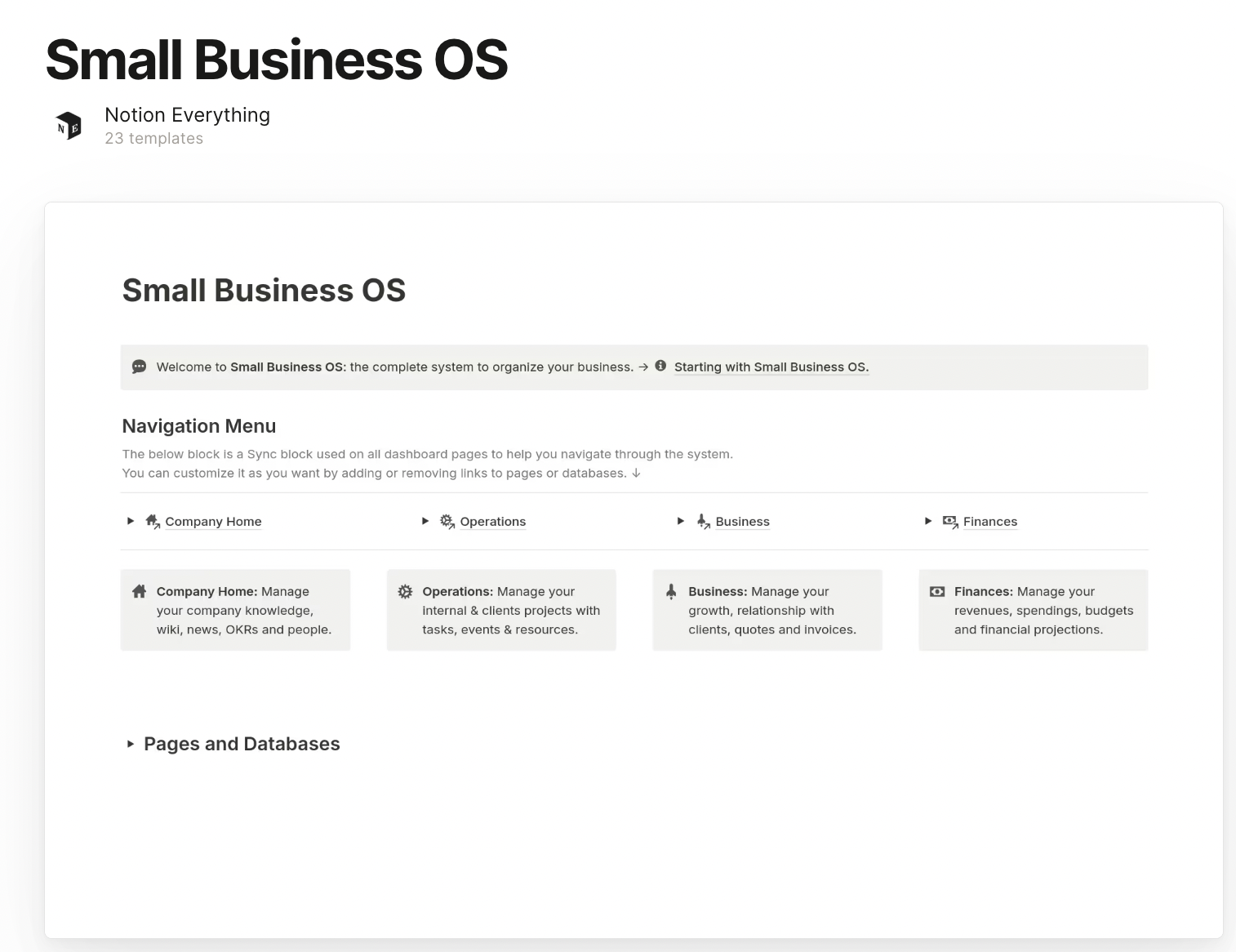
Small business OS example: Coordinate recurring tasks, contacts and business records in one workspace.
What to check before choosing:
- A named owner for each record
- Relations between tasks, contacts and projects
- A manageable setup rather than duplicated databases
2. Business Hub Template

Business hub example: Give a team a starting point for its documents, priorities and responsibilities.
What to check before choosing:
- Clear navigation by team or process
- Document ownership and review dates
- Separate access for confidential material
3. Startup OS Template

Startup OS example: Organize a startup’s priorities, investor conversations and product plans.
What to check before choosing:
- An actionable roadmap
- A consistent investor or customer pipeline
- Explicit assumptions behind runway or growth calculations
4. Client CRM Template

Client CRM example: Track contacts, deal stages and the next follow-up for a small sales process.
What to check before choosing:
- Consistent customer identifiers
- A next action and owner for every active deal
- A reliable import and export path
5. Business Plan Template

Business plan example: Document a business model, market assumptions and milestones.
What to check before choosing:
- Evidence for demand assumptions
- Revenue and cost assumptions that can be revised
- Milestones with accountable owners
6. Project Management Dashboard

Project management dashboard example: Connect tasks, owners and deadlines across a team’s projects.
What to check before choosing:
- Overdue and blocked task views
- Relationships between projects and tasks
- How dates and status changes affect dependent work
7. Content creation Template

Content creation example: Manage ideas, briefs, review and publication across channels.
What to check before choosing:
- A review owner and publication status
- A calendar that matches the actual publishing process
- Links to assets and published results
8. Financial tracker for Business

Financial tracker example: Organize management-level income and expense records.
What to check before choosing:
- Clear currency and reporting periods
- Reconciliation against the accounting source
- Formula checks and restricted access
9. HR & Recruitment Tracker
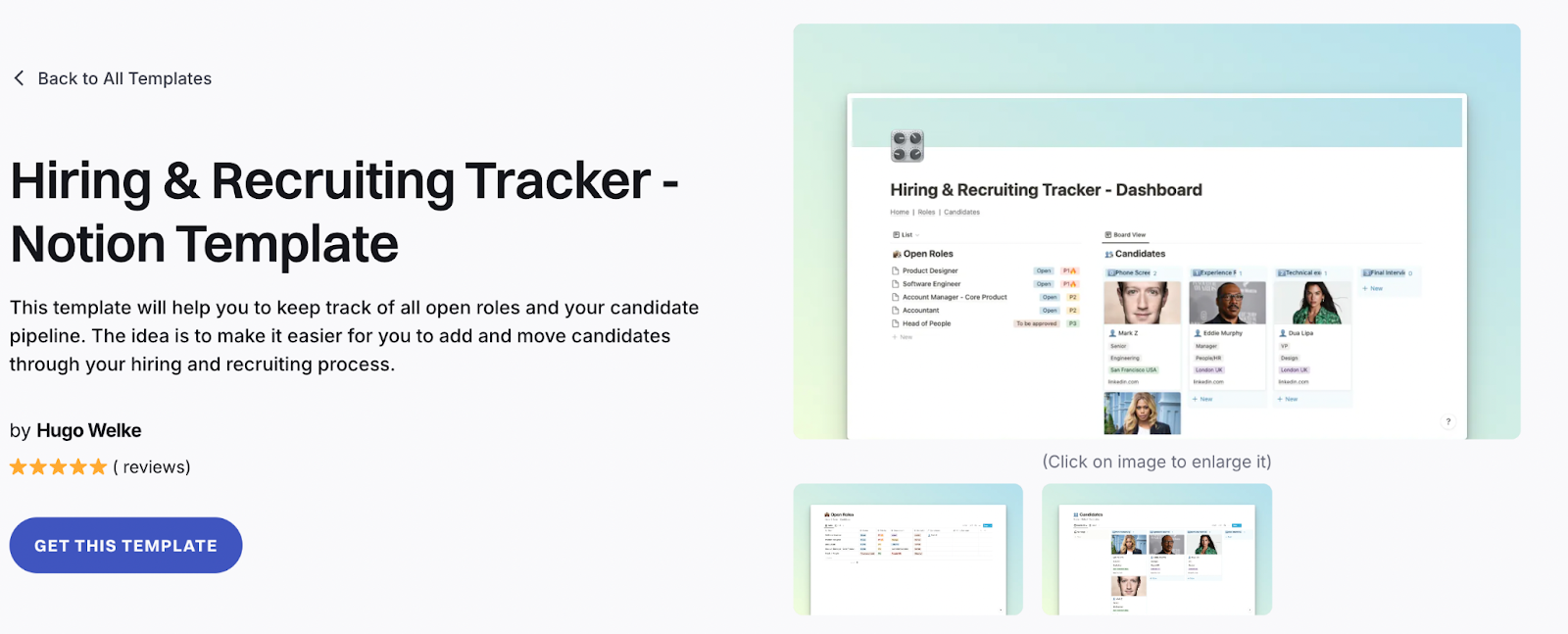
HR and recruitment tracker example: Track hiring stages and handoffs without losing candidate context.
What to check before choosing:
- Access limited to the relevant hiring team
- Retention and deletion responsibilities
- Interview ownership and consistent candidate stages
10. Client Onboarding Template
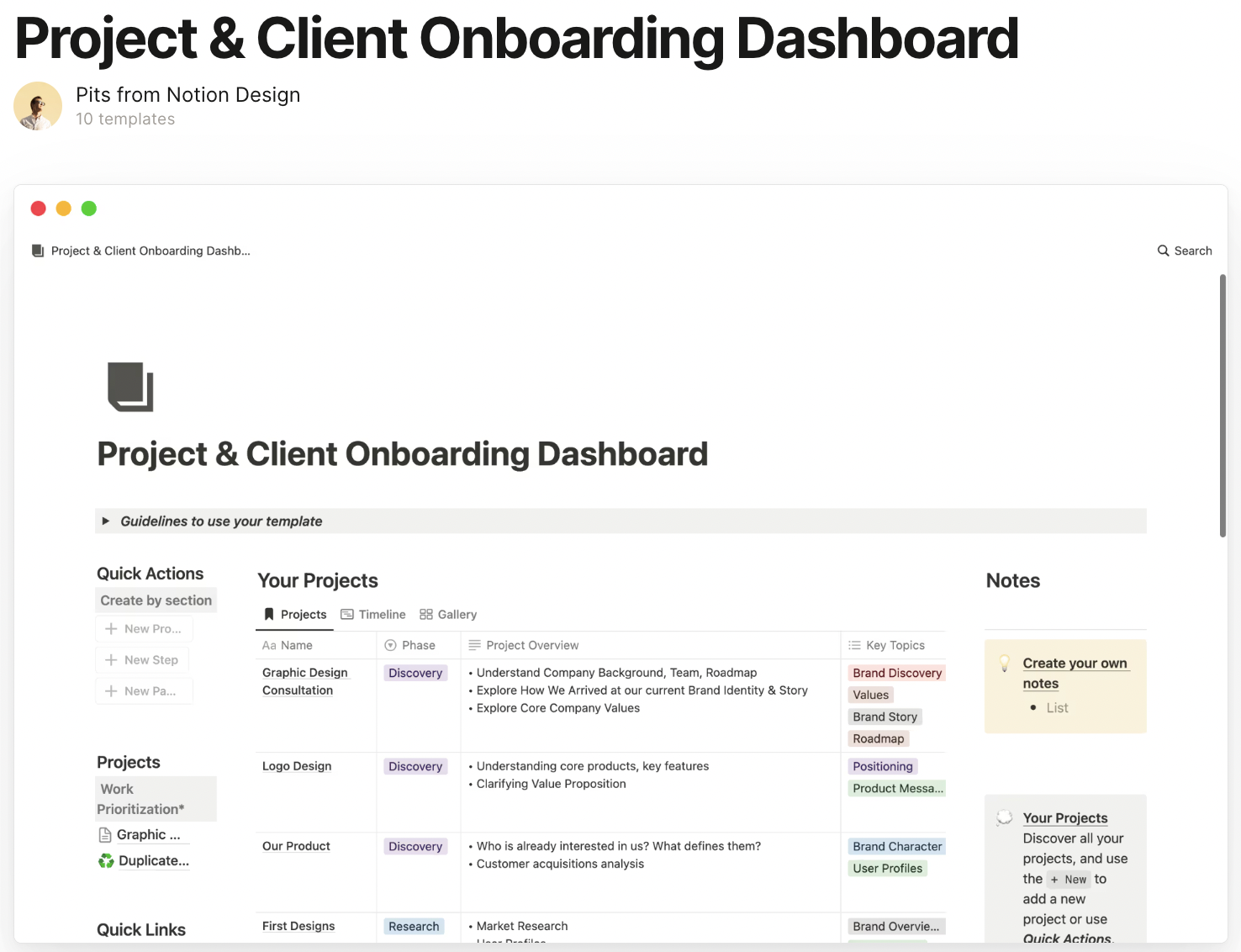
Client onboarding example: Track the information and actions required to start a client engagement.
What to check before choosing:
- Required inputs and accountable owners
- A clear handoff to delivery
- A test of what each client can see
11. Freelance business OS Template

Freelance business OS example: Coordinate client work, proposals, deadlines and payment follow-up.
What to check before choosing:
- A link between each client and active work
- Clear payment-status definitions
- A sustainable weekly review routine
12. Annual Business Review Template

Annual business review example: Prepare a structured account of results, lessons and next-year priorities.
What to check before choosing:
- A source and period for each metric
- Separate facts from estimates
- Decisions and follow-up owners
13. Company wiki Template

Company wiki example: Provide a starting point for policies, procedures and team knowledge.
What to check before choosing:
- A page owner and review date
- Useful navigation and search terms
- Permission checks for sensitive pages
14. OKR & Goal Tracker Template
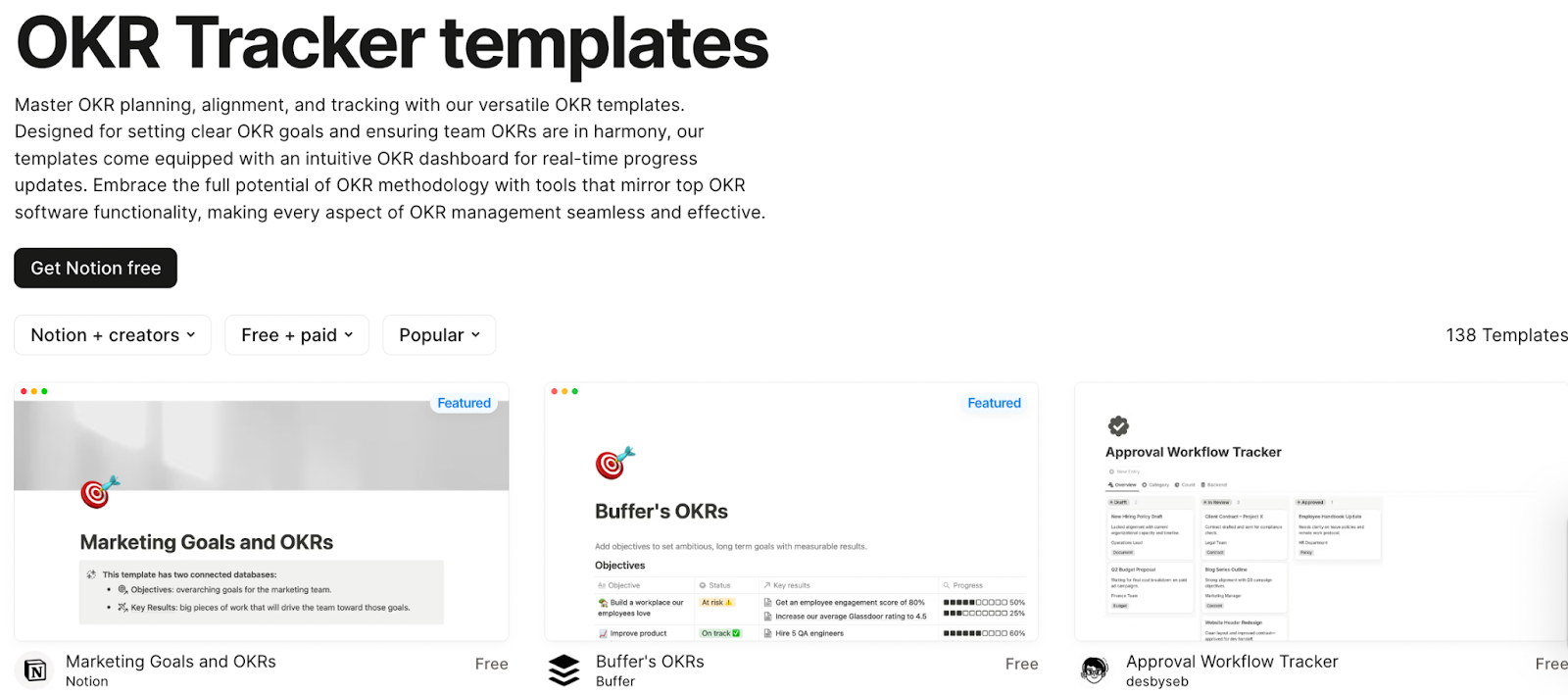
OKR and goal tracker: Connect objectives to measurable results and regular reviews.
What to check before choosing:
- A baseline, target and owner
- Consistent progress calculations
- A review cadence with decisions
15. Business Planning Dashboard Template
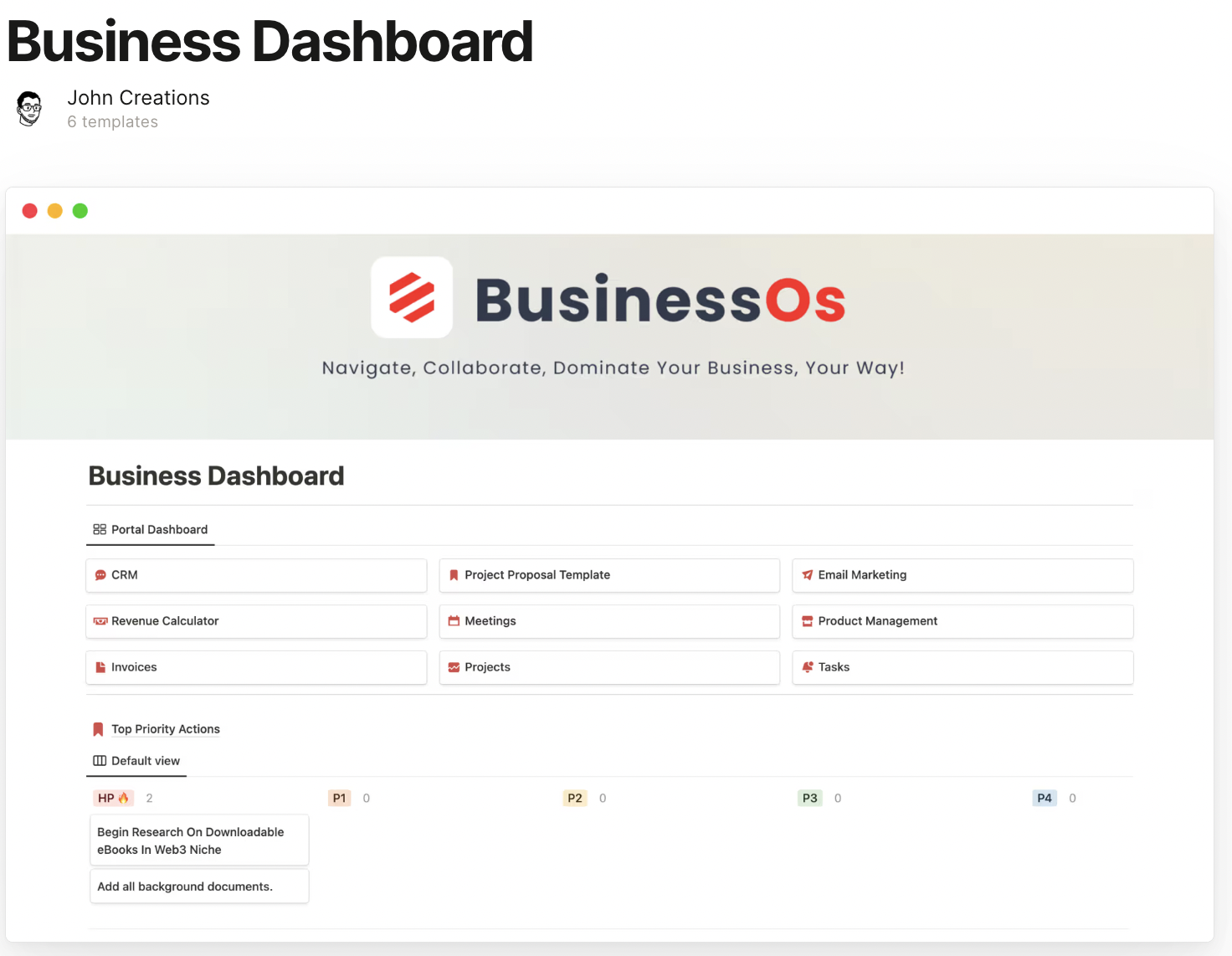
Business planning dashboard example: Bring selected management indicators into one overview.
What to check before choosing:
- A source and update cadence for each figure
- Definitions shared across teams
- A clear distinction between live and manually entered data
16. Inventory Management Template
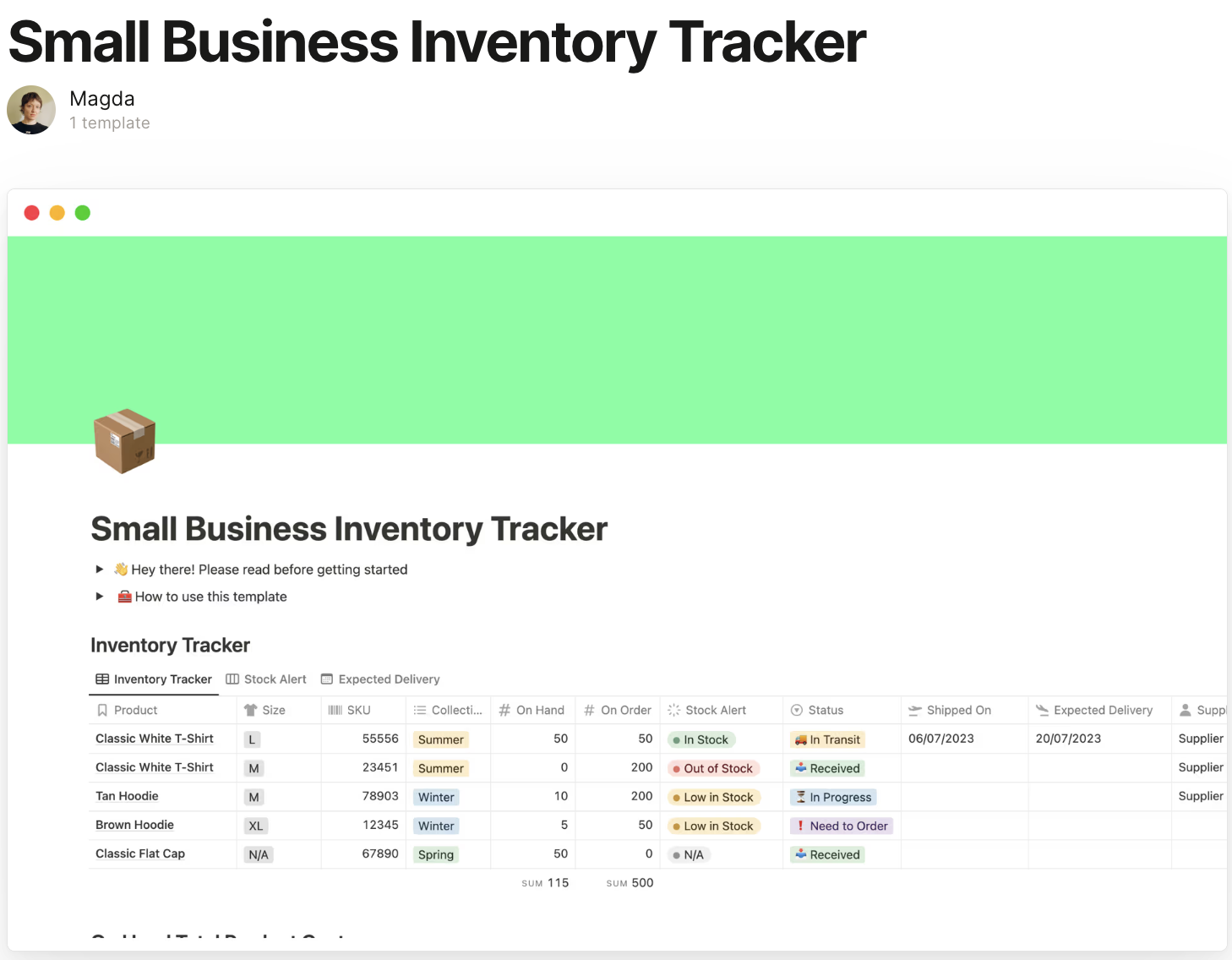
Inventory management example: Track a small stock list and its related operational tasks.
What to check before choosing:
- SKU uniqueness and units of measure
- How stock changes are recorded
- Reconciliation with orders and the inventory source
17. Client Portal Template
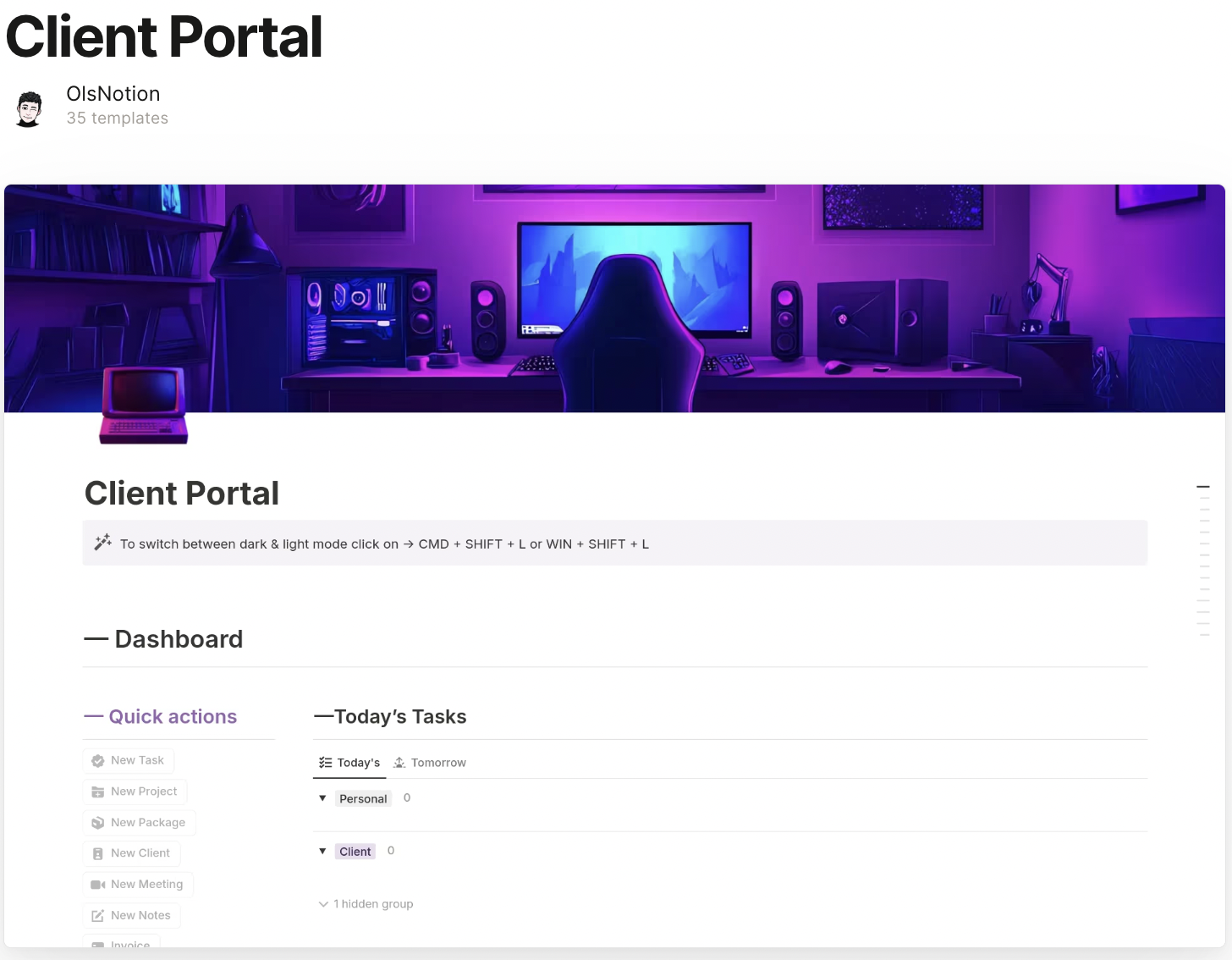
Client portal example: Organize a client-facing view of documents, progress and next steps.
What to check before choosing:
- Guest access tested with a separate account
- No unintended access through linked pages
- A clear owner for client updates
18. SaaS Metrics Tracker Template
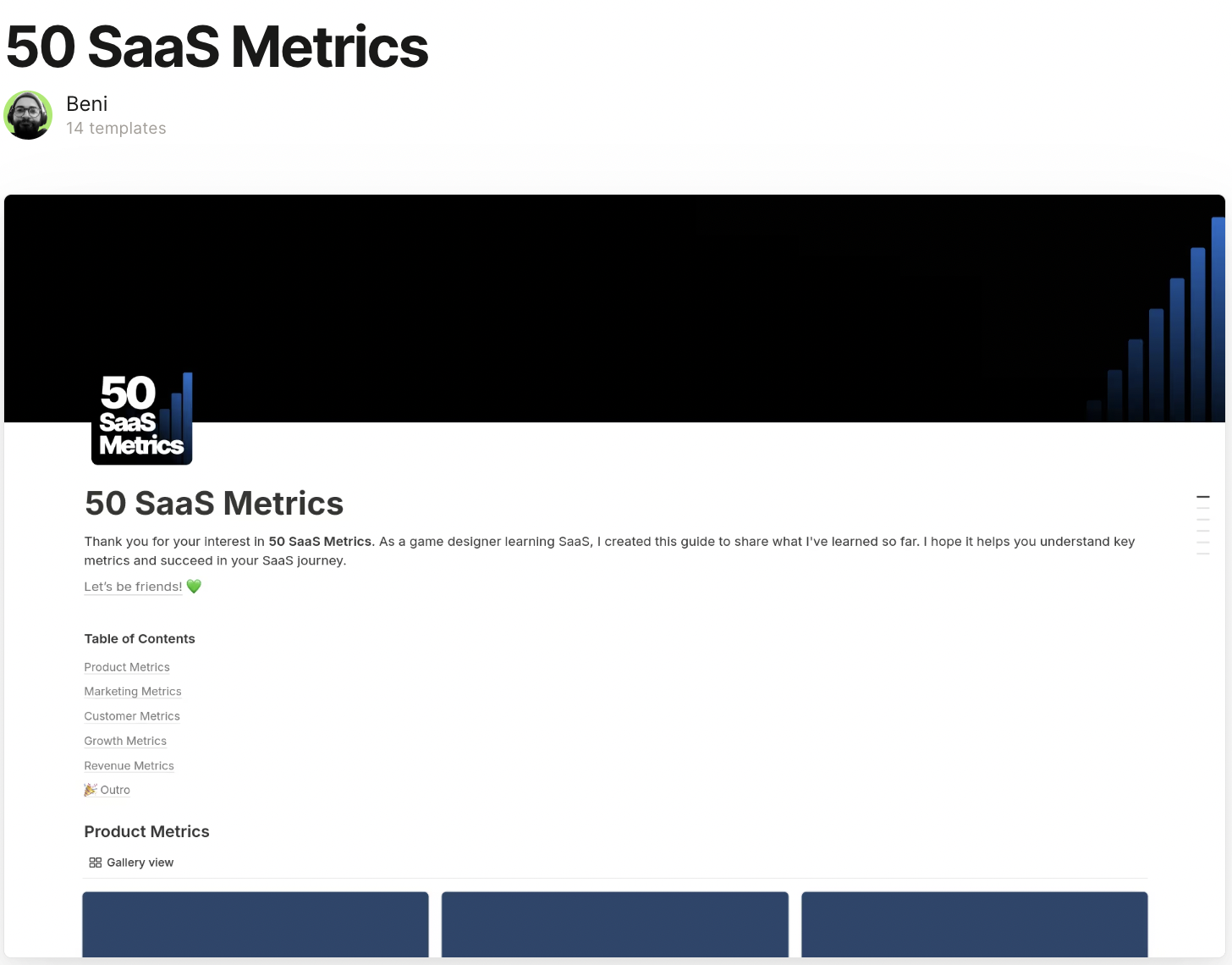
SaaS metrics tracker example: Organize recurring-revenue and customer metrics for review.
What to check before choosing:
- Consistent definitions for churn and revenue
- Explicit billing periods and data sources
- Checks for incomplete or duplicated inputs
19. Business meeting notes Template
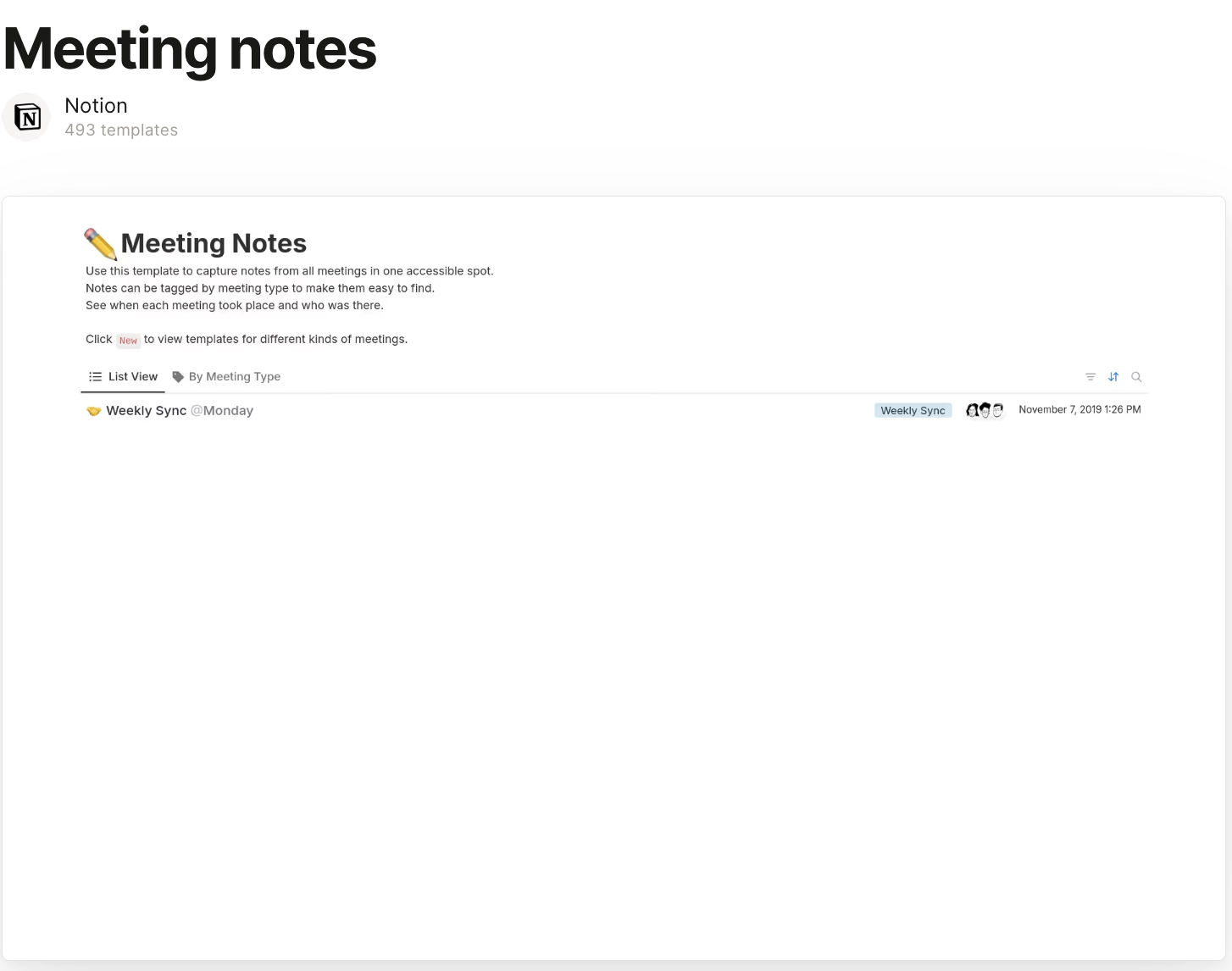
Business meeting notes example: Keep decisions and follow-up work attached to meeting context.
What to check before choosing:
- A date, agenda and participants
- Action owners and due dates
- A way to locate unresolved decisions
20. Marketing OS Template

Marketing OS example: Coordinate campaign planning, content and reporting.
What to check before choosing:
- A campaign owner and audience
- A realistic review and approval flow
- Clear metric sources and reporting periods
Also, read “Top 10 Productivity and Internal collaboration tools for 2026“.
Finding the perfect notion template for your business
Before purchasing or duplicating a template, run a small evaluation with sample records. Choose one real workflow and define what success looks like, such as finding the next sales action or seeing which client onboarding tasks are overdue.
1. Identify your requirements
List the people, records, steps and exceptions involved. Decide who will update each record and where the authoritative data lives. Avoid introducing a second copy of information that the team cannot keep synchronized.
2. Explore available options
Compare a simple template with an all-in-one option. Confirm the creator, current price, license, documentation and support terms. A larger number of pages is not automatically better; remove sections your team will not maintain.
3. Consider features
Test formulas, relations and views with representative sample data. Confirm whether reminders, integrations and automations are included, require configuration or depend on a particular Notion plan. Do not infer working automation from a screenshot.
4. Read reviews
Use reviews to identify questions to test, rather than treating a rating as proof of fit. Check whether comments refer to the current version and whether the creator explains updates and support.
5. Seek expert guidance
Review Notion sharing and permissions before inviting clients or adding HR and finance information. Test access using a separate guest or team account. A filtered view should not be assumed to provide a security boundary.
Pilot the template with a small group, record where people get stuck, and assign a maintenance owner. Document the minimum fields, update frequency and process for archiving outdated records.
Before rollout, confirm the total cost: template purchase, workspace plan, any paid integrations and ongoing maintenance. A free template does not make every service used by the workflow free.
The following older video provides additional template examples. Use current marketplace listings and Notion documentation to verify features and pricing.
From templates to transformation: Build smarter in 2026
A Notion template can be a useful starting point for planning, knowledge and lightweight tracking. The practical test is whether the team can keep the information accurate and complete the intended task without unnecessary administration.
If the requirement is an application that queries an existing database, performs controlled updates or connects several business systems, evaluate an internal app builder alongside the workspace. This is a different requirement from organizing documents in a template.
Supercharge your business workflows with ToolJet

ToolJet supports AI-assisted internal app creation, visual editing and database/API queries. Its app templates can provide a starting point for operational interfaces. Review generated queries, data access and deployment requirements before production use.
Why businesses choose ToolJet alongside Notion:
- Connect supported databases and APIs using the relevant integration and credentials.
- Build and refine interfaces for the people completing the workflow.
- Use Workflows and Agent Builder on Self-hosted deployments.
- Check the selected plan for audit, identity and access-control capabilities.
- Choose Cloud or Self-hosted deployment based on operational requirements.
Notion templates offer a great starting point for streamlining your business, but for truly tailored solutions, consider ToolJet.


