Use low-code development when an internal app is mainly forms, tables, approvals and dashboards, and the platform can meet your data-access and deployment requirements. Start with one workflow: for example, an employee submits a purchase request, a manager approves it, and finance updates its status.
Low-code can reduce the amount of interface and integration code your team maintains. Business users can contribute process knowledge and visual changes, but database design, SQL, custom code, permissions and production releases still need appropriate technical review.
When is custom development a better fit? Evaluate it when your app needs an unusual interface, strict latency targets, offline behavior or infrastructure control that the shortlisted platform cannot demonstrate. Compare a working prototype and its operating costs, rather than choosing on the promise of faster development alone.
In this blog, we will explore the benefits of low-code development. We will discuss its advantages over traditional methods and provide practical insights on integrating low-code solutions into your internal tool development strategy.
What is low-code development?
Low-code development is an approach to software development that minimizes the need for traditional coding. It uses visual interfaces, drag-and-drop tools, and pre-built components to accelerate the creation of applications, such as internal tools.
The benefits of low code are that it assists both professional and citizen developers in building applications quickly and efficiently without extensive coding knowledge.
Low-code platforms provide a high level of abstraction, allowing you to focus on an application’s logic and functionality rather than writing individual lines of code.
They offer reusable components, integrations, and workflow tools that streamline the development process, making it faster and more accessible. This approach saves time, reduces costs, and enables you to respond more rapidly to changing market conditions and customer needs.
By using low-code development, you can:
- Speed up Development: Low-code platforms significantly reduce the time required to build and deploy applications, allowing you to innovate faster and stay competitive.
- Assisting citizen developers: Business users can configure supported parts of applications within approved permissions and release processes. Engineers remain responsible for technical work that needs their expertise.
- Enhance scalability and flexibility: Reusable components can make changes easier; capacity and performance still need testing against your expected workload.
To summarize, the benefits of low code development are inevitable. It is a robust technology for businesses seeking to optimize operations, enhance productivity, and drive digital transformation without the constraints of traditional coding methods.
Also, read our latest blog, “Building generative AI-powered apps: A hands-on guide for developers.”
Top scenarios: When to use low code for internal tools
Low-code development is particularly beneficial in several scenarios where traditional coding methods might fall short.
Here are four key situations where the benefits of low code platforms shine:
Scenario 1: Rapid development needs
Low-code platforms, such as compliance tools or emergency workflows, are ideal for projects with tight deadlines.
For example, prototype a data-entry app with a real validation rule, a restricted user role and a failed-write case. Measure how long it takes to reach an accepted result, including testing and deployment; a quick prototype does not establish how long production delivery will take.
Scenario 2: Limited technical resources
Low-code can help business analysts and operations teams configure forms and workflows when engineering capacity is limited. Assign a technical owner for data connections, access controls and release review so the team gains capacity without leaving production responsibilities unowned.
Utilizing low code allows you and your non-technical staff to tap into creativity and domain expertise to build internal tools that meet specific business needs.
Scenario 3: Evolving requirements
The benefits of low code platforms are highly adaptable, making them perfect for environments where requirements change frequently.
For example, updating approval workflows or modifying data management tools can be done quickly without extensive coding knowledge. This flexibility ensures that internal tools align with evolving business processes and policies.
Scenario 4: Prioritizing functionality over aesthetics
In many cases, especially for back-office systems, the focus is on core functionality rather than complex UI designs. Low-code platforms allow developers to prioritize building robust, functional tools over investing time in intricate user interfaces. This approach benefits internal tools where usability and efficiency are more important than visual appeal.
Scenario 5: Replacing a shared spreadsheet with a controlled workflow. Consider low-code when several people update the same records and need validation, ownership, approvals or an audit trail. Prototype the permissions and migration process before replacing the spreadsheet, and confirm how users will export their data.
Also, read “Internal tools: A definitive guide for 2026.”
Why use low code for building internal tools?
When you consider low-code development for building internal tools, you’ll discover a multitude of low code benefits benefits that make it an attractive choice.
Here are four compelling benefits of low code and why you should turn to low-code solutions:
Benefit 1: Speed and agility
Internal tools can be launched faster than traditional development methods. Pre-built templates and integrations with databases, APIs, and other systems make this accelerated development possible.
By utilizing these existing components, you can focus on configuring and customizing tools rather than building everything from scratch. This speed is crucial for responding quickly to changing business needs and staying competitive.
Benefit 2: Cost-effectiveness
Low-code can reduce custom development work, but savings depend on the application and pricing model. Compare builder and end-user licenses, paid connectors, environments, infrastructure, maintenance and support with the cost of your current approach.
This approach also minimizes the need for extensive technical expertise, allowing your non-technical staff to contribute to tool development. As a result, you can allocate resources more efficiently and achieve better ROI on your technology investments.
Benefit 3: Collaboration between teams
Low-code platforms act as a bridge between your IT and business teams by providing intuitive visual builders that everyone can understand. This collaborative environment fosters better communication and alignment between stakeholders, ensuring that tools meet specific business needs.
Assisting your non-technical teams to participate in the development process can help you tap into domain expertise and create more relevant and practical tools.
Benefit 4: Scalability
Low-code tools allow you to start small and scale as your needs grow. Whether adding new data fields or user roles or integrating with additional systems, low-code platforms make it easy to adapt tools to evolving business requirements.
Before expanding the rollout, test representative record counts, concurrent users and slow or unavailable data sources. Verify query performance, pagination, connection limits and recovery behavior. Adding fields or screens is different from proving that an application can handle more traffic.
By embracing these benefits, you can transform your internal tool development processes, achieving faster deployment, reduced costs, enhanced collaboration, and greater scalability.
Low-code use cases
The low code use case is versatile and can be applied to various internal tools across various industries. Here are some compelling use cases where low-code platforms have proven particularly effective:
1. Customer support apps
Low-code tools can help you create efficient customer support apps that optimize ticket management, automate responses, and integrate with CRM systems.
For instance, you can build a tool that automatically assigns tickets to support agents based on their workload and expertise, ensuring faster resolution times.
2. Approval workflows
Approval workflows involving manual emails or paper-based processes are a common pain point in many organizations. Low-code platforms allow you to automate these workflows, ensuring that requests are routed correctly and approved promptly. This can be applied to HR, finance, or procurement processes.
3. Data management tools
Low-code development is ideal for building data management tools that centralize data entry, enrichment, and reporting. You can create custom dashboards to visualize key metrics, automate data imports from various sources, and set up alerts for anomalies or trends.
4. Inventory trackers
The benefits of low code tools also contribute to creating real-time inventory tracking systems for businesses managing inventory. These systems can monitor stock levels, trigger reorder alerts, and integrate with existing ERP systems to ensure smooth inventory management.
5. Service request management
Companies like Fyle have successfully used low code to build internal service request management systems. These tools enable customer success teams to handle service requests independently, reducing the burden on engineering teams and improving response times.
6. Business process automation
Low-code platforms are excellent for automating routine business processes, such as automating HR tasks or managing office resources. By digitizing these processes, you can reduce manual errors, increase efficiency, and free up staff to focus on more strategic tasks.
7. Legacy system modernization
Low-code platforms can help modernize legacy systems by creating custom applications that supplement or replace outdated systems. This approach ensures that business-critical applications are maintained and scaled efficiently.
8. API generation and integration
Low-code tools can automatically generate APIs for legacy applications, simplifying integration with other systems and services. This capability is beneficial for complex data manipulation and workflow automation.
9. Containerization
Low-code platforms integrate with deployment environments like Kubernetes, allowing applications to run inside containers. This facilitates quick deployment across different environments, such as public clouds.
11. Personalized digital journeys
The benefits of low code tools can also be catered to in creating personalized customer experiences and enhancing digital journeys through automated support, updates, and notifications. This improves customer retention and satisfaction.
12. Admin panels
Low-code platforms enable the rapid creation of admin panels to manage databases securely. These panels support workflows and automated tasks, making them ideal for handling client data or project metrics.
13. Real-Time Dashboards
Low-code platforms empower users to embed analytical components into dashboards, automating analysis patterns. Popular dashboards include sales, inventory, and employee performance tracking.
14. Customer and employee portals
The benefits of low code tools facilitate the creation of tailored portals for specific experiences. These portals are cost-effective and can be used by internal employees or external customers for self-service options.
15. Education and healthcare
In education and healthcare, possible internal use cases include administrative requests and equipment tracking. Validate access restrictions, data handling and operational requirements before using sensitive records. Choosing low-code alone does not establish better clinical outcomes or lower costs.
Do you know low-code is among the most discussed topics in communities? Read our blog, “Top 13 FAQs on internal tools from community channels”.
Top low-code development platforms to build Internal tools
1. ToolJet
ToolJet is an AI-native low-code/no-code platform designed to build custom internal tools. It offers a drag-and-drop interface and supports various integrations with databases and APIs.
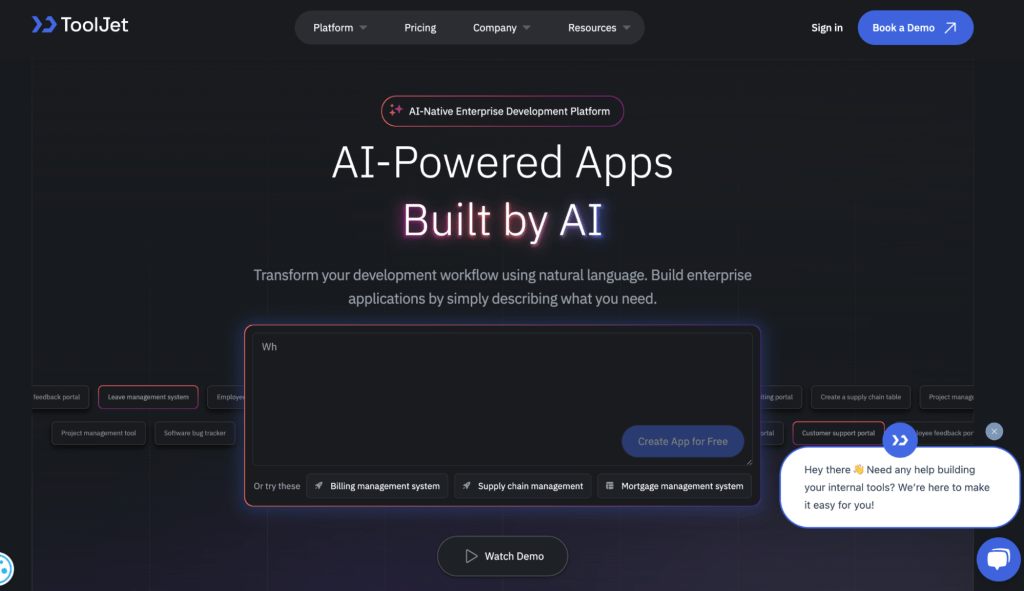
ToolJet allows users to create complex workflows and automation without extensive coding knowledge. It is handy for building data-driven applications and integrating them with existing systems.
2. Appsmith
Appsmith is an open-source, low-code platform ideal for building internal applications and tools. It supports the rapid development of CRUD apps, dashboards, and admin panels.
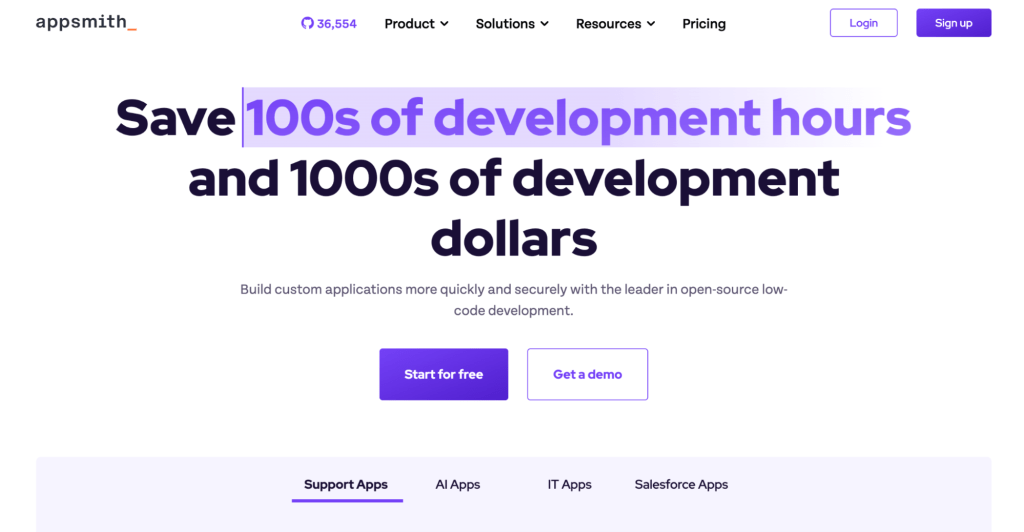
It offers broad data source connectivity, a drag-and-drop UI builder, and complete JavaScript customization. It supports self-hosting for secure access to internal data.
3. Zoho Creator
Zoho Creator is a low-code platform for building custom business applications. It features an intuitive drag-and-drop interface and offers pre-built integrations with over 550 apps and tools.
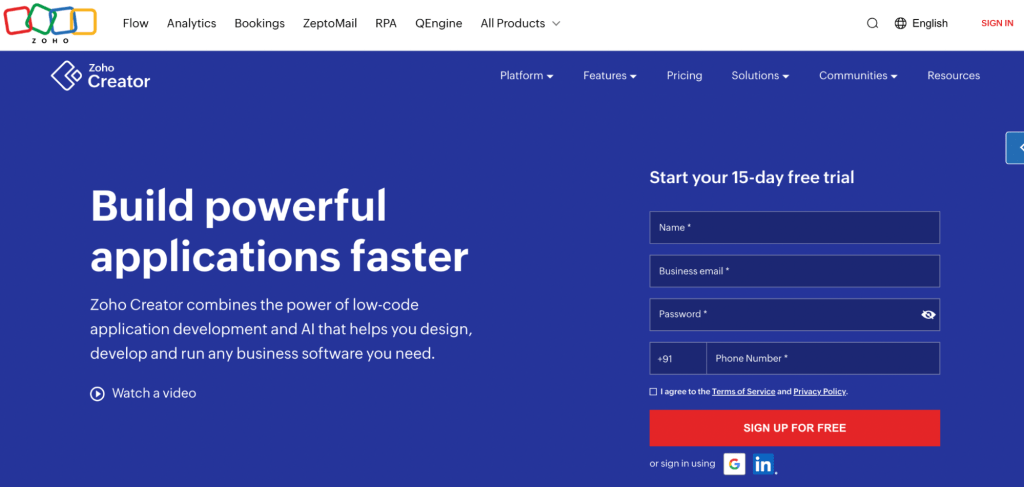
Enables visual automation of business processes and workflows. Provides real-time analytics and AI capabilities without coding.
4. Microsoft Power Apps
Microsoft Power Apps is a low-code platform for custom business applications that integrates with Microsoft services. Its free Developer Plan is for building and testing, not production use. Check the licenses required for your users, connectors and deployment before budgeting a live application.
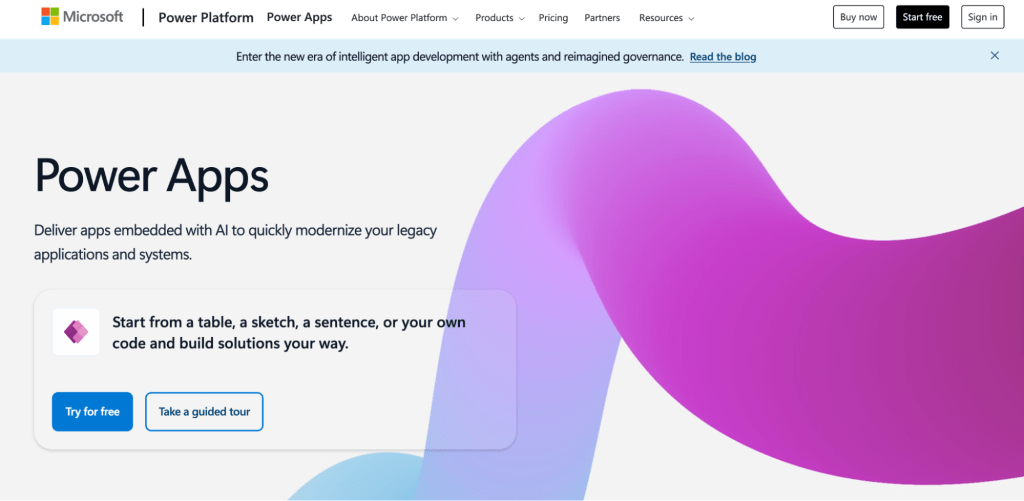
It includes Copilot AI in the design of apps, making it easier for users to create applications without extensive coding knowledge.
5. Retool
Retool is a low-code platform that allows users to quickly build custom internal tools. It offers a component-based UI builder and supports AI integration in apps and workflows.

It provides over 100 components and supports various use cases, including customer portals, mobile apps, and databases.
Getting Started with Low-Code
Transitioning to low-code development can be straightforward if you follow a structured approach. Here’s a step-by-step guide to help you get started:
Step 1: Identify pain points
Begin by auditing your existing processes to identify areas that could benefit from automation or tooling.
Focus on repetitive tasks, bottlenecks, or manual workflows that consume significant time and resources. Prioritizing these pain points will help you determine which internal tools to build first.
Step 2: Choose the right platform
Evaluate platforms using the same workflow and acceptance criteria: successful and failed data writes, server-enforced access restrictions, an approval handoff, audit evidence, deployment and rollback. If you use AI generation, test the exact model your organization permits and review generated queries and actions before connecting production data.
Platforms like ToolJet offer intuitive interfaces and robust features that cater to a wide range of business requirements. Ensure the platform aligns with your technical infrastructure and future growth plans.
Step 3: Prototype and iterate
Build a minimum viable product quickly using the platform’s drag-and-drop tools and natural language capabilities.
Ask the intended users to complete the workflow on their actual devices. Test keyboard navigation, validation messages and permission failures as well as the happy path. Record the results and resolve failures before expanding access.
Step 4: Train teams
Train business users to make the changes their role permits, such as updating approved content or configuring forms. Document which changes require an engineer or administrator, who reviews releases, and how to restore a previous version.
This assists citizen developers and ensures that tools remain relevant and functional as business needs evolve.
By following these steps, you can effectively integrate low-code development into your organization, enhancing productivity and efficiency while reducing reliance on traditional coding methods.
Want to read more about internal tools? Read our blog, “Internal tools builder: An easy and fast way to optimize business process.”
Conclusion
As you explore the benefits of low code development, experiencing the power of ToolJet can be an excellent option. It is designed to help you to build complex internal tools quickly and efficiently. With ToolJet’s intuitive drag-and-drop interface, robust integrations, and enterprise-grade security, you can optimize your operations and drive innovation.
The platform lets you connect with various data sources, automate workflows, and securely deploy applications across different environments. ToolJet’s community-driven approach ensures that you have access to extensive documentation and support, helping you navigate even the most complex projects.
Whether you want to automate workflows, create data-driven applications, or simply modernize legacy systems, ToolJet is here to help you achieve your goals.