Enterprise applications are software used to run shared business processes across an organization. Examples include an ERP for finance and procurement, a CRM for customer records, a BI tool for reporting, and an internal app for approvals. The right choice depends on the process, its data and the people who need access.
This guide explains eight categories, gives representative examples, and sets out what to test before buying or building. It is published by ToolJet, an enterprise app-building platform. These examples are not a benchmark ranking, and a product’s presence here does not mean every plan meets enterprise requirements.
What are Enterprise Apps?
An enterprise application coordinates work involving multiple users, departments or external partners. Compared with a personal productivity tool, it typically needs centrally managed identities, consistent records, defined permissions and a support owner. IBM’s overview of enterprise applications describes this broad category of organizational software.
An enterprise application suite combines related modules, while a specialist app handles a narrower function. An enterprise app platform provides tools for building and operating applications. A cloud infrastructure service supplies computing or storage underneath them. These are different purchasing decisions.
Why enterprise applications matter
The practical benefit is a controlled process: a request has an owner, data has a source of truth, and each person can perform the actions their role permits. Buying software alone does not guarantee faster work, security or compliance. Establish the current process and measure the result after rollout.
- Reduce manual handoffs: route requests and record approvals instead of reconciling email threads.
- Keep records consistent: define which system owns each field and how updates propagate.
- Make work observable: track status, exceptions and an accountable owner.
- Control access: enforce permissions on the server and test employee, manager, administrator and external-user roles.
Eight enterprise application categories and examples
| Category | Typical job | Example | Primary evaluation |
|---|---|---|---|
| ERP | Finance, purchasing and inventory | SAP Cloud ERP | Accounting controls and migration |
| CRM | Customer records and sales processes | Salesforce | Data ownership and role access |
| BI and analytics | Reports, metrics and exploration | Microsoft Power BI | Metric definitions and refresh |
| Work management | Projects, tasks and collaboration | Asana | Dependencies and guest access |
| Content management | Documents and file workflows | Box | Retention and sharing controls |
| Security operations | Vulnerabilities and remediation | Qualys VMDR | Coverage and remediation ownership |
| Mobile enterprise access | Employee tasks away from a desk | Workday mobile | Devices, login and offline requirements |
| App-building platforms | Custom data-connected interfaces | ToolJet | Permissions, deployment and maintenance |
These categories overlap. Mobile is an access channel, and app-building platforms create applications rather than supply a complete ERP or CRM. HR, payroll, IT service management and industry-specific systems are additional categories to consider. Start with the workflow you need rather than a requirement to buy one product from each row.
1. Enterprise Resource Planning (ERP) Apps
ERP software coordinates core business transactions, such as purchasing, inventory and financial records. SAP Cloud ERP is one example spanning finance, supply chain and procurement. An ERP project needs process and data migration work as well as software configuration.
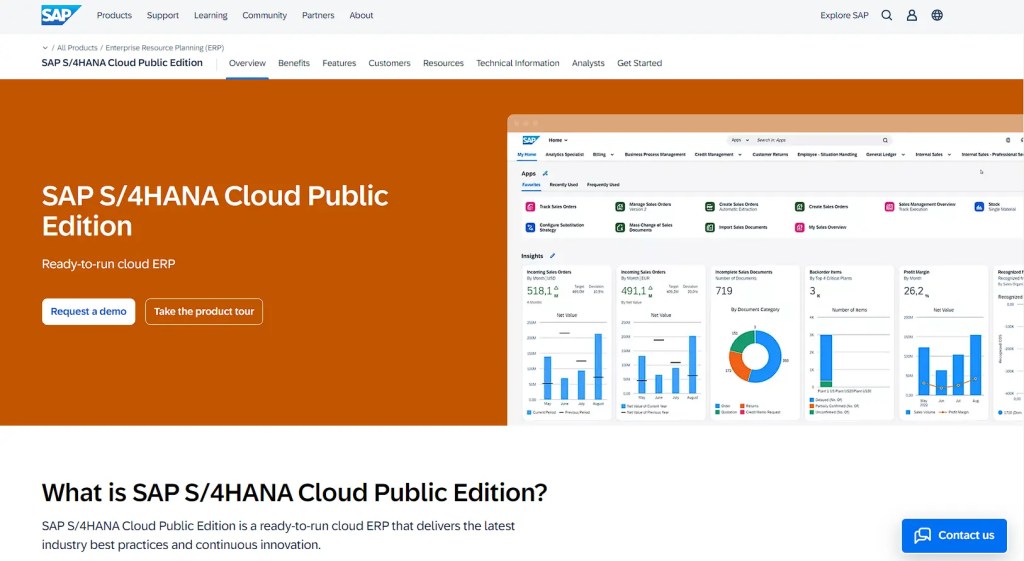
For a purchase-to-pay pilot, follow a request through approval, purchase order, receipt and invoice reconciliation. Test exceptions, separation of duties, reporting and integration with the existing ledger. A custom request interface can sit alongside an ERP without replacing its accounting engine.
2. Customer Relationship Management (CRM) Apps
CRM software manages customer and prospect information and the activities around those relationships. Salesforce offers CRM products across sales, service and other customer-facing functions. Choose the required modules and access roles before comparing subscription totals.
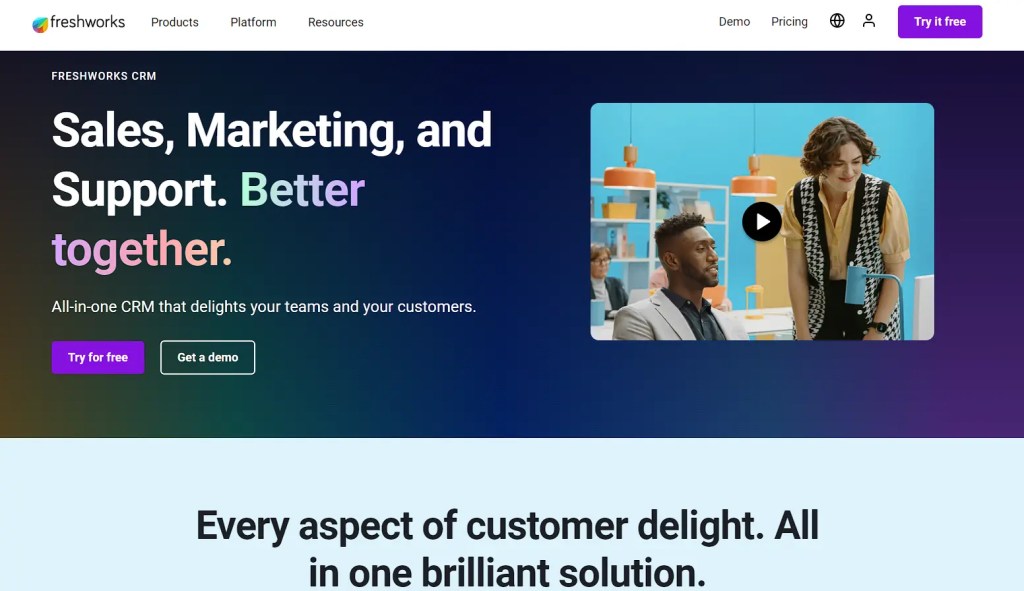
For a sales-to-support workflow, test whether the same customer record can be used without duplicate entry. Check imports, deduplication, assignment rules, exports, service-team access and the cost of additional users or modules. A lightweight internal customer lookup tool is not equivalent to a full CRM suite.
3. Business Intelligence (BI) and Analytics Apps
BI software turns business data into reports and analysis. Microsoft Power BI and Qlik’s analytics products are examples. A dashboard for analyzing revenue is a different requirement from an operational interface that edits orders or approves refunds.

Define each KPI, its source and its refresh interval. Reconcile the displayed totals with the source system and test row access for different audiences. For dashboards that also trigger operational actions, compare the approach in our dashboard-builder guide.
4. Project Management and Collaboration Apps
Project and work-management apps organize tasks, ownership, dependencies and delivery. Asana is an example of a work-management platform. A shared board can help coordinate work, but the evaluation should cover the actual reporting and approval process rather than only the interface.

Pilot one project that crosses departments. Check task dependencies, recurring work, notifications, guest permissions and reporting. Agree on which status changes need an approval and which system stores the final document or business record.
5. Content Management and Cloud Storage
Enterprise content-management apps organize documents, sharing and content workflows. Box is an example. Cloud infrastructure and storage services, such as those supplied by AWS, Azure and Google Cloud, form a different layer: they can host applications and files but are not themselves a finished employee document workflow.
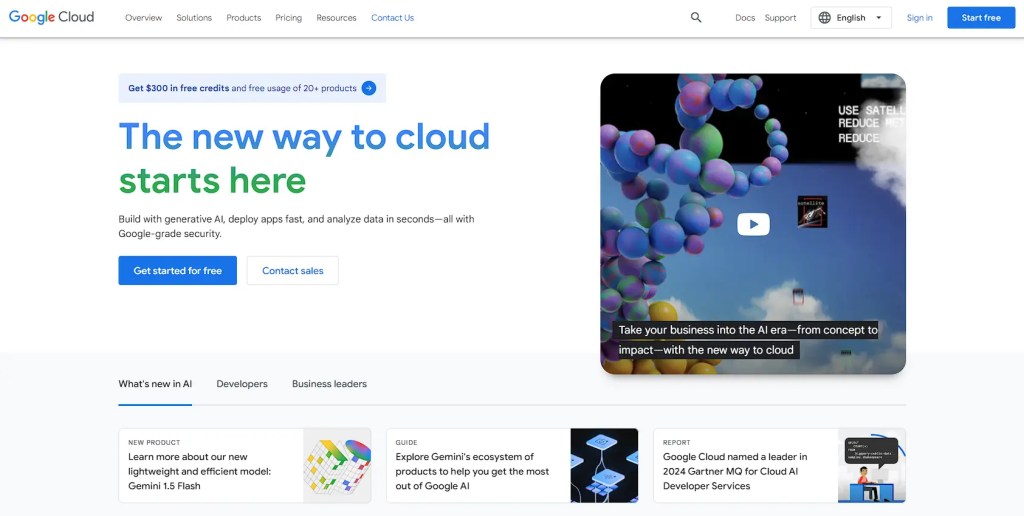
Check retention, sharing restrictions, version history, search and access revocation. For attachments in an internal app, decide where files live, who can retrieve them and how permissions remain consistent when records change. Include storage, backup and data-transfer charges in the estimate.
6. Cybersecurity and Risk Management Apps
Security applications support activities such as asset discovery, vulnerability detection and remediation tracking. Qualys VMDR is one example of vulnerability management. A dashboard or scan result supports a security process; it does not establish that the organization is compliant.

Identify the assets in scope, scan coverage, finding owners and remediation deadlines. Test a finding through assignment, remediation and verification. Review access to sensitive results, integrations with ticketing systems and the evidence retained for your audit process.
7. Mobile Apps for Enterprise
Mobile enterprise apps let employees use business systems away from a desktop. Workday mobile, for example, provides access to employee tasks such as time-off approvals. Mobile access can be delivered through a responsive website or a dedicated app; these approaches have different capabilities.
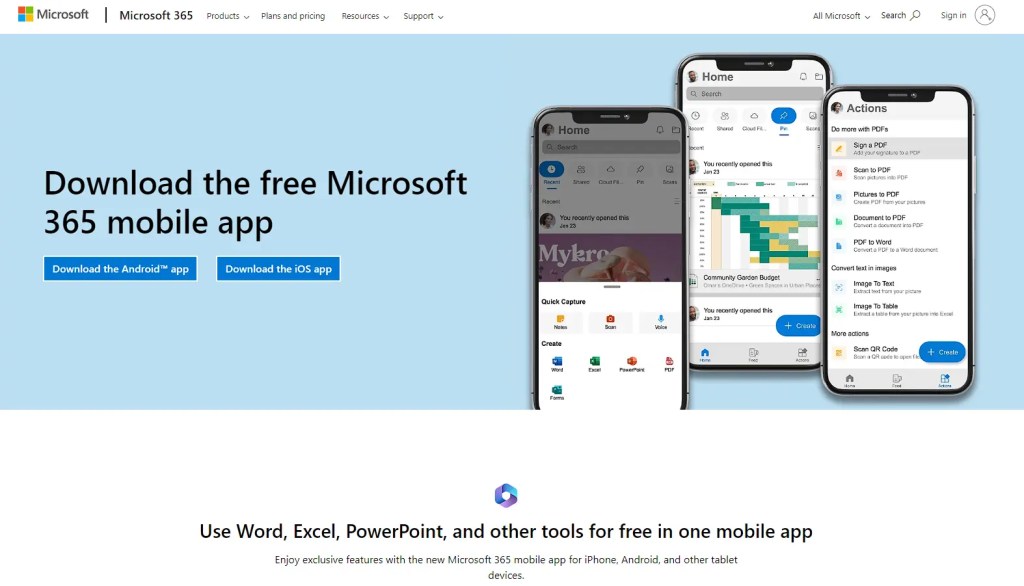
Test the whole journey on the actual Android and iOS devices: login, form entry, attachment upload, approval and error recovery. Responsive layout does not imply offline operation, push notifications or native device access. Confirm those requirements explicitly, including accessibility, device management and frontline employees’ identity options.
8. Low-Code/No-Code Development Platforms
App-building platforms help teams create interfaces for processes that packaged software does not cover well. ToolJet combines AI-assisted app generation with visual editing and data connections. A suitable project might be an approval queue, an operations console or an employee request portal over existing systems.
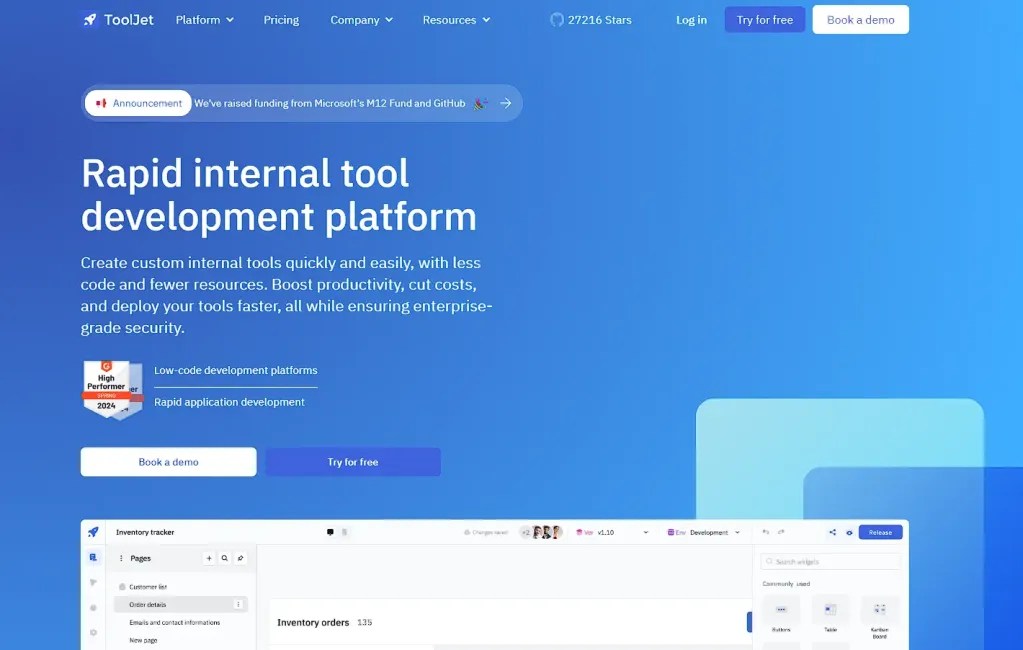
For production, review generated queries and permissions, test realistic roles, and assign a maintenance owner. Compare Cloud and Self-hosted plans for governance and user limits. Enterprise BYOK is available on both deployment types; a private AI gateway and fully air-gapped operation require Self-hosted Enterprise add-ons. ToolJet Workflows are Self-hosted only.
Choosing the Right Enterprise Apps for Your Business
Write down the process, its users and the systems that own the data before building a shortlist. Use the same requirements for each vendor, including configuration work and paid add-ons. The following questions make a pilot more informative than a feature-count comparison.
- Functional fit: What starts the process, who approves it, and what happens when a request is rejected or a dependency fails?
- Integration: Which system owns each record? Verify supported API operations, authentication, network access, rate limits and duplicate-update handling.
- Identity and governance: Test SSO, provisioning and deprovisioning, server-enforced data access, audit events and retention. Confirm which license includes each requirement.
- Deployment and AI: Establish where the app, data and model requests run. Self-hosting and using your own model keys answer different questions. Document outbound connections and data sent to providers.
- Lifecycle and recovery: Verify development, staging and production separation, release review, rollback, backup restoration and the support escalation path.
- Cost: Include builders, app users, external users, AI usage, automation runs, API capacity, storage, hosting, implementation and ongoing support. Request comparable quotes.
- Adoption: Ask representative users to finish their actual tasks on their normal devices. Record completion time, errors and support requests rather than relying on a vendor’s generic ROI claim.
Buy a suite, add a specialist app or build an internal tool?
Buy a mature suite when its established domain processes match your requirements. Add a specialist app when a bounded capability is missing. Build a custom internal interface when employees need a simpler workflow across existing databases and services. These choices can coexist.
For example, an employee purchase portal can collect a request and route approval while the ERP remains responsible for purchasing and accounting. Define the integration contract, retry behavior and audit trail. Do not recreate a system of record merely to improve its front end. Explore ToolJet templates for starting points, then validate the complete workflow with your data.
Conclusion
Select enterprise applications by the process they must support and the evidence from a representative pilot. Keep the system of record, access model and operating responsibilities explicit. A smaller, well-governed implementation can be more useful than buying a broad suite before its requirements are understood.