


Customer relationship management (CRM) tools keep contacts, companies, conversations and sales opportunities in one system. Client relationship management tools serve the same purpose: give your team a reliable customer history, a clear owner and a next action. The right choice depends on whether your priority is a simple sales pipeline, coordinated marketing and service, or a highly customized business process.
This guide compares eight CRM tools by their intended use and the questions to check before buying. It is an editorial shortlist based on vendor product information, not a scored hands-on benchmark. Product interfaces in the retained screenshots may differ from current versions. Confirm current plan limits and test your own workflow before committing.
CRM tools at a glance: use this table to choose a shortlist, then review the features and implementation checklist below. The order is not a universal ranking.
| CRM tool | Consider for | Check before buying |
|---|---|---|
| HubSpot CRM | Shared customer records across sales, marketing and service | Required hubs, seats, automation and contact allowances |
| Salesforce | Configurable sales processes and account management | Implementation effort, administration, editions and add-ons |
| Zoho CRM | Sales automation within the Zoho ecosystem | Edition-specific automation, integrations and reporting |
| Pipedrive | Visual sales pipelines and next-activity tracking | Required marketing, projects and other add-ons |
| Freshsales | Sales engagement and lead/deal management | Communication allowances and AI availability by plan |
| Insightly | Managing sales relationships and delivery projects | Project handoff, workflow limits and separate products |
| Nimble | Contact-focused relationship management | Contact enrichment, email usage and reporting needs |
| Keap | Small-business CRM with sales and marketing automation | Contact volume, onboarding and automation requirements |
Need a custom customer operations interface rather than another packaged CRM? ToolJet’s AI app builder can help you build an app around connected business data and refine it visually. You still need to design the data model, permissions, integrations and operating processes. It can complement an existing CRM; it is not a preconfigured replacement for every sales, marketing and service feature.
Key Features to Look for in CRM Software
Evaluate CRM software against a complete customer journey: capture a lead, assign an owner, record a conversation, move a deal, hand it to delivery and report the outcome. A feature is useful only if it works with your data, permissions and team processes.
1. Contact Management
Start with a trustworthy record of each person and company. Your pilot should include duplicate records, multiple contacts at one account and changes to an existing customer.
- Company and contact relationships with clear ownership
- Custom fields and validation for the information you actually use
- Duplicate detection or a documented cleanup process
- Import and export of records and relevant history
Pilot check: import a small sample, merge duplicates and export it again. Confirm that company relationships, owners, activity history and important custom fields survive.
2. Sales Automation and Pipeline Management
A useful sales pipeline makes responsibility and next steps clear. Define stages using observable customer actions instead of vague labels, then test what happens when a lead is reassigned or a deal stalls.
- Deal stages, owners and next activities
- Assignment rules and reminders
- Automation with observable failures and recovery
- A history of important deal changes
Pilot check: advance a deal and verify the correct task is created once, assigned to the right person and recorded in the history. Include an exception and a failed integration.
3. Marketing Automation Capabilities
Marketing automation may be part of the CRM, a separate product or an add-on. Decide whether you need simple follow-up reminders, email sequences or full campaign management before comparing plans.
- Audience segmentation and campaign entry/exit rules
- Email or sequence allowances that match expected use
- Consent and suppression handling
- Attribution that connects campaigns to relevant outcomes
Pilot check: test a contact entering and leaving a campaign. Confirm that suppression rules, unsubscribe choices and sales handoffs work across the tools you intend to connect.
4. Customer Service and Support Features
Sales records and support tickets are different objects. If teams need a shared customer view, check how tickets, conversations and account ownership connect, and whether support requires another product or license.
- A link between customer records and support cases
- Ownership and escalation for unresolved requests
- Appropriate access to conversation history
- A clear boundary between sales and service licensing
Pilot check: give a support agent a sample case. Confirm they can see the context they need without accessing confidential sales, financial or unrelated customer records.
5. Reporting and Analytics
Reports should help a named owner make a decision. Define the metric, date range and source fields before evaluating dashboard appearance.
- Pipeline and conversion reports with defined calculations
- Filters by owner, team, stage and date
- Exports for reconciliation and further analysis
- Access controls that apply to reports as well as records
Pilot check: reconcile a pipeline report against a small set of known deals. Check currency, date boundaries, lost deals and permissions so that an attractive chart does not conceal a definition mismatch.
6. Customization and Integration Options
List the systems that must exchange data with the CRM. Decide which owns each record and field, and what should happen when updates arrive twice, out of order or not at all.
- Documented APIs and required integrations
- Custom fields and objects where your process needs them
- Error handling, rate limits and monitoring
- A practical way to export data if you leave
Pilot check: test one real integration through creation, update, failure and recovery. Confirm API limits, connector costs and who owns ongoing maintenance.
Top CRM Tools
1. HubSpot CRM
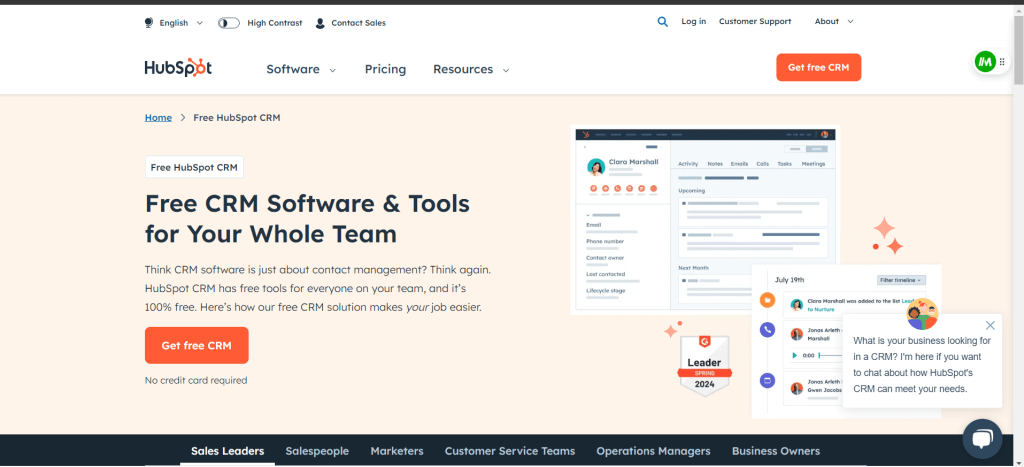
HubSpot CRM: HubSpot combines customer records with sales, marketing and service products. Its free CRM can be a starting point, while more advanced requirements depend on the products and plans you choose.
Capabilities to evaluate
- Contact records and deal tracking
- Connections between the customer-facing teams using HubSpot
- Sales and service tools with plan-specific capabilities
Fit and buying checks
Consider it when multiple teams need shared customer context and are willing to evaluate the HubSpot product ecosystem.
Check which hubs, seats and allowances cover your workflow. Pilot an enquiry-to-sale handoff rather than assuming the free CRM includes every automation or service capability.
2. Salesforce

Salesforce: Salesforce provides sales software for managing customer accounts, opportunities, pipelines and forecasts, with broader platform and AI options. Evaluate the configuration effort alongside the capabilities.
Capabilities to evaluate
- Account and opportunity management
- Sales reporting and forecasting
- Platform extensions and AI options to assess by edition
Fit and buying checks
Consider it for configurable sales processes with an identified administration and implementation owner.
Document the required editions, add-ons, integration effort and operating responsibilities. Test representative permissions and reports before treating a feature list as a deployment plan.
3. Zoho CRM

Zoho CRM: Zoho CRM offers sales automation, customer engagement and reporting, with customization and Zia AI capabilities. Its broader ecosystem may be relevant if your team already uses other Zoho products.
Capabilities to evaluate
- Sales process and record customization
- Team collaboration and customer engagement
- Forecasting, reporting and AI capabilities
Fit and buying checks
Consider it when your sales process needs configuration and you want to evaluate connections with existing Zoho applications.
Confirm the edition needed for each automation, integration and AI feature. Test the actual account, deal and permission model instead of relying on a general affordability claim.
4. Pipedrive
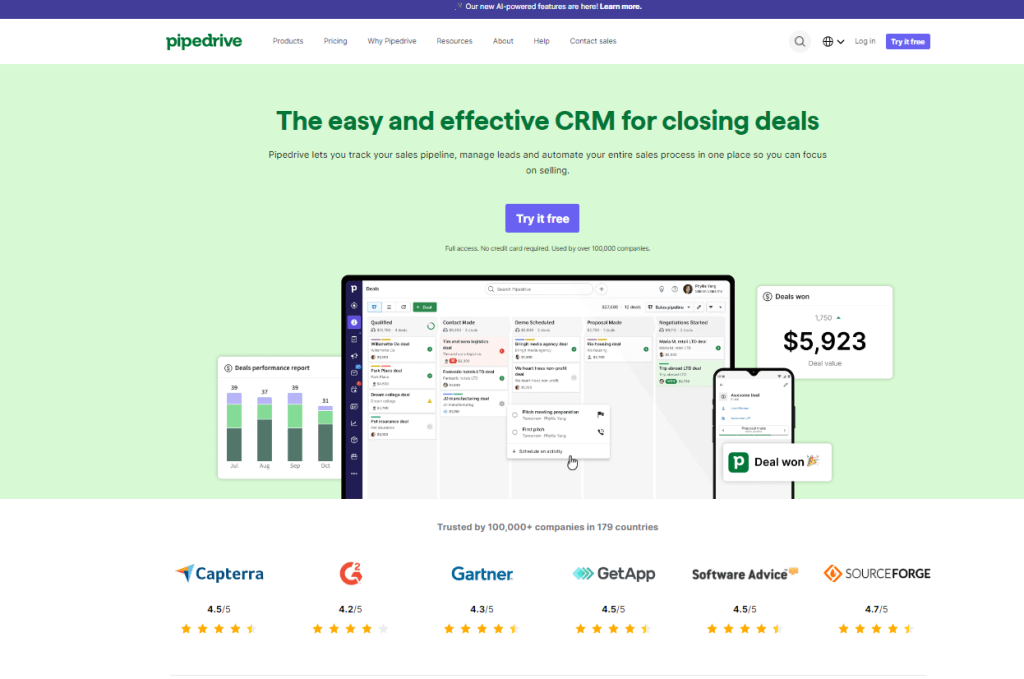
Pipedrive: Pipedrive centers on sales pipelines, activities and follow-ups. Its product documentation describes importing data, setting up deals, connecting email/calendar tools and managing team access.
Capabilities to evaluate
- Visual deal pipelines and sales activities
- Follow-up automation and email/calendar connections
- Reporting and configurable team access
Fit and buying checks
Consider it when the main requirement is a clear sales process and a consistent next activity for each opportunity.
Check required add-ons and integrations, especially if the rollout includes marketing or delivery processes beyond the core pipeline. Run your complete workflow during the evaluation.
5. Freshsales
Freshsales: Freshsales is Freshworks’ sales CRM. The current product includes lead and deal management, automation and Freddy AI assistance. Freshsales Suite combines sales and marketing capabilities; confirm which offering you need.
Capabilities to evaluate
- Lead and deal management
- Sales process automation
- Freddy AI insights and assistance, subject to plan scope
Fit and buying checks
Consider it for a sales team that wants to evaluate engagement, pipeline management and AI assistance together.
Check communication allowances and the AI functions available in the proposed plan. Test a lead moving from first contact through qualification and a completed deal.
6. Insightly
Insightly: Insightly connects CRM work with project management. Its project offering is relevant when the relationship continues after a deal closes and delivery teams need access to the sales context.
Capabilities to evaluate
- Customer and opportunity records
- Project management connected to CRM
- Workflow and integration requirements to evaluate
Fit and buying checks
Consider it for a sales-to-delivery handoff, such as an agency or services business converting a won opportunity into project work.
Test which data and responsibilities move into the project, and confirm the limits of the selected plan. Marketing, support and integration products should be assessed separately rather than assumed included.
7. Nimble
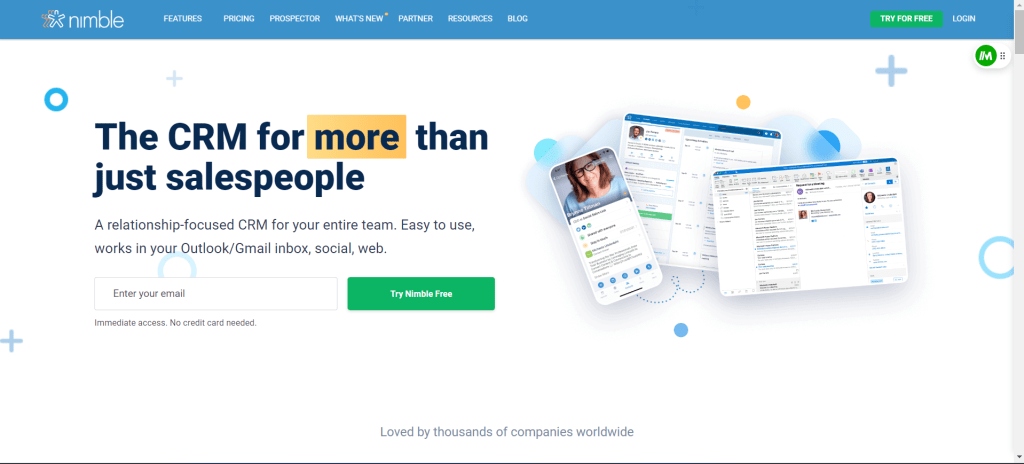
Nimble: Nimble focuses on relationship management for small teams, with contacts, email, prospecting, pipelines and automation. Its current site also describes Microsoft and Google integrations.
Capabilities to evaluate
- Contact enrichment and relationship history
- Email sequences and sales pipelines
- Connections with email, contacts and calendars
Fit and buying checks
Consider it when relationship follow-up and contact context are central to the team’s daily work.
Test enrichment quality on representative records and check usage allowances. Verify the reports, permissions and integrations your process needs rather than assuming all CRM requirements are equivalent.
8. Keap
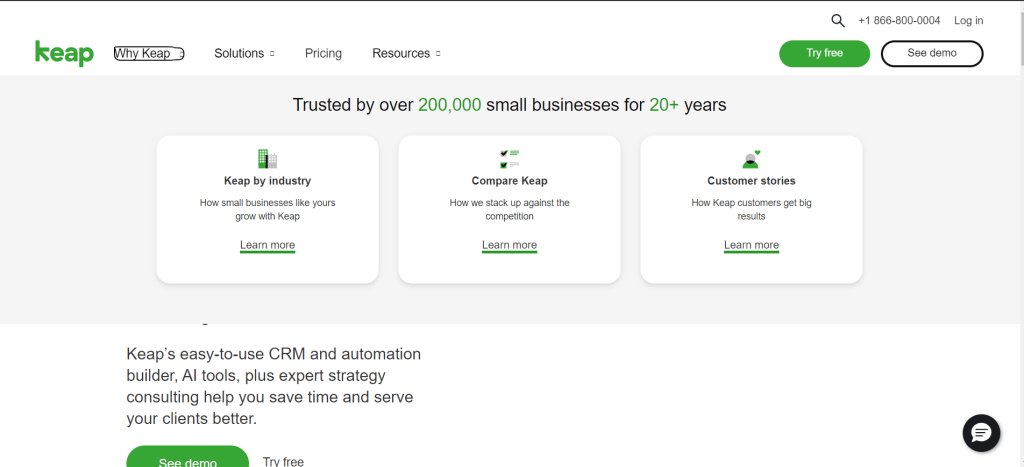
Keap: Keap combines CRM with sales and marketing automation for small businesses. Its current offering emphasizes lead capture, follow-up and repeatable customer lifecycle processes.
Capabilities to evaluate
- Customer records and segmentation
- Campaign and follow-up automation
- Implementation and migration services to assess with the offer
Fit and buying checks
Consider it when lead nurturing and repeatable follow-up are more important than building a highly customized enterprise data model.
Confirm contact volume, implementation scope and automation requirements in the quote. Test the complete customer journey, including exceptions and the point where a person takes over.
Tips for Choosing and Implementing the Right CRM
Use a short, repeatable evaluation with the people who will operate the CRM. Keep the same sample data and acceptance criteria across shortlisted products so the comparison reflects your requirements.
1. Assess Your Specific Business Needs and Goals
Write down the customer journey and the pain you need to solve. For example: every inbound enquiry gets an owner, every active opportunity has a next action, and delivery receives the commitments made during a sale.
2. Consider Your Team Size and Scalability Requirements
Compare total cost, not just the starting seat price. Model required users, contacts, automation, email or calling allowances, storage, integrations, AI usage, onboarding and support. Ask for the cost at your expected next stage of growth, using the same assumptions for every vendor.
3. Look for Integrations With Existing Tools
Choose a system of record for each entity. Test email/calendar synchronization, accounting or billing handoffs and support links. Record how duplicates, permissions, expired credentials and rate limits are handled.
4. Evaluate Ease of Use and Training Resources
Ask a salesperson, manager and administrator to complete their normal tasks without a guided demo. Check mobile behavior, accessibility and how easily a new team member can understand the next action.
5. Take Advantage of Free Trials to Test Drive Options
Define a pass/fail pilot: import sample accounts, create opportunities, assign owners, run an automation, restrict a record, export data and reconcile a report. Use representative test records rather than uploading confidential customer information into an unapproved trial.
6. Allocate Sufficient Time and Resources for Setup and Adoption
Assign owners for data cleanup, configuration, integrations, training and ongoing administration. Rehearse migration and rollback before a cutover. Separately check authentication, account removal, access controls, audit needs and the vendor’s current data handling terms.
Conclusion
The best CRM is the one your team can operate consistently with trustworthy data. Use the shortlist to identify candidates, then validate the complete workflow, total cost and implementation effort before choosing.
For AI features, test the boundaries as well as the output. Check which records the feature can access, where data is processed, whether a person approves outgoing messages or record changes, and how usage is charged. An AI label alone does not establish accuracy or suitability for your customer data.
Consider ToolJet when your gap is a custom customer workspace, approval screen or operational dashboard connected to existing data. Compare the effort to build and maintain those workflows with configuring a packaged CRM. Validate access restrictions and integration behavior in a pilot, and check the Cloud and Self-hosted plans for the capabilities your team needs.
For a broader replacement shortlist, see our Salesforce alternatives comparison. If a custom app is the right fit, create a ToolJet account and test one representative workflow before planning a wider rollout.


