


Key takeaways
- Zoho Creator’s built-in tools and usage limits restrict what you can actually build
- 87% of enterprise developers already rely on low-code tools for daily work
- ToolJet, an open-source enterprise low-code platform, offers zero end-user charges with full self-hosted deployment
- 75% of new enterprise apps will use low-code platforms by 2026
- 84% of enterprises now adopt low-code platforms, and open source zoho creator alternatives give teams code-level control
- The low-code market hits $31.59B in 2026 across all industry verticals
A Zoho Creator alternative should match the application you need to build and the controls your organization requires. This guide compares 15 options across internal tools, mobile field apps, customer portals and broader enterprise application development. It is a shortlist by use case, not a performance ranking.
For large enterprises, start with deployment ownership, identity and provisioning, release controls, supported AI providers and total licensing cost. A form-heavy departmental app and a governed operations console may need different platforms.
Use the main comparison to build a procurement shortlist, then review the additional options and migration pilot below. The descriptions are editorial fit assessments, not an independent ranking or load test.
What is Zoho Creator?
Zoho Creator is a low-code application development platform that lets teams build custom business apps without heavy coding. It uses a drag-and-drop interface and Zoho’s own scripting language to create forms, workflows, and reports.
Organizations use it to digitize processes, build approval systems, and manage data across departments.It works well inside the Zoho ecosystem where it connects natively to Zoho CRM, Zoho Books, and other Zoho products.
Zoho Creator supports forms, reports, workflows and integrations, including services outside Zoho. Evaluate its Deluge-based application model, plan limits and deployment-specific capabilities against your requirements rather than assuming it only serves small teams.
Why Businesses Look for Zoho Creator Alternatives
Reasons to evaluate an alternative include a preference for JavaScript or Python, existing databases you want to use directly, different licensing economics, or infrastructure and AI policies that your current Creator edition does not meet. These are requirements to test, not evidence that every Zoho deployment has the same limits.
“According to Gartner, 75% of new enterprise apps will use low-code by 2026, up from less than 25% in 2020.”


Here’s what pushes teams away from Zoho Creator:
- Code and migration: Compare Deluge, widgets and APIs with the languages your engineering team maintains. Exporting data does not automatically port application logic.
- Capacity and usage limits: Test your own user concurrency, API calls, workflow executions and data volumes; request the relevant plan limits.
- Interface requirements: Pilot your hardest screen and mobile use case, including custom components and accessibility.
- Integrations: Verify direct database access, third-party connections and custom APIs using Zoho Creator integrations.
- Deployment and AI: Zoho documents On-Premise deployment and Zia BYOK. Compare the exact edition, available AI features, provider mapping and network requirements using Creator On-Premise responsibilities and Zoho’s Zia provider configuration.
Before migrating, prototype the application with the most demanding integration, approval rule and access model. Record what must be rebuilt, which data can be exported and how users will move. This reduces the chance of discovering a deployment or governance mismatch after committing to a platform.
This guide compares the 15 best zoho creator alternatives for building custom business apps in 2026. Whether you need internal tools, workflow automation, dashboards, or full enterprise applications, you’ll find the right fit here.
Quick Comparison: Zoho Creator Alternatives
This six-platform snapshot shows licensing and deployment differences. Prices are public starting examples checked on 4 October 2026, not quotes; currency, billing term, user mix, usage and add-ons affect the total. Confirm current vendor terms before procurement.
| Platform | Free Tier | Paid Starting Example | End-User Licensing | Self-Hosting |
| ToolJet | 2 builders, 50 end users, 10 apps; unlimited pages | Cloud Basic from $23/builder/month, billed annually | Plan allowance; Enterprise unlimited | Free onward; air-gap is Self-hosted Enterprise add-on |
| Retool | Up to 5 users | Team builder and internal-user rates | Separate internal-user rates | Enterprise for new deployments |
| Clappia | Up to 100 users, unlimited apps | Starter $6/user/month, billed annually | User-based standard plans; custom Enterprise | Enterprise on-premise option |
| Appsmith | Cloud up to 5 users; open-source self-hosted | Business $15/user/month | User-based paid plans | Yes; Enterprise air-gap add-on |
| Power Apps | Developer Plan for development | Premium $20/user/month, paid yearly | Production user licensing | No self-hosted Power Apps platform |
| Budibase | Self-hosted open-source; unlimited users | Cloud Pro $19/month, billed yearly | Cloud end-user add-ons | Yes; Enterprise air-gap add-on |
What to Look for in a Zoho Creator Alternative
Not all low-code platforms solve the same problems. Before picking a zoho creator alternative, here’s what actually matters for custom business apps.
Visual Application Builder
Drag-and-drop builders let teams create custom apps quickly without deep coding knowledge. Look for platforms with pre-built components, responsive layouts, and the ability to write custom code when the visual builder isn’t enough.
Workflow Automation
Automation capabilities help organizations streamline internal processes and reduce manual work. The best platforms offer trigger-based workflows, conditional logic, scheduled jobs, and multi-step approval chains.
Integration Ecosystem
Compare native connectors, direct database queries, APIs and the operating requirements of custom integrations. Zoho Creator integrations include third-party services and custom API calls. ToolJet offers 100+ integrations including PostgreSQL, MySQL, MongoDB and REST APIs; private/custom connectors are available on Self-hosted, not Cloud.
Security and Governance
For enterprise governance, check who can build, approve releases, change credentials and provision users. Request evidence for SSO, SCIM, audit-log retention and deployment isolation in the exact plan. ToolJet Team includes SSO, audit logs and Git sync; Enterprise adds SCIM and multiple Self-hosted deployments. Review deployment and AI security options and the current Cloud and Self-hosted plans. Certifications do not make a generated app compliant by themselves.
Deployment Options
Separate platform hosting from AI processing. ToolJet can self-host from Free, while its customer-hosted AI gateway and fully air-gapped operation are Self-hosted Enterprise add-ons. Enterprise BYOK is available on both ToolJet Cloud and Self-hosted deployments. Internal AI inference also needs a supported model endpoint inside your network; an external provider still receives requests. Zoho also offers Creator On-Premise, so compare Creator On-Premise responsibilities and feature availability instead of assuming it is Cloud-only.
1. ToolJet
ToolJet, an open-source enterprise low-code platform, is built for teams that need full control over their custom business apps.

Best For: Engineering and platform teams building internal tools over existing business data, particularly when they need self-hosting, governed releases and a reviewed AI deployment. Enterprise is relevant when you need multiple deployments, SCIM, unlimited end users and dedicated support. Agree rollout assistance, escalation contacts and SLA requirements during procurement. Customer-hosted AI and air-gapped operation require their respective Self-hosted Enterprise add-ons.
What Makes ToolJet Stand Out
The ToolJet Community Edition is open source under AGPL-3.0 and can run on your infrastructure. App definitions remain ToolJet-specific, so a platform migration still requires evaluating the interface and logic. Fully air-gapped operation, including offline licensing, is a Self-hosted Enterprise add-on; it is not included in every self-hosted plan.
“According to Forrester, 87% of enterprise developers already use low-code for some portion of their work.”
ToolJet generates native app pages and queries from a prompt, with visual and JavaScript/Python refinement. Managed AI lets users select supported providers; the AI model-selection documentation distinguishes that from exact compatible-model selection through OpenRouter BYOK. Enterprise BYOK is available on both ToolJet Cloud and Self-hosted deployments. Workflows and Agent Builder are Self-hosted-only capabilities, separate from Cloud app generation.
Team includes Git sync, SSO and audit logs. Multiple app environments require Self-hosted Team or Cloud Enterprise. For stronger infrastructure separation, Enterprise customers can operate separate dev, staging and production deployments and move apps with GitSync. Teams can enable AI only on the development deployment and disable it elsewhere. Review connected credentials and generated queries before promoting an app; AI discovery can read data available to those credentials.
Latest Features
- AI app generation and model choice: Build and refine native ToolJet apps. Supported providers and compatible models depend on managed AI, BYOK or the customer-hosted gateway configuration; confirm the required endpoint before purchase.
- Workflows and Agent Builder: Automate scheduled, webhook and app-triggered processes on Self-hosted. These capabilities are not available on ToolJet Cloud.
- Data and extensibility: Connect 100+ integrations or use ToolJet Database. Private/custom connectors are Self-hosted-only.
- Enterprise isolation: Separate deployments for dev, staging and production, with GitSync between them. Customer-hosted AI gateway and offline licensing are governed by their respective Self-hosted Enterprise add-ons. Enterprise BYOK is available on both ToolJet Cloud and Self-hosted deployments.
Pros
- AGPL-3.0 Community Edition and self-hosting from Free.
- Team includes SSO, audit logs, white labelling and Git sync.
- Enterprise includes unlimited end users and multiple Self-hosted deployments.
- 100+ integrations; custom code and Self-hosted private/custom connectors.
Cons
- Your team operates and secures Self-hosted infrastructure, databases, backups and upgrades.
- Workflows, Agent Builder and private/custom connectors are not available on Cloud; Enterprise BYOK is available on both ToolJet Cloud and Self-hosted deployments. The customer-hosted AI gateway and air-gap require Self-hosted Enterprise add-ons.
- Provider and endpoint compatibility must be confirmed for the chosen AI deployment.
Pricing
- Free: 2 builders, up to 50 end users and up to 10 apps, with unlimited pages.
- Team: SSO, audit logs, white labelling and Git sync, with up to 100 end users; environments on Self-hosted Team.
- Enterprise: Unlimited end users, SCIM, Cloud environments and multiple Self-hosted deployments and dedicated support. AI gateway and air-gap are Self-hosted Enterprise add-ons. Enterprise BYOK is available on both ToolJet Cloud and Self-hosted deployments.
See the current Cloud and Self-hosted plans for billing terms, AI credits and feature availability. Team includes 3,000 AI credits per plan per month; model-provider usage may create separate charges under a BYOK setup.
ToolJet prices builder seats and includes an end-user allowance by plan, with unlimited end users on Enterprise. Zoho Creator pricing uses user-based plans and separate portal and add-on terms. Compare your builders, internal viewers, external users, usage and deployment requirements instead of assuming every user is free on ToolJet or every Zoho user has identical pricing.
Building AI-powered business apps for your team? ToolJet’s agent builder handles enterprise automation with task-specific AI agents inside your internal tools.
2. Retool
Retool is popular for building internal tools quickly using a component-based approach. It’s built for developers who prefer writing SQL and JavaScript over visual builders.
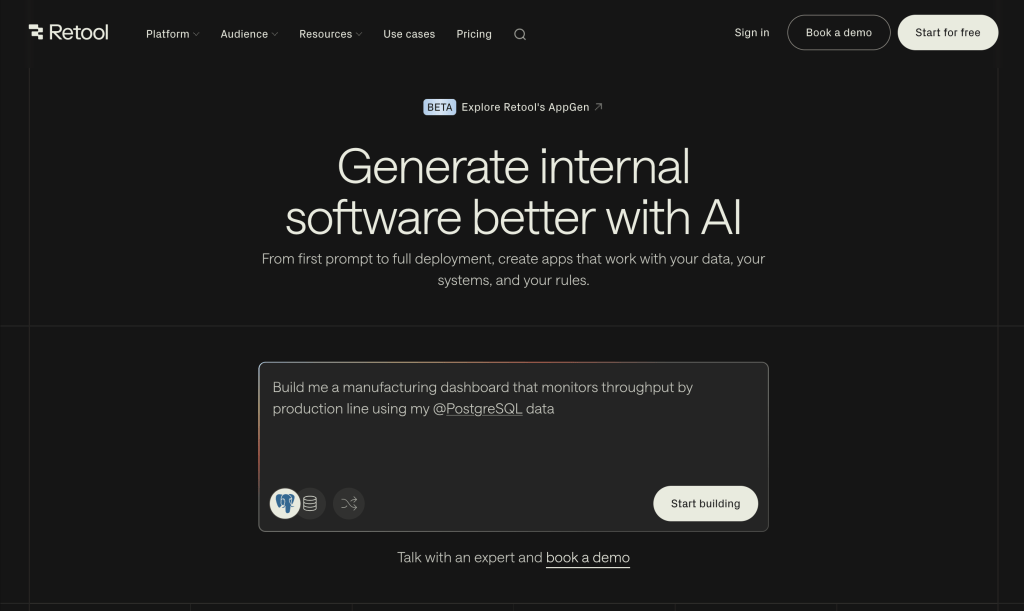
Best For Dev teams at mid-size companies building admin panels and CRUD apps that connect to existing databases. Works well when speed matters more than deployment flexibility.
What Makes Retool Stand Out
Retool gives you a component library with a code-first mindset. You drag components onto a canvas, wire them to SQL queries, and ship. The workflow builder handles multi-step automations, and the AI assistant helps generate queries. See Retool reviews on G2
Did you know? Teams using low-code report 50-90% faster development compared to traditional coding. Developers on r/lowcode regularly share similar results when switching from custom code to visual builders.
Latest Features
- Retool Workflows: Visual automation builder for multi-step processes with conditional logic and scheduling.
- AI Query Assistant: Generate SQL and JavaScript from natural language prompts inside the query editor.
- Retool Mobile: Build mobile-responsive apps with native components designed for field teams.
Pros
- Strong SQL-first developer experience
- Large component library with deep customization
- Workflow automation built in
- Native mobile app builder
Cons
- End-user pricing adds up fast at scale
- Self-hosting limited to higher pricing tiers
- Proprietary codebase with no source access
Pricing
- Free: Up to 5 users, with plan limits.
- Paid plans: Retool lists separate builder and internal-user rates; deployment, AI usage and external users affect cost. Check current regional pricing.
Worth noting that Retool charges both builders and end users. For a deeper comparison, see how Retool alternatives stack up on total cost of ownership.
3. Clappia
Clappia is a powerful AI-powered no-code platform that enables teams to build internal tools, automate workflows, and manage field operations without coding. It is designed for businesses that want to digitize processes quickly using a visual app builder instead of relying on complex development. https://www.clappia.com/blog/power-apps-alternatives

Best For Operations teams and businesses building workflow automation apps, field data collection apps, and internal tools without coding. Works well when you need mobile-first apps with offline support and fast deployment.
What Makes Clappia Stand Out
Clappia keeps app building simple while supporting full operational workflows with built-in workflow automation for approvals and task routing. You can drag and drop to build apps, configure workflows and automated PDF reports, and deploy instantly via link, web embed, or mobile apps from the Play Store and App Store.
It can also convert Excel sheets into fully functional apps. Where it stands out is operational readiness. Features like GPS capture with geofencing, barcode and QR scanning, digital signatures, forced live photo capture with timestamp and location, and payment integrations make it practical for real-world verification and transactions.
It’s not trying to be an enterprise low-code platform. It’s solving a specific problem well. For teams that need more, enterprise internal tool builders handle the heavier lifting. See Clappia reviews on G2.
Latest Features
- Offline Mobile Apps: Capture data without internet and sync later
- GPS Capture & Geofencing: Verify field activity with location-based rules
- Real-Time Location Tracking: Track users, vehicles, or field agents live
- Workflow Automation: Multi-step approvals and task routing
- Automated PDF Reports: Generate and share reports instantly
- Integrations: Connect with databases, REST APIs, Excel, Zapier, and Power BI
Pros
- Easy no code app builder for internal tools without coding
- Strong workflow automation with approvals and automation
- Offline and mobile-first for field data collection
- Supports integrations with APIs, databases, and spreadsheets
- Built-in field features like GPS capture, barcode scanning, and live photo verification
Cons
- Learning curve for advanced automation features
- Limited for complex business applications
- Basic reporting and analytics
- Fewer integrations than larger platforms
Pricing
- Free: Up to 100 users and unlimited apps, subject to submission and workflow limits.
- Starter: $6/user/month yearly or $8 monthly.
- Professional: $7.50/user/month yearly or $10 monthly. See Clappia pricing for Enterprise on-premise terms.
4. Appsmith
Appsmith is known for its open source roots and developer-friendly approach to building internal tools. It gives you a drag-and-drop editor with JavaScript customization baked in.
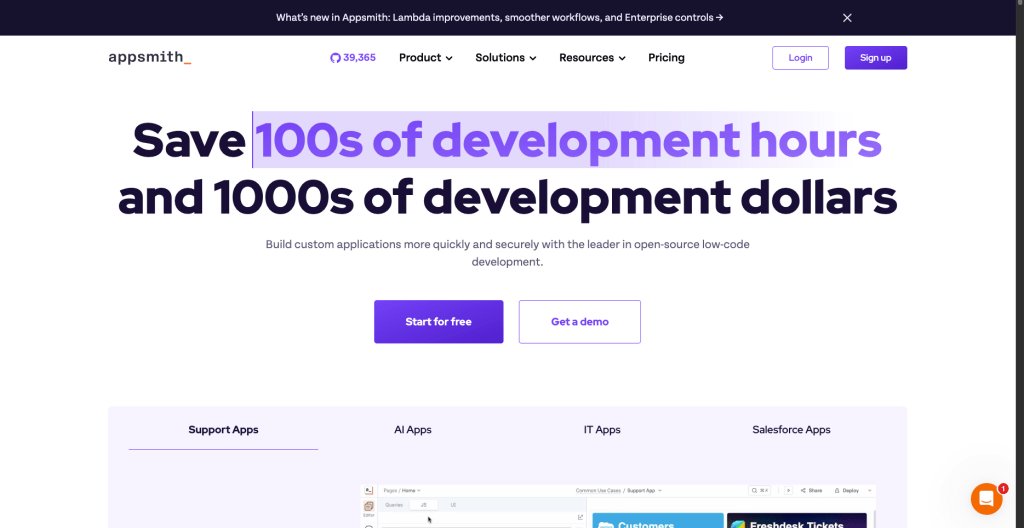
Best For Small to mid-size dev teams who want open source flexibility and are comfortable writing JavaScript for business logic.
What Makes Appsmith Stand Out
Appsmith keeps things simple. You connect a data source, build a UI with widgets, and write JS to handle logic. The Git integration lets teams collaborate through version control. But here’s the catch. Granular RBAC and audit logs sit behind the paid Business tier. See Appsmith reviews on G2.
Latest Features
- Appsmith AI: AI-assisted query generation and code suggestions inside the editor for faster development.
- Git-Based Version Control: Full Git integration for branching, merging, and collaborative development across teams.
- Custom Widgets: Build and import custom React components when the built-in widget library doesn’t cover your use case.
Pros
- Open source with self-hosting support
- JavaScript-based customization throughout
- Git integration for version control
- Good REST API and database connectors
Cons
- RBAC and audit logs paywalled behind Business tier
- Smaller connector library than enterprise competitors
- Performance can lag with complex queries
Pricing
- Free: Cloud up to 5 users; open-source Community Edition for self-hosting.
- Business: $15/user/month with custom permissions and audit logs. Check Appsmith pricing for Enterprise and add-ons.
For a side-by-side view, check the Appsmith alternatives breakdown with pricing and feature comparisons.
5. Budibase
Data comes first with Budibase. It gives you a built-in database alongside a low-code UI builder for creating CRUD apps and admin panels fast.
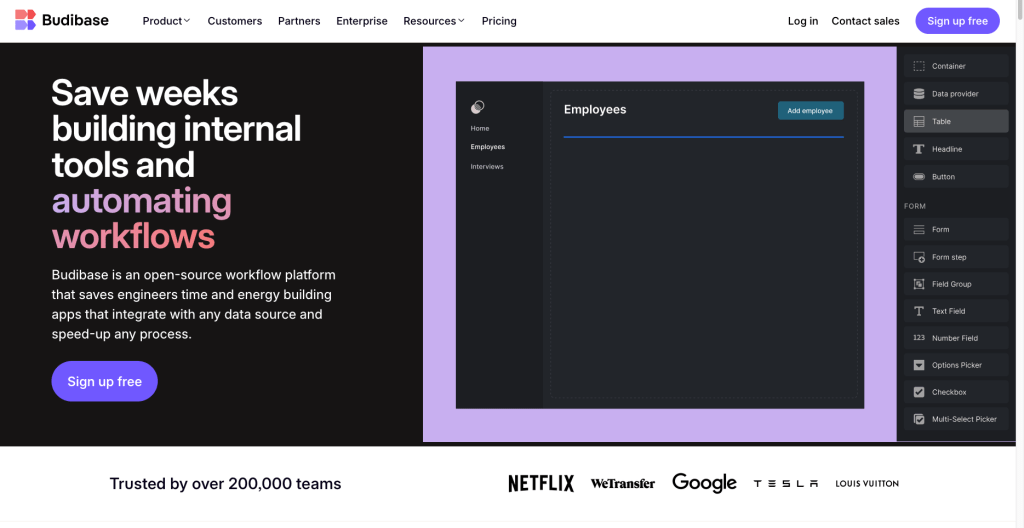
Best For Small teams and solo developers who need a quick way to turn spreadsheets or databases into functional business apps without heavy coding.
What Makes Budibase Stand Out
Budibase shines when you need a database-first approach. You can import CSVs, connect external databases to get started. The form builder auto-generates from your schema, which saves hours on repetitive data entry apps. See Budibase reviews on G2.
Latest Features
- Budibase AI: AI-powered app scaffolding that generates complete CRUD interfaces from database schemas automatically.
- Improved RBAC (v3.0): Role-based access control with more granular permissions after the November 2024 overhaul.
- Automation Builder: Trigger-based workflows with conditions, loops, and external API calls for process automation.
Pros
- Built-in database reduces setup time
- Self-hosting supported on Docker and Kubernetes
- Open source with community contributions
- Form auto-generation from database schema
Cons
- 20-user cap on the free tier
- Thinner governance features vs enterprise platforms
- Limited connector library compared to ToolJet or Retool
Pricing
- Open source: Free Self-hosted edition with unlimited users.
- Cloud: Pro starts at $19/month and Premium at $49/month on yearly billing; end users are add-ons. See Budibase pricing.
The Budibase review covers real-world performance and where it fits in the broader low-code tools landscape.
6. Airtable
What if your spreadsheet could actually think in relationships? Airtable bridges the gap between spreadsheets and databases, making it popular for project management, content calendars, and lightweight custom business apps that non-technical teams can manage.

Best For Marketing, ops, and product teams who want a familiar spreadsheet-like interface with relational database capabilities and simple automations.
What Makes Airtable Stand Out
Think of Airtable as a spreadsheet that actually understands relationships. You get linked records, rollup fields, and views that adapt to different team needs. The automation builder handles trigger-based workflows without writing code. See Airtable reviews on G2
Did you know? 80% of low-code users will come from outside IT departments by 2026. This trend shows up constantly in r/nocode where non-technical users share their app-building wins.
Latest Features
- Airtable AI: AI field types that summarize, categorize, and extract insights from records using natural language.
- Interface Designer: Build custom dashboards and forms on top of your Airtable bases for different stakeholder views.
- Scaled Automations: Higher automation run limits and more complex branching logic for enterprise workflows.
Pros
- Intuitive spreadsheet-like interface
- Strong relational data modeling
- No-code automations with triggers and conditions
- 50+ app integrations through the marketplace
Cons
- Not built for complex custom apps
- Row and record limits on lower tiers
- API rate limits on higher-volume use cases
Pricing
- Free: 1,000 records per base, basic features
- Team: $20/user/month with expanded records
7. Microsoft Power Apps
Already running Microsoft 365 across your org? Power Apps plugs directly into that ecosystem. It connects natively to Dataverse, SharePoint, Teams, and the full Microsoft 365 suite. Teams weighing Microsoft’s ecosystem against open-source options often compare it with enterprise internal tool builders that offer more deployment flexibility.
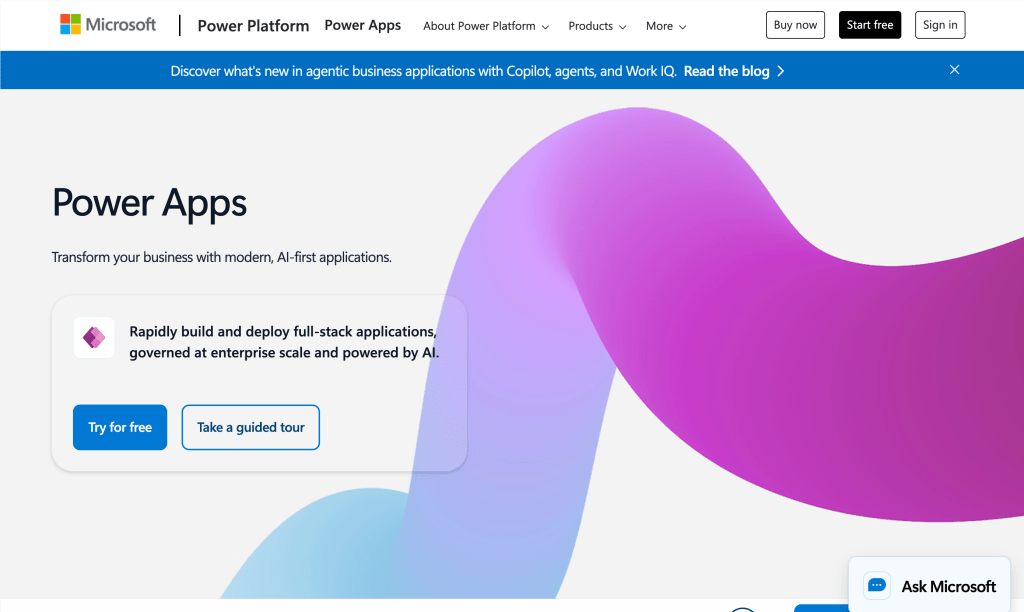
Best For Enterprises already running Microsoft 365 that want to extend their existing infrastructure with custom business apps and automations.
What Makes Power Apps Stand Out
Power Apps gives you two app types: canvas apps for custom UIs and model-driven apps that auto-generate from your Dataverse schema. See Microsoft Power Apps reviews on G2.
“According to Mordor Intelligence, the low-code platform market will reach $31.59B in 2026 with a 20.12% CAGR through 2031.”
Latest Features
- Copilot in Power Apps: AI-assisted app creation, formula suggestions, and natural language queries against Dataverse tables.
- Power Pages: Build external-facing websites and portals connected to your business data and processes.
- Enhanced Dataverse: Expanded data types, better relationship modeling, and improved performance for enterprise-scale applications.
Pros
- Deep Microsoft 365 integration
- Two app types (canvas and model-driven)
- Power Automate for complex workflows
- Copilot AI assistance built in
Cons
- Pricing complexity with per-app and per-user models
- Vendor lock-in to Microsoft ecosystem
- Steep learning curve for advanced features
Pricing
- Developer Plan: Free for development and testing; production licensing is separate.
- Premium: $20/user/month, paid yearly; Microsoft lists a different rate for a minimum of 2,000 seats. See Power Apps pricing.
8. Google AppSheet
Google AppSheet takes a data-first approach. Point it at a Google Sheet or Cloud SQL database, and it generates a functional app automatically. No coding needed.
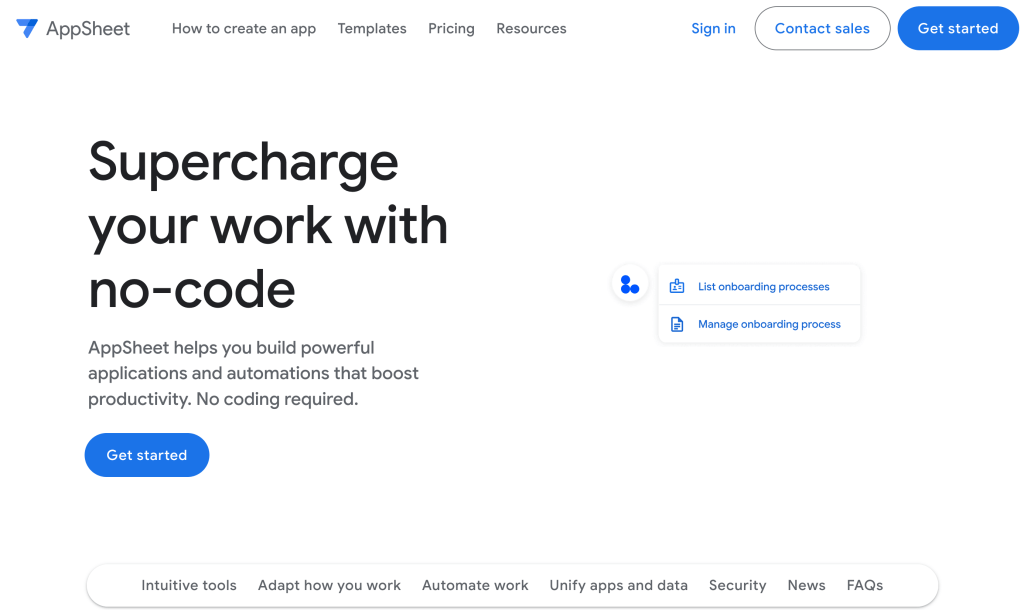
Best For Google Workspace organizations and teams that want to quickly turn spreadsheets into mobile-friendly apps with offline support.
What Makes AppSheet Stand Out
AppSheet’s big advantage is speed. Connect a spreadsheet, define your business rules, and you’ve got a working app. For teams that need more than spreadsheet-based apps, dedicated low-code platforms offer deeper customization. See AppSheet reviews on G2
Latest Features
- Gemini Integration: AI-powered app suggestions and automated business rule creation through Google’s Gemini model.
- AppSheet Automation: Trigger-based workflows with bot actions for approvals, notifications, and data updates across connected sources.
- Enhanced Offline Mode: Improved offline data sync for field teams working in areas with limited or no connectivity.
Pros
- Generates apps from existing spreadsheets automatically
- Strong offline and mobile support
- Included in some Google Workspace plans
- Built-in barcode and GPS features
Cons
- Limited customization for complex UIs
- Heavily tied to Google ecosystem
- Performance degrades with large datasets
Pricing
- Included: With select Google Workspace plans
- Core: $5/user/month for additional features
Comparing low-code database platforms? See how ToolJet connects to 100+ integrations including PostgreSQL, MySQL, MongoDB, and REST APIs with a single drag-and-drop query builder.
9. OutSystems: Enterprise-Grade Application Platform
When the app you’re building is mission-critical and needs to scale, OutSystems steps in. It targets organizations that need to ship complex enterprise applications with full lifecycle management.
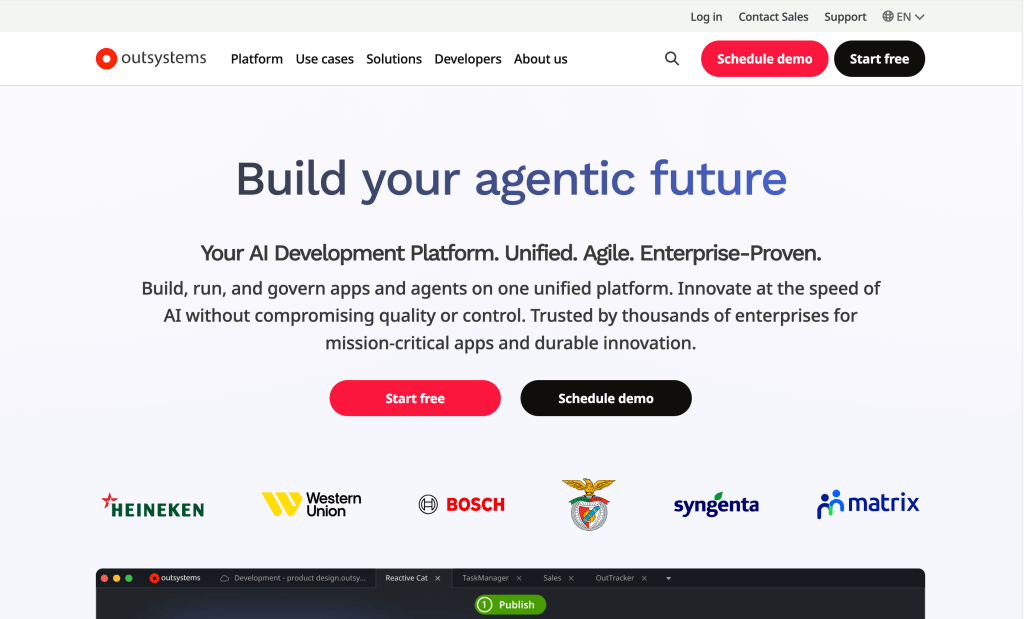
Best For Large enterprises with dedicated development teams building customer-facing and internal applications that need high performance, scalability, and compliance.
What Makes OutSystems Stand Out
OutSystems plays in a different league than most low-code tools on this list. It handles full application lifecycle management with visual development, automated testing, and one-click deployment. For teams exploring how low-code statistics shape platform choices, the development speed gains are significant. See OutSystems reviews on G2
“According to CMARIX, low-code reduces development time by 50-90% compared to traditional coding methods.”
Latest Features
- AI Mentor System: Proactive code analysis that identifies performance issues, security vulnerabilities, and architectural anti-patterns.
- Full-Stack Visual Development: Build complete applications with visual models that generate production-grade code in C# and React.
- Cloud-Native Architecture: Deploy as microservices on OutSystems Cloud or your own Kubernetes infrastructure.
Pros
- Enterprise-grade performance and scalability
- Full application lifecycle management
- AI-assisted code analysis and optimization
- Strong security and compliance features
Cons
- Premium pricing puts it out of reach for small teams
- Steep learning curve with proprietary concepts
- Vendor lock-in to OutSystems runtime
Pricing
- Free (Personal): Limited to 1 app, learning only
10. Mendix
Complex multi-channel apps with full DevOps pipelines? That’s Mendix territory. It gives enterprises visual modeling and deployment flexibility across clouds.
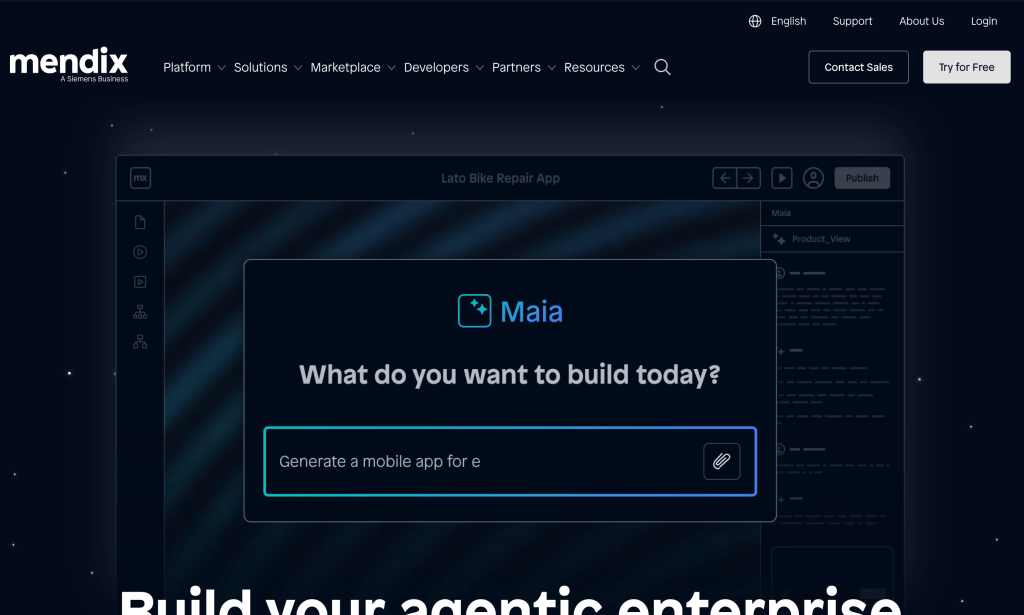
Best For Enterprise development teams building complex customer-facing and internal applications that require robust DevOps pipelines and multi-cloud deployment.
What Makes Mendix Stand Out
Mendix offers two IDEs. Studio for citizen developers and Studio Pro for professional developers. This dual approach lets business teams prototype while dev teams handle the heavy lifting. For teams evaluating enterprise-grade options, understanding internal tool categories helps narrow the field. See Mendix reviews on G2.
Latest Features
- Mendix AI: AI-assisted development with code generation, performance recommendations, and automated testing capabilities.
- Multi-Cloud Deployment: Deploy on AWS, Azure, Google Cloud, or on-premises with consistent governance across environments.
- Native Mobile Development: Build truly native mobile applications with offline-first capabilities and device API access.
Pros
- Dual IDE for citizen and professional developers
- Strong DevOps and CI/CD integration
- Multi-cloud deployment flexibility
- Enterprise governance and compliance tools
Cons
- High pricing for enterprise features
- Complex licensing model
- Vendor lock-in to Mendix runtime.
Pricing
- Free: 1 app, up to 10 internal users
“Evaluating enterprise low-code platforms? Compare ToolJet’s open source features against proprietary vendors on security, deployment, and total cost.”
11. Quickbase
Operations teams in construction, manufacturing, and professional services love Quickbase. It handles operational workflow management and complex process tracking without needing a developer on speed dial.
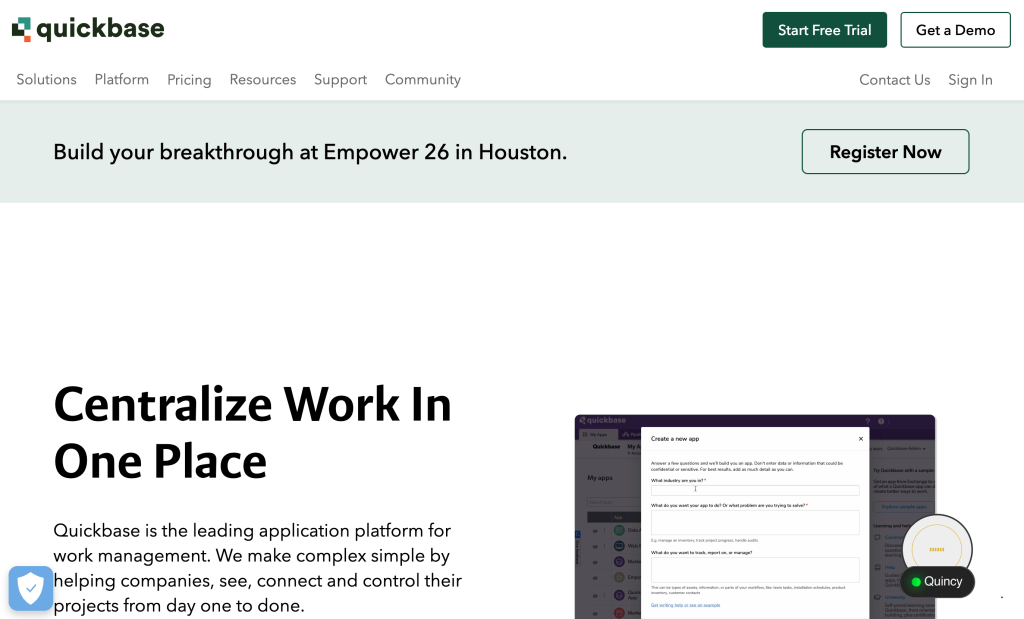
Best For Operations and project management teams in industries like construction, manufacturing, and healthcare that need workflow tracking without developer involvement.
What Makes Quickbase Stand Out
As a zoho creator alternative, Quickbase shines in operational workflows. The platform lets ops teams build applications for project tracking, resource management, and compliance without waiting for IT. See Quickbase reviews on G2
The Pipelines feature connects to external tools and automates cross-system workflows. Teams building internal tools for ops often compare Quickbase with self-hosted alternatives.
Did you know? 75% of large enterprises will use at least 4 low-code tools by 2026. The discussion in r/selfhosted confirms teams often mix platforms for different use cases.
Latest Features
- Quickbase Pipelines: Visual workflow automation connecting Quickbase to external systems like Salesforce, SAP, and Jira.
- AI Formula Assistant: Generate and debug formulas using natural language prompts instead of manual expression building.
- Quickbase Sync: Real-time data synchronization between Quickbase and external databases for consistent reporting.
Pros
- Strong operational workflow management
- No-code approach for business users
- Good integration with enterprise systems
- Automated compliance and audit trails
Cons
- No self-hosting option available
- Pricing scales quickly per user
- Not suited for developer-heavy teams
Pricing
- Team: $35/user/month (minimum 20 users)
12. Kissflow
Think in workflows and approvals, not databases and components? Kissflow takes that process-first mindset and turns it into a low-code platform for HR, finance, and operations teams.
Best For HR, finance, and operations teams that need to digitize approval workflows, procurement processes, and employee onboarding without coding.
What Makes Kissflow Stand Out
The real differentiator is how Kissflow thinks about apps. Instead of starting with a database or UI canvas, you start with a process. Define the steps, add forms, set conditions, and you’ve got a working workflow app. For more complex use cases, teams often graduate to full low-code platforms with deeper customization. See Kissflow reviews on G2
Latest Features
- Kissflow AI: AI-assisted process design that suggests workflow steps and conditions based on your description.
- Board and Matrix Views: Kanban boards and matrix views for visualizing process data beyond traditional list interfaces.
- External Portal: Share forms and processes with vendors, customers, and partners outside your organization.
Pros
- Process-first design approach
- Easy to use for non-technical users
- Built-in case management
- Good for approval and procurement workflows
Cons
- Limited for complex custom applications
- No self-hosting option
- Fewer data source integrations
Pricing
- Basic: $1,500/month (50 users included)
13. Caspio
Need to embed a data app directly into your website? Caspio combines a cloud database with a visual app builder, letting you create data-driven applications and embed them into existing websites and portals.
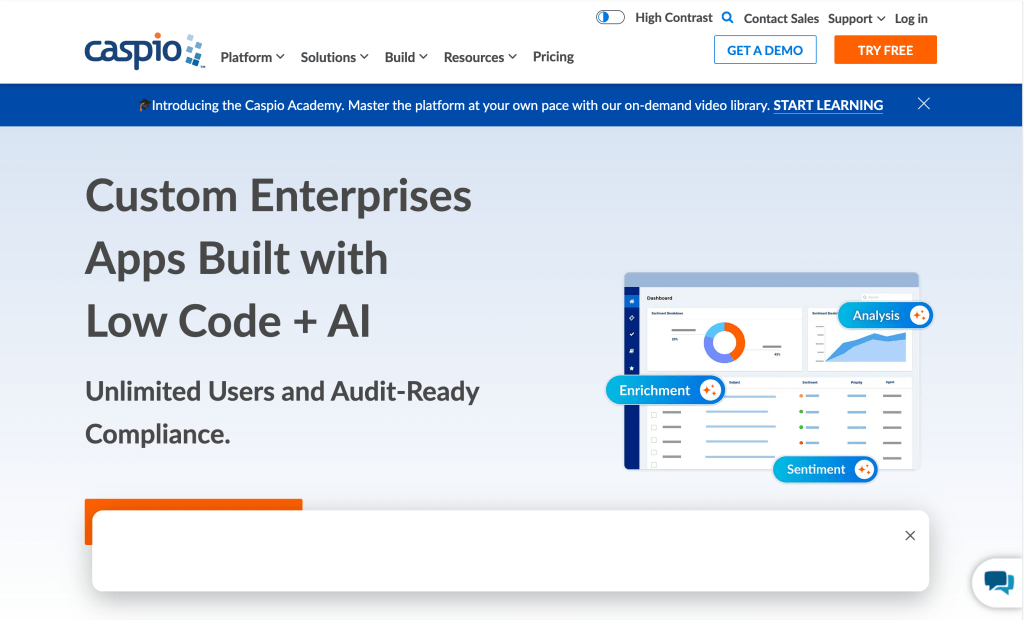
Best For Business analysts and operations teams who need to build data-driven apps with embeddable interfaces without managing separate databases or hosting infrastructure.
What Makes Caspio Stand Out
Among zoho creator alternatives, Caspio’s standout feature is embeddability. You build an app, get an embed code, and drop it into your existing website or intranet portal. No separate hosting needed.
Teams building data-heavy apps often compare embeddable tools like Caspio with full internal tool builders for more control. See Caspio reviews on G2.
“According to Integrate.io, organizations save an average of $187,000 annually with low-code and no-code adoption.”
Latest Features
- AI DataPage Assistant: AI-powered generation of data pages, forms, and reports from natural language descriptions.
- REST API Builder: Create custom REST APIs from your Caspio data without writing backend code.
- Workflow Automations: Trigger-based actions for email notifications, data updates, and external system integrations.
Pros
- Embeddable apps for websites and portals
- Built-in cloud database included
- No hosting management needed
- REST API builder for external access
Cons
- UI customization limited compared to low-code competitors
- Pricing based on record counts and DataPages
- Smaller community and ecosystem
Pricing
- Free: Up to 50,000 records, basic features
14. Glide
What if your spreadsheet could become an app in minutes? Glide transforms Google Sheets and Excel data into polished mobile and web applications for teams that want functional apps without leaving the spreadsheet they already know.

Best For Non-technical teams and small businesses that want to turn existing spreadsheets into shareable, mobile-friendly apps with minimal effort.
What Makes Glide Stand Out
Here’s what most teams miss about Glide. It doesn’t just read your spreadsheet. It creates a real application layer on top of it. You get forms, detailed views, lists, and actions that sync back to your data source in real time. See Glide reviews on G2
The templates library covers everything from inventory tracking to CRM. When spreadsheet-based apps hit their limits, teams often move to full low-code dashboard builders for more power.
Latest Features
- Glide AI: AI columns that classify, summarize, and generate content from your existing data automatically.
- Big Tables: Scalable data backend that moves beyond Google Sheets limitations for larger applications.
- Custom Actions: Multi-step action sequences triggered by user interactions within your Glide apps.
Pros
- Fastest path from spreadsheet to app
- Polished mobile-first UI out of the box
- No coding required whatsoever
- AI columns for data enrichment
Cons
- Limited for complex custom applications
- Spreadsheet dependency creates performance limits
- No self-hosting option available
Pricing
- Free: Limited apps and rows
- Starter: $60/month for small teams
Need more from your low-code database setup? See how ToolJet connects directly to PostgreSQL, MySQL, and MongoDB without spreadsheet limitations.
15. Softr
Got data in Airtable but need a real app on top of it? Softr builds client portals, internal tools, and web apps on top of Airtable or Google Sheets data for teams that want a polished frontend without coding.
Best For Teams already using Airtable who need client-facing portals, member directories, or internal dashboards with user authentication and access controls. See how Softr reviews on G2.
What Makes Softr Stand Out
Softr fills a specific gap. You’ve got data in Airtable, and you need a real application on top of it. Not just a shared view. A proper app with login, permissions, and custom layouts. The block-based builder makes it fast to assemble pages from pre-built components.
For teams that outgrow Airtable’s limits, full internal tool platforms offer more flexibility.
Latest Features
- User Authentication: Built-in user login and registration with role-based access for client-facing applications.
- Custom Domains: Deploy apps on your own domain with SSL certificates for a professional, branded experience.
- Conditional Visibility: Show or hide page blocks based on user role, data values, or custom conditions.
Pros
- Deep Airtable integration
- Client portal and member directory templates
- User authentication built in
- Custom domain support
Cons
- Airtable dependency limits data flexibility
- Not suited for complex business logic
- Pricing per app adds up quickly
Pricing
- Free: 1 app with basic features
- Basic: $49/month per app
Zoho Creator vs Other Custom App Builders
How does Zoho Creator stack up against the alternatives in this list? Here’s what it comes down to.
Zoho Creator is worth evaluating when you want its form, workflow and mobile application model. It also supports third-party integrations, Zia provider configuration and On-Premise deployment. The relevant question is whether the exact edition meets your code, data, AI and release requirements.
For governed internal operations, compare ToolJet’s native apps over existing data with your current Creator architecture. For broader customer-facing application development, compare the relevant full-lifecycle platforms separately. A longer feature list does not prove a platform fits your specific enterprise rollout.
AI procurement should identify where the application, gateway and inference endpoint run; who owns the keys; and which providers can be used for each feature. Zoho supports Zia BYOK and per-feature provider mappings on paid Creator 6 plans. ToolJet distinguishes managed provider selection from Enterprise BYOK on Cloud or Self-hosted and the separate Self-hosted Enterprise customer-hosted AI gateway add-on. Confirm compatible endpoints and data flows before deciding.
Community conversations on X confirm this trend as teams increasingly evaluate open source options before committing to proprietary platforms.
Additional options for broader Zoho replacement projects
The main comparison covers 15 custom business-app platforms. A broader project may also involve customer-facing products, SAP extensions, CRM or packaged work management. The following options belong on that separate shortlist.
| Platform | Relevant use case | Scope to confirm |
|---|---|---|
| Bubble | Visual development of web and mobile applications. | Customer-facing app requirements, data architecture and operating costs. |
| SAP Build | Application development and process automation around SAP systems. | SAP says Build Apps is being deprecated as a standalone product; evaluate the unified SAP Build offering and your contract. |
| Creatio | CRM and business workflow applications. | Whether you need a CRM replacement, an app platform or both. |
| monday.com | Work management, project tracking and CRM workflows. | Whether a configured work-management product meets your needs without rebuilding a custom app. |
Product scope checked against the linked vendor pages on October 5, 2026. These additional options are not interchangeable replacements for every Creator app.
Is a Zoho Creator alternative also a Zoho CRM or Zoho One replacement?
Not automatically. Zoho Creator is an application-building product. Replacing a Creator app does not also replace CRM records, email, accounting or every service in Zoho One. Inventory the products and data you actually use, then evaluate each replacement separately.
Run a migration pilot before replacing Zoho Creator
- Choose one representative app with your hardest screen, query and approval rule. Inventory its Deluge logic, integrations, identities and user roles.
- Use non-production data to test export and reconciliation, permission boundaries, error handling and releases.
- For AI, document where the application, gateway and inference endpoint run. A customer-owned API key alone does not move inference into your infrastructure.
- Confirm your hosting model, supported model endpoint and required Enterprise add-ons, then compare the pilot results and full rollout costs.
How to Choose the Right Zoho Creator Alternative for Your Team
Choosing from 15 zoho creator alternatives means matching your specific needs to platform strengths. Not every platform fits every team. The best low code platform depends entirely on your deployment needs, budget, and technical skill level.
Identify your primary use case:
- Internal tools and admin panels: Consider ToolJet or Retool for developer-friendly internal app building
- Workflow automation: Kissflow or Quickbase for process-first teams
- Customer portals: Softr or Caspio for external-facing applications
Evaluate integration requirements:
- Consider ToolJet when: You need governed internal apps over existing data, open-source self-hosting, and Enterprise deployment isolation. Match SSO, audit logs, SCIM, end-user allowances and AI add-ons to the required plan. Review a pilot for internal tools at scale.
- Consider Power Apps when: Your organization already runs Microsoft 365 and wants to extend that investment.
- Consider Appsmith when: You want open source with a simpler feature set and don’t need granular RBAC on a free tier.
Consider scalability and pricing:
- Consider Retool when: Your dev team prefers SQL-first workflows and you’re building admin panels on a timeline.
- Consider Airtable when: Non-technical teams need lightweight apps built on relational data without developer involvement.
- Consider Budibase when: You need a database-first approach with built-in storage and open source flexibility.
Assess security and compliance:
- Consider OutSystems or Mendix when: You’re building complex, mission-critical applications with full lifecycle management and have the budget.
- Consider Glide or Softr when: You need the fastest path from spreadsheet data to a polished mobile or web app.
- Consider Kissflow or Quickbase when: Your primary need is process automation and workflow management for operations teams.
- Consider Caspio or Clappia when: You need embeddable data apps or mobile-first field operations tools.
Conclusion
Zoho Creator is a low code platform, but it’s not the right fit for every organization. The zoho creator alternatives landscape in 2026 is crowded, and the right choice comes down to three things: deployment control, pricing transparency, and how much you can customize.
ToolJet is a candidate for governed internal tools, with open-source self-hosting, 100+ integrations and Enterprise options for deployment isolation and customer-operated AI. Start with ToolJet versus Zoho Creator, then validate the required controls and model endpoint in a deployment demo.
For an enterprise shortlist, choose the platform whose supported deployment, AI processing, permissions and commercial terms meet your documented requirements. Keep the pilot results and vendor evidence as the basis for procurement.
Evaluate your enterprise deployment
Review your infrastructure, identity provider, approved model endpoint and environment-isolation requirements with the ToolJet team.
Frequently Asked Questions
ToolJet is worth evaluating for governed internal apps over existing business data and open-source self-hosting. Other platforms fit different needs, including mobile field apps, customer portals and broader application development. This guide is a use-case shortlist, not an independent ranking.
Yes. ToolJet (AGPL v3), Appsmith, and Budibase all offer open source licensing with self-hosting.
Compare SSO, user provisioning, release permissions, audit-log retention and infrastructure isolation in the exact plan. ToolJet Team includes SSO, audit logs and Git sync; Enterprise adds SCIM and multiple Self-hosted deployments. Review compliance evidence and generated app behavior separately.
Yes. ToolJet self-hosts from Free, and Zoho also offers Creator On-Premise. Compare each edition and its operational requirements. ToolJet fully air-gapped operation, including offline licensing, requires the Self-hosted Enterprise air-gapped add-on.
For complex apps, low-code platforms like ToolJet, OutSystems, and Mendix offer the code-level control needed.
Compare supported providers separately from gateway and inference hosting. ToolJet managed AI supports provider selection; exact compatible-model selection uses OpenRouter BYOK. Enterprise BYOK is available on both ToolJet Cloud and Self-hosted deployments. The customer-hosted AI gateway is a Self-hosted Enterprise add-on, not a Cloud feature. Internal inference also requires a supported model endpoint inside your network. Zoho documents Zia BYOK and per-feature provider mapping on paid Creator 6 plans, and On-Premise customer AI responsibilities. Confirm the actual endpoint and feature support.
ToolJet prices builder seats with an end-user allowance by plan, and Enterprise includes unlimited end users. Free includes 2 builders, 50 end users, 10 apps and unlimited pages. Zoho Creator lists user-based plans and portal/add-on terms. Compare your complete rollout cost rather than assuming the same rate or allowance for every user.


