


What are the best Power Apps alternatives for enterprise internal tools? Shortlist ToolJet for AI-assisted internal apps with visual editing, custom code and self-hosting; Retool for developer-built internal tools; and Appsmith or Budibase for open-source options. Consider OutSystems or Mendix for broader application portfolios, and Zoho Creator, Quickbase, Airtable or Nintex for their distinct business-app and automation use cases. The right choice depends on the app you need to replace.
- Choose ToolJet when you want to build internal apps over existing databases and APIs, use AI or your coding agent, and retain visual maintenance and deployment choice.
- Keep Power Apps when Microsoft 365, Dataverse and Power Automate already meet your requirements and licensing works for the people who will use the app.
- Compare total cost for the same builders, end users, apps, environments and AI usage; include premium connectors, add-ons and hosting.
Why look beyond Power Apps? Teams often need more control over the app platform’s deployment, custom code or access to a mixed data stack. An alternative should solve a specific limitation in your current app. A familiar visual builder or a lower advertised starting price alone does not justify migrating.
How we compare: This guide covers ten alternatives by application fit, development model, source access and pricing. ToolJet publishes it. Vendor pricing links support the comparison, and the migration checklist below is intended for a real pilot; this is not an independently measured speed, reliability or cost ranking.
When Power Apps remains a strong fit: Canvas and model-driven apps work with Microsoft services, Dataverse and standard or premium connectors. Some Microsoft 365 plans provide limited use rights for standard-connector scenarios; premium capabilities need the appropriate entitlement. Review Microsoft’s licensing guidance for your exact app.
Can Power Apps be self-hosted? Its on-premises data gateway connects Microsoft’s cloud services to local data. Installing that gateway is different from operating the complete app platform on your infrastructure. If customer-operated deployment is a requirement, compare it with ToolJet’s self-hosting options.
What changes the cost comparison? Power Apps Premium lists $20 per user per month, paid yearly. Its free Developer Plan is for building and testing, not a production-user entitlement. ToolJet has a Free plan and paid builder plans; Cloud Basic starts at $29 per builder per month billed monthly. Check end-user allowances and required governance features before comparing totals.
A migration example: Nimbl reported 70% faster app development and a 78% cost reduction after moving from Power Apps to ToolJet. The case study describes its operational apps and licensing requirements. Treat those as customer-specific results and model your own workload and contract.
Start with one app: Inventory its tables, Power Fx formulas, connectors, identity rules, flows and users. Rebuild the highest-risk behavior in a pilot, then test permissions, queries and release rollback. The ten-platform table and ToolJet section below help you shortlist; they do not imply that existing Power Apps apps import automatically.
What are low-code platforms?
Low-code platforms are development environments that enable users to create applications through visual interfaces, drag-and-drop components, and minimal hand-coding.
These platforms democratize software development by allowing technical and non-technical users to build functional applications quickly and efficiently.
Unlike traditional development that requires extensive programming knowledge, low-code platforms provide pre-built templates, visual workflow builders, and intuitive interfaces that significantly reduce development time.
Low-code tools can reduce the amount of interface and integration code teams write. The gain depends on app complexity, available connectors and the review process. Measure time to build and maintain a representative app rather than assuming a universal percentage improvement.
What is Power Apps?
Microsoft Power Apps is a low-code application development platform that enables users to build custom business applications with minimal coding expertise.
Launched in 2016 as part of Microsoft’s Power Platform suite, Power Apps allows organizations to create web and mobile applications using a visual, drag-and-drop interface.
The platform operates on two primary application types: Canvas apps, which offer pixel-perfect design control and start with the user interface, and Model-driven apps, which begin with data modeling and are built on Microsoft Dataverse. Power Apps integrates seamlessly with the broader Microsoft ecosystem, including SharePoint, Teams, Office 365, and Dynamics 365.
Power Apps pricing structure:
- Developer Plan: Free for building and testing; production usage requires the appropriate license.
- Premium: $20 per user per month, paid yearly. Microsoft also publishes volume and other licensing options; verify the entitlements for your scenario.
However, many organizations discover that Power Apps’ deep Microsoft integration strength can also become a limitation.
The platform’s licensing complexity, dependency on the Microsoft ecosystem, and constraints when building complex applications have led many enterprises to explore alternatives that offer greater flexibility, transparent pricing, and platform-agnostic approaches to low-code development.
Why do users search for Power Apps alternatives?

While Microsoft Power Apps is a popular choice for building business apps, many users actively look for alternatives due to recurring challenges:
1. Complex functionality

Power Apps combines visual building with Power Fx, data-source rules and environment administration. Teams should test how quickly their builders can implement the app’s actual queries, validation and permissions. ToolJet’s AI and visual editor can help with the initial build, while complex logic still needs technical review.
2. Licensing & integrations

Connector choice affects licensing. Microsoft distinguishes standard connectors from premium capabilities such as Dataverse, premium connectors and on-premises gateways. Use the licensing FAQ to check every required connection rather than assuming your Microsoft 365 subscription covers the app.
3. Performance with large datasets

For data-heavy canvas apps, check Power Apps delegation rules. A nondelegable query can process only a limited local subset and return incomplete results. This is different from a blanket limit on database size. Test server-side filtering, pagination and response times on each shortlisted platform.
4. Poor syncing with back-end systems

Test how each app reads and writes its back-end systems: connector permissions, refresh behavior, retries, concurrent edits and error handling all matter. Do not assume a new platform will fix a data-sync issue without reproducing the workload and checking its underlying data source.
5. Confusing user interface

Some users find the interface unintuitive, which impacts productivity and makes building and maintaining apps harder than expected.
These limitations lead businesses to explore Power Apps alternatives that are easier to use, more scalable, and better integrated with their existing tech stack.
Benefits of using Power Apps alternatives
When considering alternatives to Power Apps, organizations often discover several key advantages:
1. Enhanced flexibility and customization
Many Power Apps alternatives offer more extensive customization options, allowing developers to create truly unique applications that align perfectly with business requirements without hitting platform limitations.
2. Cost-effective solutions
Compare costs for the same users and feature requirements. Include builders, end-user allowances, premium connectors, database capacity, AI usage, support and infrastructure. ToolJet’s builder pricing can suit internal-app teams, but Free and Team plans have end-user allowances; unlimited end users are an Enterprise feature.
3. Better integration capabilities
For a mixed data stack, compare the exact connectors and operations your app needs. ToolJet’s 100+ integrations include SQL databases, REST, GraphQL and SaaS tools. Power Apps also supports standard, premium and custom connectors; assess authentication, query behavior and licensing rather than assuming one platform has universally better connectivity.
4. Reduced vendor lock-in
Open-source and platform-agnostic solutions offer greater flexibility, ensuring your organization isn’t tied to a single vendor’s roadmap or pricing decisions.
5. Improved user experience
Many alternatives prioritize user-friendly interfaces and streamlined development experiences, making it easier for citizen developers to create applications independently.
How do you choose the right power app alternative?
Selecting the ideal low-code platform requires careful consideration of several critical factors:
1. Development complexity requirements
Assess whether you need simple form builders, basic workflows, or complex applications with advanced logic and custom integrations.
2. Integration needs
Evaluate which data sources, APIs, and third-party services your applications must connect with, ensuring the platform supports your existing technology stack.
3. Scalability and performance
Consider your current user base and growth projections, ensuring the platform can handle increased load and expanded functionality.
4. Security and compliance
Verify that the platform meets your industry’s security standards and compliance requirements, including data encryption, access controls, and audit trails.
5. Budget and pricing model
Analyze the total cost of ownership, including licensing fees, implementation costs, and ongoing maintenance expenses.
6. Developer experience
Consider the technical expertise of your team and choose a platform that matches their skill level while providing growth opportunities.
Quick comparison: Top 10 Power Apps alternatives
| Platform | Best for | Entry pricing / billing basis | Key strength | Open-source platform |
|---|---|---|---|---|
| ToolJet | AI-assisted internal apps, custom code and self-hosting | Free; Cloud Basic $29/builder/month billed monthly | AI + visual editing + coding-agent builds | Community Edition (AGPL-3.0); commercial plans |
| Retool | Developer-built internal tools | Team: $10/builder + $5/internal user/month, billed annually | Developer-focused app building | No |
| Appsmith | Open-source internal tools | Free; Business $15/user/month | JavaScript customization | Community Edition; commercial plans |
| OutSystems | Enterprise app portfolios | Custom quote | Application development and lifecycle tooling | No |
| Mendix | Enterprise app portfolios | Free, Standard and Premium; pricing varies by app plan and region | Visual modeling and lifecycle tooling | No |
| Budibase | Internal apps and automation | Cloud Pro $19/month billed yearly, one creator and 5K actions; end users $5/user/month | App and automation builders | Open-source edition; commercial plans |
| Zoho Creator | Business apps in the Zoho ecosystem | Free edition and paid per-user plans; regional pricing | Forms and business-app workflows | No |
| Quickbase | Database-driven business apps | Team starts at $35/user/month, priced annually; platform minimum applies | Operational data and reporting | No |
| Airtable | Collaborative database apps | Free; Team $20/user/month, billed annually | Spreadsheet-style collaboration | No |
| Nintex | Process and document automation | Custom quote | Workflow and document tooling | No |
Top 10 Power Apps alternatives: Detailed evaluation
1. ToolJet: AI-native low-code platform for enterprise
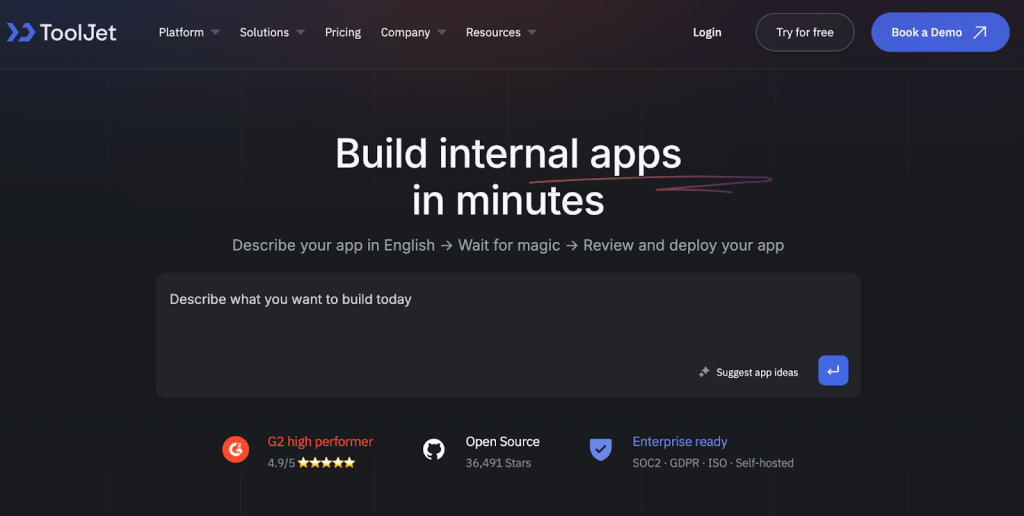
ToolJet is an AI app builder and low-code platform for internal applications. Start from a prompt, use the visual editor, or build through a coding agent connected to ToolJet MCP. Apps remain native ToolJet applications that your team can maintain visually. Choose managed Cloud or a customer-operated self-hosted deployment.
Best fit: Operational dashboards, CRUD apps and internal tools that connect to existing data and need JavaScript, Python queries or custom React components. ToolJet can work with a mixed database and API stack without requiring Dataverse as the application data store. Test the exact integrations, identity rules and plan controls needed by your organization.
Key features:
- AI and visual building: Generate an initial app from a prompt, then review and refine its components, queries and permissions.
- Coding-agent development: ToolJet MCP lets supported coding agents build native apps. No ToolJet AI credits are consumed; agent or model-provider charges still apply.
- Data connections: 100+ integrations and ToolJet Database support internal data and API use cases.
- Governance: Team includes SSO, custom groups, audit logs and Git sync; Enterprise provides further controls. Check deployment-specific plan eligibility.
- Deployment: Managed Cloud, the AGPL-3.0 Community Edition and commercial Self-hosted plans serve different requirements. Air-gapped operation is a Self-hosted Enterprise add-on.
- Team enablement: ToolJet Academy provides hands-on courses and certifications.
Why choose ToolJet over Power Apps? Choose ToolJet when customer-operated deployment, a mixed data stack, custom code or coding-agent development are central to your internal-app requirements. Choose Power Apps when its Microsoft integrations and existing entitlements are the better fit. Migration usually means rebuilding UI and business logic; validate connectors, permissions and workflows before rollout.
2. Retool: Developer-centric internal tool builder
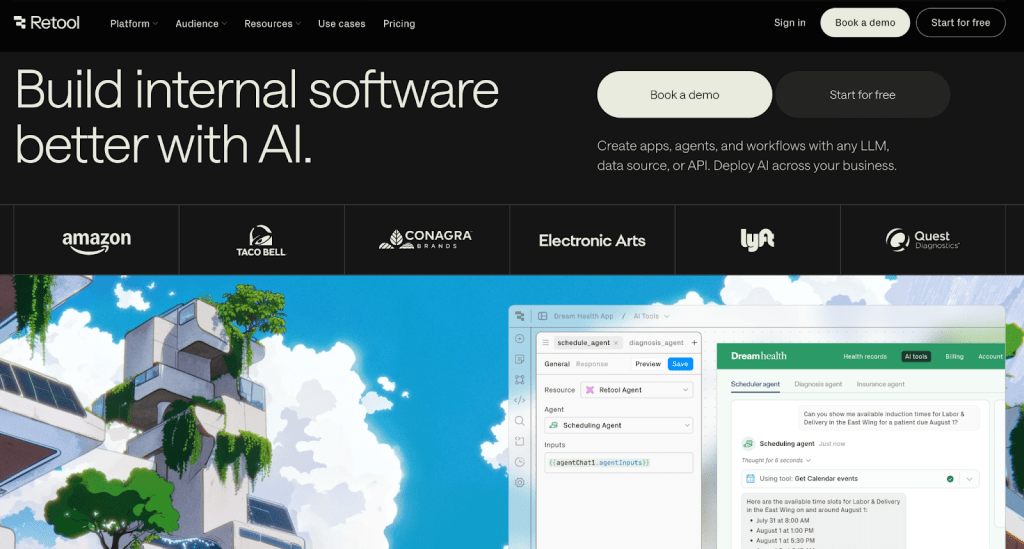
Retool has become a choice for technical teams seeking powerful customization capabilities and developer-friendly features. Retool is another highly developer-focused low-code platform that excels in creating sophisticated internal tools with minimal coding effort.
Key features:
- Advanced component library: Extensive collection of pre-built UI components and widgets
- Custom code support: Full JavaScript support for complex logic and integrations
- Database integrations: Native connections to SQL databases, REST APIs, and GraphQL endpoints
- Version control: Git integration for collaborative development and deployment workflows
- Mobile support: Responsive design capabilities for mobile and tablet applications
Trade-offs: Retool bills builders and internal users separately. Its current pricing page lists self-hosted and air-gapped deployment on Enterprise. Compare the same user mix, governance controls and deployment requirements with ToolJet’s plans, then test the app rather than relying on a blanket performance claim.
Also read, “Retool vs Superblocks: An in-depth comparison“.
3. Appsmith: Open-source low-code platform

Appsmith is an open-source low-code platform. It offers a robust set of pre-built widgets and easy integrations with REST APIs, GraphQL, and databases, making it highly attractive for developer-centric organizations.
Key features:
- Open-source freedom: Complete control over the platform with no vendor lock-in
- JavaScript-first approach: Extensive customization through JavaScript and APIs
- 50+ Pre-built widgets: Comprehensive component library for rapid development
- Git integration: Source code management and version control capabilities
- Self-hosting options: Deploy on your infrastructure for enhanced security and control
Best for: Development teams requiring maximum flexibility and customization capabilities with strong JavaScript skills.
4. OutSystems: Enterprise low-code development platform

The OutSystems AI-powered low-code platform helps you build enterprise-grade, mission-critical software in a fraction of the time, positioning it as a robust alternative for large-scale enterprise deployments.
Key features:
- Visual development: Comprehensive IDE with visual modeling capabilities
- AI-powered development: GenAI integration for accelerated development cycles
- Enterprise architecture: Built for scalability and high-performance applications
- Mobile-first design: Native mobile app development capabilities
- DevOps integration: Full lifecycle management with CI/CD pipelines
Best For: Large enterprises requiring mission-critical applications with complex business logic and high-performance requirements.
5. Mendix: AI-enhanced enterprise platform
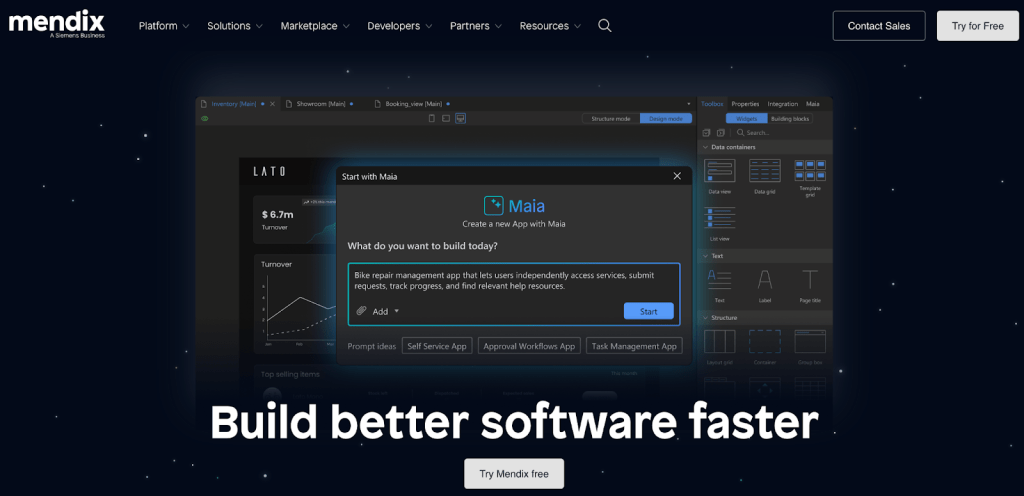
Mendix is well-known for its AI capabilities and the flexibility it offers users when building software applications, making it a strong contender for organizations prioritizing innovation and digital transformation.
Key features:
- AI-assisted development: Smart suggestions and automated development features
- Visual IDE: Mendix Studio Pro for professional developers
- SCRUM integration: Built-in support for agile development methodologies
- Extensibility: SDK for custom extensions and integrations
- Multi-cloud deployment: Flexible hosting options across cloud providers
Trade-offs: Mendix uses its own modeling and deployment approach. Evaluate the skills, licensing and operational work required for your app portfolio. Test query latency, concurrent use and recovery behavior in the target deployment rather than assuming a platform-wide performance limit.
6. Budibase: Open-source business application builder

Budibase is another open-source platform that enables rapid internal tool development. It offers a similar drag-and-drop interface to Retool and supports building CRUD apps, dashboards, and workflows, with strong automation capabilities.
Key features:
- Built-in automation: Native workflow automation and business process management
- Open-source foundation: Full transparency and customization capabilities
- Database support: Direct connections to various database types
- Design system: Consistent UI components and theming options
- Self-hosting: Complete control over deployment and data management
Pricing:
- Free plan: Core features with limitations
- Paid plans: Subscription-based pricing for advanced features
Best for: Organizations seeking cost-effective solutions with strong automation requirements and a preference for open-source technologies.
Also read, “Complete guide to Budibase pricing, plans, and reviews 2026“.
7. Zoho Creator: Comprehensive business platform
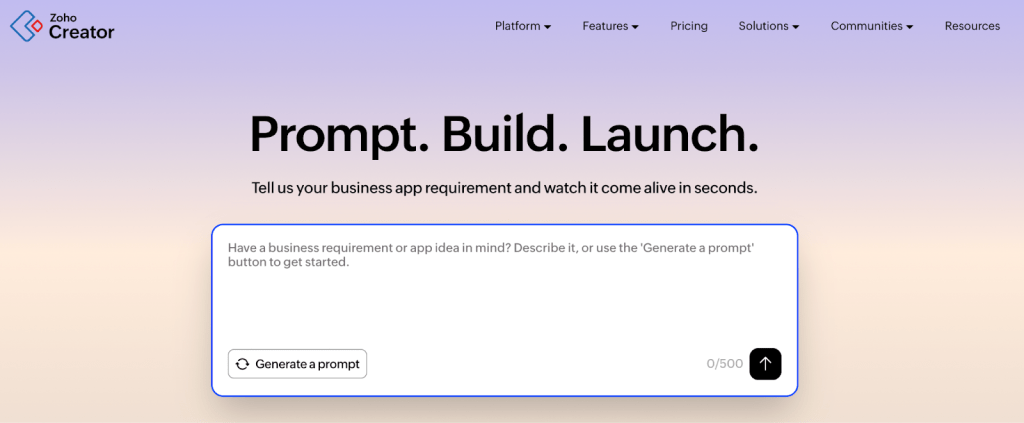
Zoho Creator offers a comprehensive form builder for data management. It has 30+ different form fields, including AI and advanced fields. The platform can also integrate with 650+ third-party applications, providing extensive connectivity options.
Key features:
- Multi-platform development: Web, mobile, and progressive web applications
- AI-Powered features: Intelligent form fields and data processing
- Extensive integrations: Built-in integration with Zoho Analytics allows you to create insightful reports from raw data in minutes
- Workflow automation: Drag-and-drop workflow builder with Blueprint process management
- Multi-device access: Consistent experience across devices and platforms
Best for: Organizations already using the Zoho ecosystem or requiring comprehensive business application suites with strong reporting capabilities.
Also read, “Top 10 Zoho Creator alternatives / competitors in 2026“.
8. Quickbase: Database-driven application platform
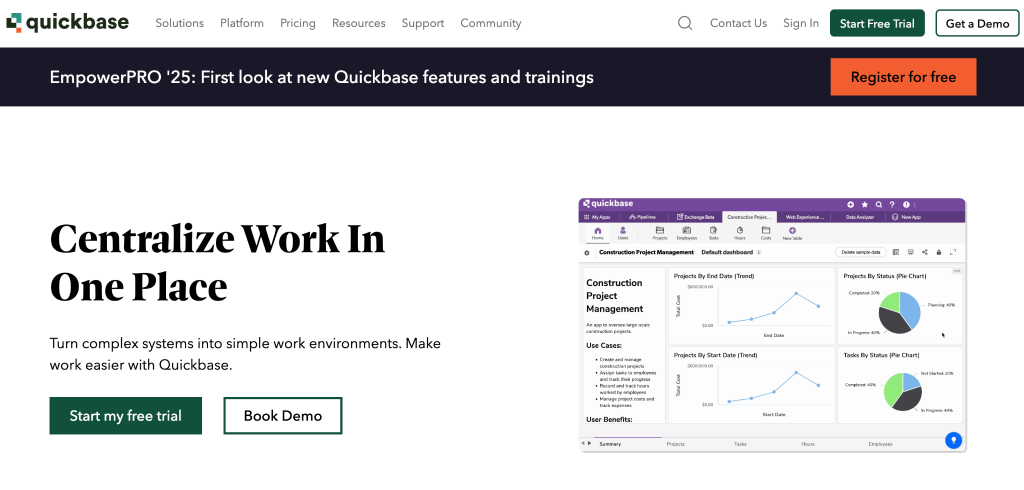
Quickbase stands out with its ease of use, better customization, automation features, and ability to centralize data, as well as for improved reporting and training capabilities compared to traditional platforms.
Key features:
- Database-centric approach: Powerful data management and relationship modeling
- Automation engine: Advanced workflow automation and business process optimization
- Reporting and analytics: Comprehensive dashboards and real-time reporting
- API access: Extensive integration capabilities through APIs
- User-friendly interface: Intuitive design for non-technical users
Best for: Organizations with complex data relationships requiring robust database management and reporting capabilities.
9. Airtable: Collaborative database platform
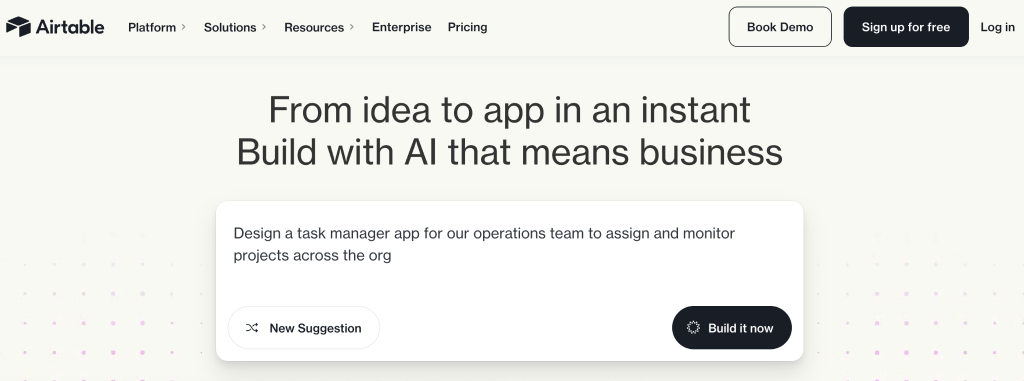
Airtable stands out with its spreadsheet-like interface combined with project management features, AI-powered workflows, and strong collaboration tools, making it ideal for teams needing flexible, no-code custom applications.
Key features:
- Spreadsheet-database hybrid: Familiar interface with powerful database capabilities
- Collaboration tools: Real-time collaboration and team management features
- Template library: Extensive collection of pre-built application templates
- API and integrations: Strong third-party connectivity options
- Mobile applications: Native mobile apps for field operations
Best For: Teams requiring collaborative project management tools with database capabilities and familiar spreadsheet interfaces.
10. Nintex: Process automation platform

Nintex stands out with its focus on intelligent process automation and ease of use, offering a cost-effective alternative with strong workflow capabilities for organizations prioritizing process optimization.
Key features:
- Process automation: Advanced workflow design and automation capabilities
- Document generation: Automated document creation and management
- Forms builder: Dynamic forms with conditional logic
- Analytics and reporting: Process performance monitoring and optimization
- Integration platform: Extensive connectivity with enterprise systems
Best for: Large organizations requiring sophisticated process automation and document management capabilities.
Why is ToolJet the best choice for building enterprise applications?
ToolJet is a practical Power Apps alternative for internal apps that need AI generation, custom code, a visual maintenance path and deployment choice. These are the capabilities to evaluate against your current app:
1. AI-first development approach
ToolJet’s AI app builder creates an initial app from natural-language requirements. Developers can also build through their coding agent with ToolJet MCP. The resulting native app remains visually editable. Review generated queries, access controls and app behavior before publishing.
2. True enterprise readiness
ToolJet’s security controls cover access, data protection and deployment requirements. For private AI, the Self-hosted Enterprise gateway add-on and a supported local model can keep inference on customer infrastructure. BYOK alone does not make an external model provider local. Enterprise BYOK is available on both ToolJet Cloud and Self-hosted deployments. Air-gapped operation is a separate Self-hosted Enterprise add-on, and Workflows / Agent Builder are not available on Cloud.
3. Transparent and scalable pricing
ToolJet charges for builders on paid plans, with deployment-specific end-user allowances and feature tiers. Enterprise includes unlimited end users; lower plans have limits. Compare the Cloud and Self-hosted pricing tables against the actual people, apps, AI usage and governance controls in your rollout.
4. Open-source flexibility
The AGPL-3.0 Community Edition provides source access and customer-operated deployment. Commercial plans have separate license terms and additional features. Source access helps teams inspect and extend the platform, but does not automatically provide every paid feature or export apps as standalone code.
5. Comprehensive integration ecosystem
ToolJet has 100+ integrations for databases, APIs, SaaS tools and AI services. Integrations are open source and can be extended with the ToolJet CLI. Verify the operations and authentication needed by your existing app before choosing a connector.
Ready to experience the future of low-code development?
Book a personalized demo to see how ToolJet can transform your organization’s application development process.
Conclusion
The landscape of low-code development platforms in 2026 offers unprecedented opportunities for organizations seeking alternatives to Power Apps. With the market projected to reach $248.31 billion by 2033, choosing the right platform is crucial for your organization’s digital transformation success.
Each alternative presented in this guide offers unique strengths, from ToolJet’s AI-powered enterprise capabilities to Retool’s developer-centric approach and Appsmith’s open-source flexibility. The key is identifying which features align best with your specific requirements, technical expertise, budget constraints, and long-term strategic goals.
- Inventory: List data models, Power Fx formulas, connectors, Power Automate flows, identities and user groups.
- Rebuild a pilot: Implement one important workflow with the required data-source permissions, validation and error handling.
- Verify behavior: Test large queries, denied actions, concurrent updates and the supported deployment model.
- Plan release: Stage the app, validate migration and rollback, train users, then retire the old app after acceptance.
The future of application development lies in platforms that combine speed, flexibility, and enterprise-grade capabilities. Whether you choose ToolJet for its AI-powered development experience or another alternative that better fits your specific needs, you’re taking a significant step toward more efficient, cost-effective, and scalable application development.
Ready to get started? Try ToolJet for free!


