


If you are evaluating open-source alternatives to Superblocks, start with the applications you need to run, the people who will maintain them and your deployment requirements. Compare the complete operating cost, including software, infrastructure, support and migration.
Source access, free self-hosting and enterprise governance are separate considerations. An open-source core does not mean every feature in the vendor’s product is included under the same license.
This guide covers internal-app builders and tools for related tasks such as analytics, automation and data management. A platform may replace one application without replacing your entire internal-tool stack. Validate the required functionality in a pilot.
This list separates internal-app builders from adjacent database, analytics and automation tools. The comparison table links to vendor documentation reviewed on October 23, 2026. It describes capabilities to evaluate, not results from a head-to-head benchmark. Check the license and commercial terms for the exact edition you intend to deploy.
Quick Answer
ToolJet, Appsmith, Budibase, Windmill and Openblocks publish self-hostable open-source cores. Commercial features and services have separate terms. ToolJet combines an AGPLv3 Community Edition with AI app generation and Self-hosted Workflows/Agent Builder; check the selected plan. Appsmith Community suits teams seeking an Apache-2.0 app builder, while Windmill offers a script-oriented approach.

Key takeaways
- Open-source core and commercial features are different scopes. Review the license and plan for AI, identity, audit logs and advanced governance. These capabilities are not universally restricted to Enterprise across this list.
- Self-hosting adds infrastructure and operations costs. Include any required commercial software license, along with upgrades, backups, monitoring and support, in the deployment budget.
- ToolJet and Appsmith publish their Community platform source. Commercial features and services have separate terms; free software still requires infrastructure, upgrades and operations.
- Match the platform to the application. Baserow combines databases with an application builder; Reflex supports Python app development, Node-RED focuses on automation, and Metabase focuses on analytics. Evaluate the required data connections and user actions before choosing a replacement.
What to Look for in an Open-Source Superblocks Alternative?
An evaluation should cover admin panels, operational dashboards, approval interfaces and other applications your team actually uses. Check data connections, authorization, release practices and maintenance alongside development speed. Compare the chosen editions and deployment options rather than assuming that all open-source alternatives provide the same capabilities.
Evaluating an open-source Superblocks alternative means checking a different set of boxes than a generic buyer’s checklist would. Here’s what actually matters:
- Is the license genuinely open source, or source-available with restrictions? A lot of “open source alternative” lists quietly include platforms under a Sustainable Use License or Business Source License. Those are real tools, but they’re not OSI-approved open source, and the fine print usually restricts self-hosting for competing commercial use.
- Which features are open core, and which sit behind a paid Enterprise tier? Know what’s actually in the free self-hosted edition before you commit to it.
- Does self-hosting require Kubernetes, or does a single Docker command get you running? This determines your real time-to-first-app far more than the marketing page does.
- Can non-engineers actually build with it, or does everything route through SQL or JavaScript?
- How mature is the connector library in the community edition specifically, not the blended CE-plus-Enterprise feature list on the pricing page?
- Is there a native AI or agent layer, and is it in the free tier? There’s a real difference between a platform built around AI workflows from day one and one that added a chatbot on top afterward.
- How active is the project? Recent commits, release cadence, and how fast the open-issue backlog moves are better maintenance signals than star count alone.
- Is it model-agnostic for AI features, or locked into a single LLM provider? Worth checking now, before that becomes a migration problem later.
- Does the free tier’s pricing model actually scale, or does it stay generous only until you cross a seat or usage threshold?
- Does it have real production usage at meaningful scale?
With that in mind, here are the ten open-source platforms worth putting through that checklist.
Five Open-Source Platforms to Compare
| Platform | License scope | Self-hosting | Editing approach | AI scope to evaluate | Evaluation focus |
|---|---|---|---|---|---|
| ToolJet | AGPL-3.0 Community; commercial features separately licensed | Available; confirm plan and operational requirements | Visual app builder, queries and AI app generation | App AI by plan; Workflows and Agent Builder on Self-hosted. Check current scope. | Internal apps with visual maintenance, integrations and governance |
| Appsmith | Apache-2.0 Community; commercial features separately licensed | Available; confirm edition and infrastructure | Visual app builder with JavaScript | AI actions and contextual coding help; verify provider and deployment requirements | Developer-led internal apps and required commercial controls |
| Budibase | Mixed licensing across core, libraries and commercial features | Available; review the chosen deployment topology | Visual apps, data and automations | Agents using workspace tools and automations; verify models, usage and plan | Data-oriented apps and operational automation |
| Windmill | AGPLv3 core; check commercial feature terms | Available; confirm edition and worker requirements | Full-code apps; documented legacy low-code editor | AI-assisted editing in the full-code app editor; test the selected model and workflow | Script-oriented teams combining jobs, flows and app interfaces |
| Openblocks | AGPL-3.0 repository | Repository includes self-hosting instructions | Visual internal-app builder | Current AI capability not verified in this review; do not infer absence | Latest tagged release checked: v1.1.8, March 2023. Confirm current security maintenance and support before deployment |
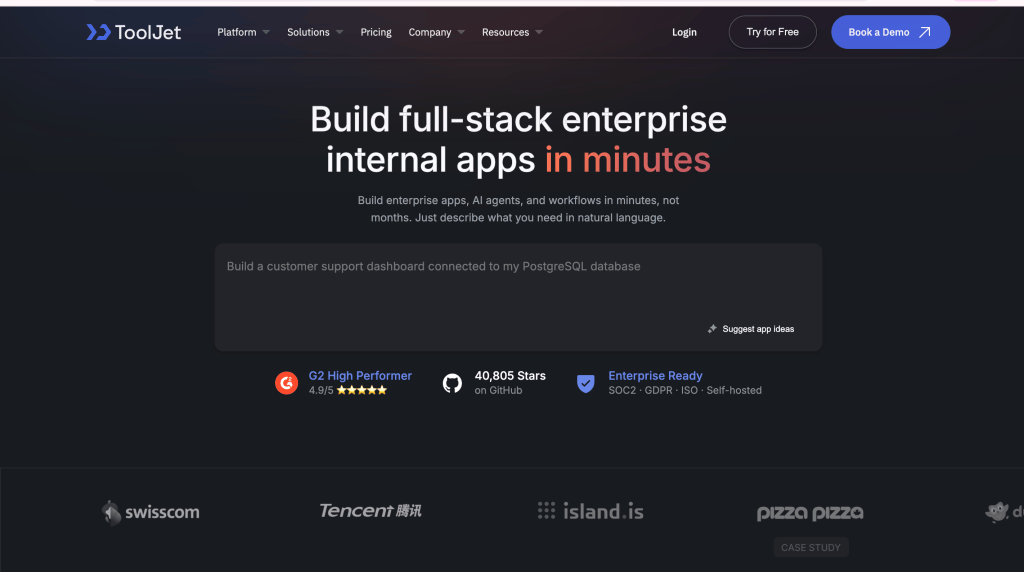
ToolJet publishes its Community platform under AGPL-3.0 and offers commercial plans for additional features and services. It supports internal tools and dashboards, AI app generation, and Workflows/Agent Builder on Self-hosted. It was among the early AI-driven internal-tool builders, combining AI-assisted app creation with a visual editor.
Today, ToolJet combines AI generation, visual development, code, enterprise governance, and Model Context Protocol (MCP) support in the same platform. ToolJet describes its current offering as an AI-native platform for building applications, agents, and automated workflows.
Features
- ToolJet’s AI app builder generates editable internal apps from natural-language prompts, with plan-specific credits and access controls.
- MCP support lets developers connect coding agents such as Claude and Codex directly to ToolJet, allowing agents to create and maintain apps using existing ToolJet context and governed APIs.
- Agents can work with apps, pages, components, queries, datasources, ToolJet DB tables, layouts, and lifecycle operations through governed APIs.
- Centralized AI consumption helps teams better manage AI usage and spend.
- ToolJet’s visual Workflows/Agent Builder connects databases, APIs, SaaS tools, application logic and AI services on Self-hosted; it is not included on ToolJet Cloud.
- ToolJet integrates with LLM providers and vector databases for AI-powered apps, RAG systems, assistants and agent workflows; validate the connectors and provider data flows required for your use case.
- ToolJet supports multi-page apps with real-time multiplayer editing.
- SSO, group synchronization, SCIM, access controls, audit logs and observability vary by plan. Review the current feature tables for the required combination.
- ToolJet offers plan-specific GitSync, JavaScript and Python queries, 100+ integrations, UI components, ToolJet Database, and Self-hosted deployment through Docker, Kubernetes or customer cloud infrastructure.
Pricing
The Community platform source is AGPL-3.0. ToolJet’s published Free plan includes 100 AI credits per month; Cloud Basic and Pro include 2,000 credits per builder per month, and Team includes 3,000. AI app generation is not Enterprise-only. Self-hosted Free supports Google/GitHub SSO; additional identity, audit and lifecycle controls vary by plan. Data-source credentials are encrypted with AES-256-GCM. A customer-hosted AI gateway and fully air-gapped operation require the applicable Self-hosted Enterprise add-ons. Enterprise BYOK is available on both ToolJet Cloud and Self-hosted deployments. See pricing and AI security and deployment details.
Pros
- Self-hosted deployment options include Docker, Kubernetes and customer cloud infrastructure. Compare installation, upgrade and recovery requirements for your environment.
- AI app generation and visual refinement can be evaluated together using a representative internal application.
- MCP support gives external coding agents programmatic control over app creation and maintenance, making ToolJet particularly interesting for agentic development workflows.
- MCP uses generated component and datasource contracts, reducing the chance of agents hallucinating unsupported ToolJet configuration.
- Native integration paths are available for both Codex, Grok and Claude Code.
- Python and JavaScript queries support different application logic requirements; verify runtime limits for the selected deployment.
Cons
- Complex applications may require some custom code.
Companies already using ToolJet:
Swiggy, ShareChat, TrueMeds, Navitas, Emeritus, Tencent, Toss, Nimbl and more.
GitHub Stars
41,000+ (AGPL-3.0)
Appsmith is an Apache-2.0-licensed open-source platform for building admin panels, internal tools, and dashboards. It’s another open-source option on this list, with native connections to 25+ databases plus any API.

Features
- Drag-and-drop UI builder with a large widget library
- Git-based version control for apps
- Client-side JavaScript for custom logic
- Free, self-hosted community edition with no artificial user cap
Pricing
Appsmith offers a free Community edition and paid Business and Enterprise plans. Its pricing page, checked on October 23, 2026, lists Business at $15 per user per month for up to 99 users and Enterprise at $2,500 per month for 100 users. Managed hosting and the air-gapped edition are Enterprise add-ons. Include infrastructure and operational costs when comparing self-hosting. Our Appsmith pricing review explains user-count assumptions, hosting costs and a purchasing checklist.
Pros
- Has a community of the pure open-source options, with deep template and plugin coverage
- Apache-2.0 is one of the more permissive licenses in this list
Cons
- Distinguish app-side JavaScript from Appsmith Workflows. Its workflow tutorial uses JavaScript processing logic and specifies a self-hosted Business subscription; verify the required edition and infrastructure.
- Test AI assistance with your approved models and representative tasks. This article does not contain a same-model benchmark establishing a winner.
Companies already using Appsmith:
GSK, Block, Allianz, ABB, Omron, Twilio and more.
GitHub Stars
40,749 (Apache-2.0)
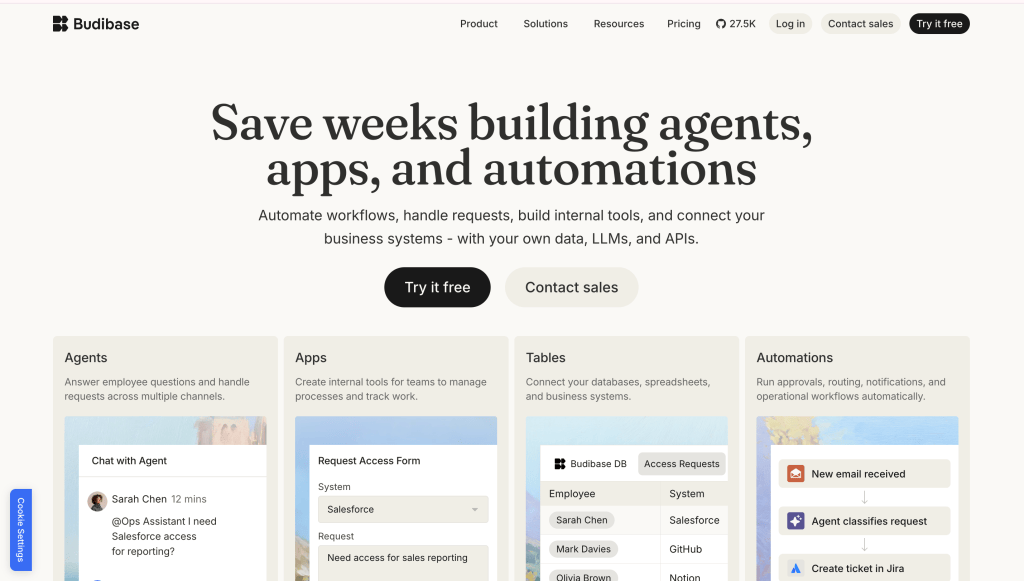
Budibase is a GPL-3.0-licensed (core) open-source platform for building AI agents, automations, and apps. Client and component libraries ship under MPL, and paid features run on a Business Source License.
Features
- Built-in database plus 30+ external data source connectors
- A visual builder for forms and internal application interfaces; evaluate editing and maintenance with your intended builders.
- Self-hosting options include Docker Compose; account for the services, persistent storage, secrets and upgrades in the chosen deployment.
- Model-agnostic AI positioning built into the core product
Pricing
Self-hosting is free via Docker, with a genuinely generous free user allowance compared to most closed-source competitors. Paid plans exist for managed cloud hosting and additional governance features, but check current tiers directly, since Budibase’s licensing mixes GPL core, MPL client libraries, and BSL paid features, so not everything labeled “Budibase” is open source.
Pros
- More generous free self-hosted user allowance than most closed-source competitors
- Noticeably cleaner day-to-day usability than some open-source peers, without losing self-hosting flexibility
Cons
- Mixed licensing means some functionality you’ll encounter isn’t actually open source, read the specific feature’s license before assuming
- Smaller integration ecosystem than Appsmith or ToolJet
Companies already using Budibase:
Minitab, Geis, Reworld, PORR Group, Ströer‑x, and more.
GitHub Stars
28,243 (GPL-3.0 core)
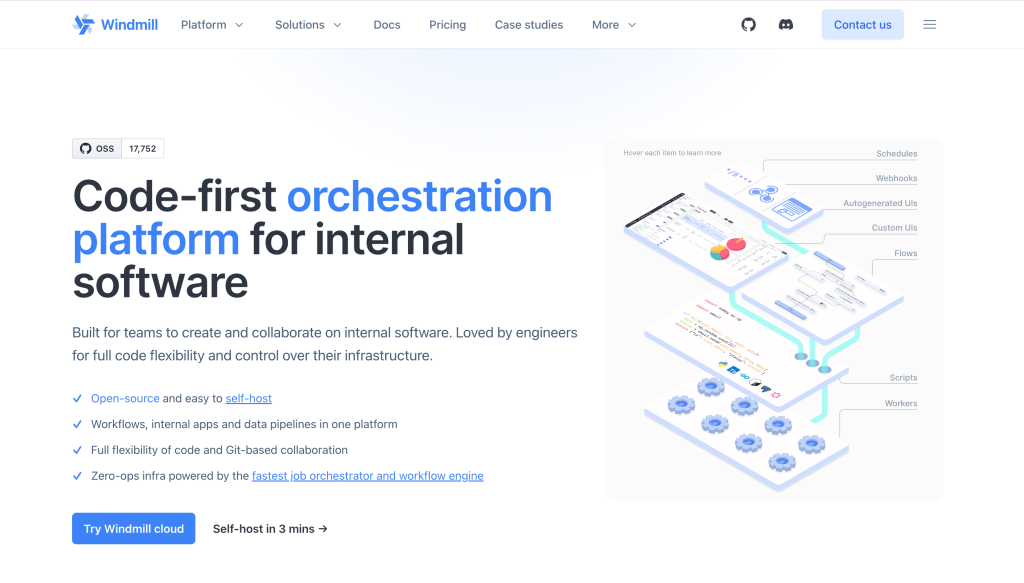
Windmill is an AGPLv3-licensed, self-hostable developer platform for APIs, background jobs, workflows, and UIs. Its own maintainers describe it directly as “a self-hostable alternative to Retool, Pipedream, Superblocks,” which describes its intended use cases rather than proving feature parity.
Features
- Script-first architecture: write a script in Python, TypeScript, Go, Bash, or SQL, and Windmill auto-generates a UI from the parameters
- Scripts chain into flows, and flows compose into full low-code apps
- Triggers via schedules, webhooks, HTTP routes, Kafka, WebSockets, or email
- Rust backend with a Postgres-backed job queue
- OAuth/SSO for Google Workspace, Microsoft/Azure, and Okta
Pricing
The AGPLv3 core is free to self-host via Docker Compose or Helm/Kubernetes. Enterprise features and dedicated support sit behind a separate commercial license, priced on request, the same open-core pattern as Budibase.
Pros
- Its project positioning includes internal tools, workflows and alternatives to Superblocks; verify the specific capabilities required for migration.
- Script-oriented development is available alongside app-building options; compare the supported editors for your team’s workflow.
- Self-hosted deployment options include Docker Compose and Helm; measure setup and operational effort in your own environment.
Cons
- Far less of a visual “drag components onto a canvas” experience than ToolJet, Appsmith, or Openblocks, the learning curve favors teams already comfortable writing scripts
- Enterprise features require a separate commercial license and a sales conversation
Companies already using Windmill:
Panther, Athena Intelligence, CFA Institute, and more.
GitHub Stars
17,685 (AGPLv3 core)
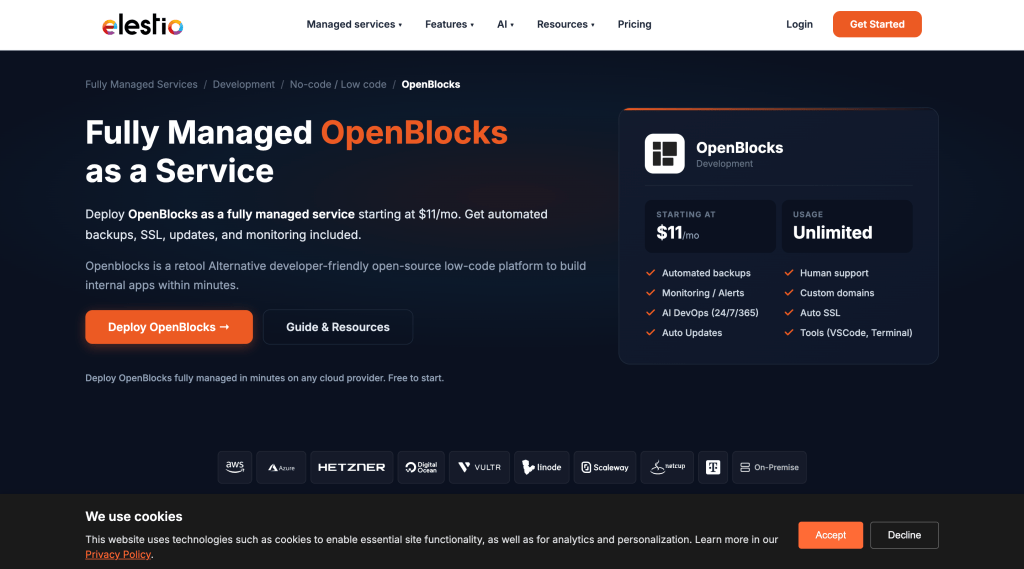
Openblocks is an AGPL-3.0-licensed open-source platform that brands itself directly as “The Open Source Retool Alternative.”
Features
- 50+ built-in components
- Native connections to PostgreSQL, MongoDB, MySQL, Redis, Elasticsearch, REST API, and SMTP
- Custom components shareable via React and the Openblocks SDK, not iframe-based like some competitors
- RBAC, audit logs, and auto-saved, restorable version history
Pricing
Self-hosting via Docker is free, and unlike most competitors on this list, RBAC and audit logs ship in the free product rather than being held back for a paid tier. Check the project directly for any current commercial support offering.
Pros
- RBAC and audit logging included in the open-source product itself, unusual generosity in this category
- SDK-based embedding is a cleaner approach than iframe embedding for customer-facing tools built on top of it
Cons
- Smallest community on this list by star count
- Worth checking current release cadence directly before assuming how actively it’s maintained right now
Deployment references:
The project README links deployment instructions for Docker, AWS AMI and DigitalOcean. These are hosting options, not evidence that the providers are Openblocks customers. Request a relevant customer reference and confirm current maintenance and support before production adoption.
GitHub Stars
6,233 (AGPL-3.0)
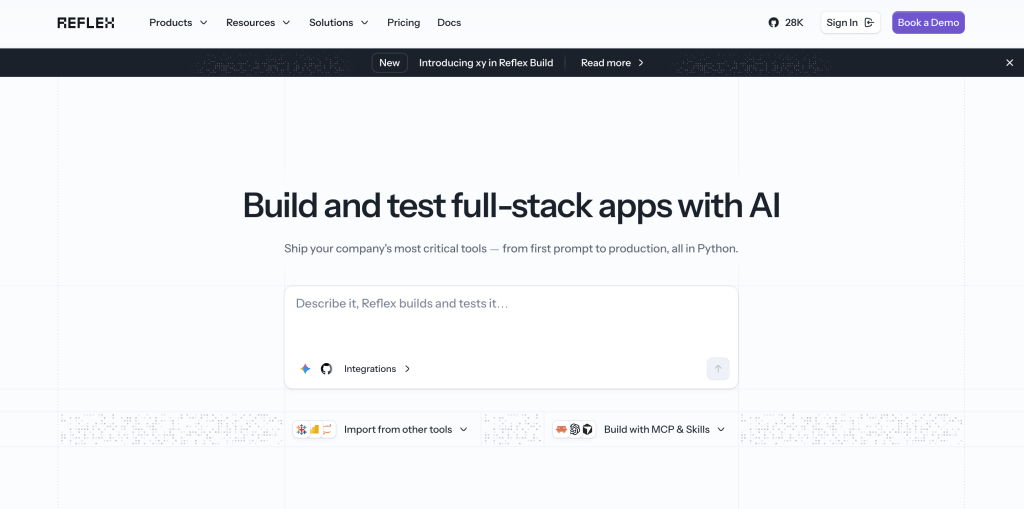
Reflex is a different kind of tool than the five above, an Apache-2.0-licensed, full-stack Python web framework rather than a visual low-code builder, built around the idea of “web apps in pure Python.” It’s relevant here because some Python-first engineering teams evaluating Superblocks alternatives decide they’d rather skip low-code entirely and own 100% hand-editable code from day one.
Features
- Build entire web app front ends and back ends in Python, no separate JavaScript layer required
- Component-based UI system that compiles down to React
- Built-in state management without wiring up a separate framework
- Deployable to your own infrastructure or a managed hosting option
Pricing
The open-source framework is free under Apache-2.0. A managed hosting option exists for teams that don’t want to run their own infrastructure, priced separately.
Pros
- No context-switching between a low-code canvas and custom code, it’s all Python
- Full ownership of the codebase from the first line, no eventual “eject” moment
Cons
- Not a low-code builder, so there’s no drag-and-drop speed advantage for simple CRUD apps
- Requires real engineering investment that ToolJet, Appsmith, or Budibase don’t
Companies already using Reflex:
Autodesk, SellerX, Bayesline, Ansa, and more.
GitHub Stars
28,858 (Apache-2.0)
Baserow combines a no-code database with an application builder for internal tools and portals. Its open-source edition is MIT-licensed; premium and enterprise code have separate terms. Evaluate its forms, actions, data connections and permissions against the specific Superblocks app you want to replace.

Features
- No-code relational database with a spreadsheet-style interface
- REST API generated automatically for every table
- Views (grid, gallery, kanban, calendar) on top of the same underlying data
- Self-hosted or cloud-hosted deployment
Pricing
Baserow offers free and paid Cloud and Self-hosted plans. Its repository license distinguishes the MIT open-source edition from premium and enterprise code. Review the current plan table for application users, usage limits, role-based permissions and audit logs, and include infrastructure and operating costs for self-hosting.
Pros
- The open-source edition uses MIT; premium and enterprise features need a separate license review.
- Database and application builders can be evaluated together for data-oriented internal tools and portals.
Cons
- Test the exact external data sources, actions and permission boundaries required by your application before assuming migration parity.
- Some governance features and usage allowances depend on the selected paid plan.
Companies already using Baserow:
ARaymond, Thales SIX GTS, Charité, Intuitu Partners, Believe (music group), Securex Luxembourg, COSA, and more.
GitHub Stars
5,716 (MIT)
Node-RED is an Apache-2.0-licensed, open-source, flow-based programming tool originally built by IBM and now maintained under the OpenJS Foundation. It’s a different category again, closer to visual automation and IoT wiring than a form-and-dashboard app builder, but it’s a legitimate open-source option for teams whose “internal tool” is really a workflow that connects APIs, devices, and services.

Features
- Browser-based flow editor for wiring together nodes representing APIs, services, and hardware
- Large library of community-contributed nodes for common integrations
- Runs on modest hardware, including Raspberry Pi, alongside standard server deployment
- JavaScript function nodes for custom logic inside a flow
Pricing
Fully free and open source under Apache-2.0, with no paid tier or commercial edition to opt into. Costs are limited to whatever infrastructure you run it on.
Pros
- No open-core split at all, the entire project is free and open source
- Long track record and a large, stable community for a project this old
Cons
- Built for wiring workflows and automations, not for building forms, dashboards, or admin panels the way ToolJet or Appsmith are
- No native AI layer
Companies already using Node-RED:
Aperia Technologies, Arch Systems, Abrasive Technology, PowerWorkplace, Opto 22, Walter, Neoception, World Meteorological Organization and more.
GitHub Stars
Metabase is an AGPL-3.0-licensed open-source business intelligence and dashboarding tool. It’s not an app builder in the Superblocks sense, but it’s worth including because a lot of teams evaluating internal-tool platforms are really trying to solve “let non-engineers see and query our data,” which is exactly Metabase’s core use case.

Features
- Point-and-click query builder for non-SQL users, plus a native SQL editor for engineers
- Dashboards with scheduled reports and alerting
- Connects to most common SQL and cloud data warehouses out of the box
- Embeddable charts and dashboards for customer-facing use cases
Pricing
Metabase Open Source is free to self-host. The published pricing page, checked on October 23, 2026, lists Pro at $575 per month with ten users included, plus $12 per additional user per month on monthly billing. Annual billing has different rates. Enterprise uses custom pricing. Check deployment, embedding and optional usage charges for your use case; self-hosting also requires infrastructure and operations.
Pros
- Extremely fast to get non-technical teams querying data without writing SQL
- Mature, widely deployed, and well documented for a project this size
Cons
- Solves data exploration and dashboards, not general app building, forms, or workflow automation
- Enterprise features (SSO, advanced permissions) require the paid edition
Companies already using Metabase:
Hugging Face, McDonald’s, Capital One, Deutsche Telekom, Reforge, Synctera, Gojek, and more.
GitHub Stars
Lowdefy is an Apache-2.0 licensed, open-source framework for building internal tools, admin panels, and workflows from YAML or JSON configuration instead of a drag-and-drop canvas or heavy custom code.

Features
- Apps defined entirely as YAML or JSON config, which means they’re diffable, reviewable, and versionable through normal Git workflows
- A CLI-driven build and development process rather than a hosted visual editor
- Connectors for REST APIs and common databases
- Self-hostable anywhere Node.js runs, including Docker
Pricing
Lowdefy’s current repository uses Apache-2.0. Its maintainer confirmed in January 2026 that commercial restrictions were removed in v4.5.0. Older descriptions of paid authentication do not describe that release onward. Budget separately for hosting, operations and any services you purchase, and check the license of the version and plugins you deploy.
Pros
- The current core repository uses Apache-2.0; review any additional plugins and services separately.
- Config-as-code fits naturally into existing CI/CD and code review workflows, since an app is just files in a repo
Cons
- No visual drag-and-drop builder, so non-engineers will have a much steeper ramp than with ToolJet, Appsmith, or Openblocks
- Validate release activity, dependency updates, security fixes and support arrangements for your deployment; star count alone does not establish maintenance quality.
Companies already using Lowdefy:
Not much info is available online!
GitHub Stars
Choosing Between Them
For teams that want a visual internal-app builder with AI assistance and customer-operated deployment, ToolJet is an option to evaluate. Its Community core is open source; commercial AI, governance and deployment capabilities depend on plan and add-ons. Compare the selected platform using a representative app rather than assuming a drop-in replacement. Appsmith, Windmill, Budibase and Openblocks offer different editing and runtime approaches. Baserow combines databases with app interfaces. Reflex, Node-RED and Metabase address adjacent needs such as Python apps, automation or analytics.
Decision Guide
- Select ToolJet if: You need a visual internal-app builder, custom queries and AI-assisted development. Verify the commercial plan and Self-hosted requirements for agent workflows, governance and private AI.
- Select Appsmith if: Its Apache-2.0 Community license and developer-led app building fit your requirements. Check commercial plan scope for additional controls and services.
- Select Windmill if: Your developers need scripts, flows and app interfaces in one environment. Compare the current full-code app editor with the documented legacy low-code editor before choosing an approach.
- Select Budibase if: The use case calls for a quick internal database setup with pre-built form layouts.
- Evaluate Metabase or Baserow according to the task: Metabase focuses on analytics and dashboards; Baserow combines a no-code database with application-building capabilities. Validate the required editing, data access and governance features.


