Low-code and no-code platforms can help education teams build applications for defined administrative workflows. Examples include equipment requests, staff approvals, enrollment operations and reporting. They do not automatically replace a learning management system or student information system.
Start with the people, records and decisions involved. An internal staff dashboard has different identity, access, accessibility and support requirements from a student-facing portal.
Visual building can let educators and administrators contribute to requirements, prototypes and approved changes. Integrations, production permissions, custom logic and release decisions still need qualified ownership.
Evaluate a platform against a representative institutional workflow, not market-growth forecasts. Measure setup effort, correctness, accessibility, operating cost and the work needed to maintain it after launch.
This guide compares low-code and no-code approaches, gives practical education use cases and outlines six platform candidates. It is published by ToolJet, which appears in the shortlist; it is not an independent benchmark or a certification of any product for student data.
Use synthetic or approved test records for the first pilot. Before introducing real institutional data, have the responsible IT, security, accessibility and data-governance teams review the application and its dependencies.
What are low-code/no-code platforms?
Low-code and no-code platforms are software development tools that simplify the application creation process by using visual interfaces and pre-built components, reducing or eliminating the need for manual coding.
The amount of technical work varies by product and application. A visual editor may reduce interface coding while still requiring SQL, API configuration or scripts to connect the workflow to existing systems.
Low-code generally allows more code-based extension, while no-code emphasizes configuration through supported interfaces. These labels do not establish scalability, integration coverage, price or governance. Verify those properties in the product and plan you would use.
Below is a detailed comparison:
| Aspect | Low-code platforms | No-code platforms |
|---|---|---|
| Typical contributors | Developers and business specialists working together; technical review is usually needed for extensions. | Business specialists configuring supported behavior, with technical ownership for integrations and production controls. |
| Application complexity | Assess the supported architecture and the custom code required. | Assess whether the workflow fits the platform’s configuration model. |
| Customization | Verify supported languages, extension points and maintenance responsibilities. | Verify configurable behavior and where an external service or workaround is needed. |
| Integration | Test the exact connector, credentials, network path and read/write operations. | Test the same requirements; the no-code label does not imply weak integration support. |
| Capacity | Test realistic data volumes, concurrency and failure recovery. | Test the same workload and confirm usage limits and overage costs. |
| Maintenance | Budget for platform upgrades, custom code, integrations and support. | Budget for configuration changes, dependencies, platform updates and support. |
| Delivery speed | Measure the complete pilot, including review and release preparation. | Measure the complete pilot, including exceptions and work outside the visual builder. |
| Governance | Confirm identity, permissions, audit, environment and deployment controls in the chosen plan. | Confirm the same controls; availability varies by vendor and plan. |
| Cost | Include licenses, infrastructure, implementation and ongoing maintenance. | Include licenses, usage, integrations, implementation and ongoing maintenance. |
| Education fit | Consider staff applications or workflows needing code-based extensions. | Consider workflows that fit the supported model; do not assume suitability for all student-facing uses. |
Why does the education industry need low-code/no-code tools?
A platform can be useful when an existing institutional system leaves a specific operational gap. First check whether a supported feature or integration in the current system would solve it.
Potential applications to evaluate include:
- Staff requests: route equipment, facilities or service requests with explicit ownership and status.
- Operational dashboards: show approved data to the staff who need it without duplicating the source of record unnecessarily.
- Approval interfaces: collect and review requests while enforcing who can approve each action.
- Administrative handoffs: reduce repeated data entry between systems where supported APIs and validation are available.
- Teaching prototypes: let students explore application design with synthetic data in an isolated environment.
Treat these as candidate workflows, not guaranteed benefits. Keep the scope narrow enough to test its value, access controls and operating requirements before wider adoption.
Also, read our latest article, “A 2026 Guide to Low code automation: features, benefits, and use-cases.”
Key benefits of low-code/no-code tools in education
Benefits depend on the application and the way it is maintained. Establish an acceptance criterion for each outcome you expect rather than assuming a visual builder will deliver it.
Here’s how these platforms can benefit you:
- Delivery effort: compare total time spent building, connecting, reviewing and releasing the pilot.
- Usability: observe representative staff or students completing the actual task.
- Accessibility: evaluate the finished interface, content and interactions; prebuilt components alone do not establish conformance.
- Correctness: test invalid data, duplicate submissions, unauthorized access and interrupted work.
- Cost: include licenses, infrastructure, integration work, training and ongoing support.
- Maintenance: have the intended owner make a representative change and demonstrate review, release and rollback.
For accessibility, follow a documented evaluation process and involve people with relevant expertise. W3C’s evaluation guidance explains that automated tools alone cannot determine whether a site meets accessibility standards.
Real-world applications of low-code/no-code tools in the education industry
The following are illustrative use cases, not measured deployments. Separate staff operations from learning delivery and assess whether an existing specialist system should remain responsible.
Examples and the checks they need:
- Enrollment operations: give authorized staff a view of application status while keeping the student information system as the source of record.
- Equipment booking: validate availability and prevent duplicate allocations; define cancellation and approval rules.
- Student-service requests: verify identity, restrict each requester to permitted records and route exceptions to an accountable team.
- Reporting: define metrics, data freshness and access boundaries before distributing a dashboard.
- Classroom prototypes: use synthetic records and a separate environment; evaluate the learning activity rather than claiming automatic gains in engagement.
- LMS extensions: prefer supported integrations for a specific gap. A full learning-management replacement requires a separate assessment of content, assessment, accessibility and operational requirements.
Test the full task with representative users, including keyboard interaction, authentication, attachments and error recovery. Define who will support it during busy institutional periods.
Top low-code/no-code platforms for the education industry
These six platforms are candidates to investigate, not interchangeable education products. The screenshots are historical illustrations; confirm current capabilities and commercial terms directly with each vendor.
1. ToolJet
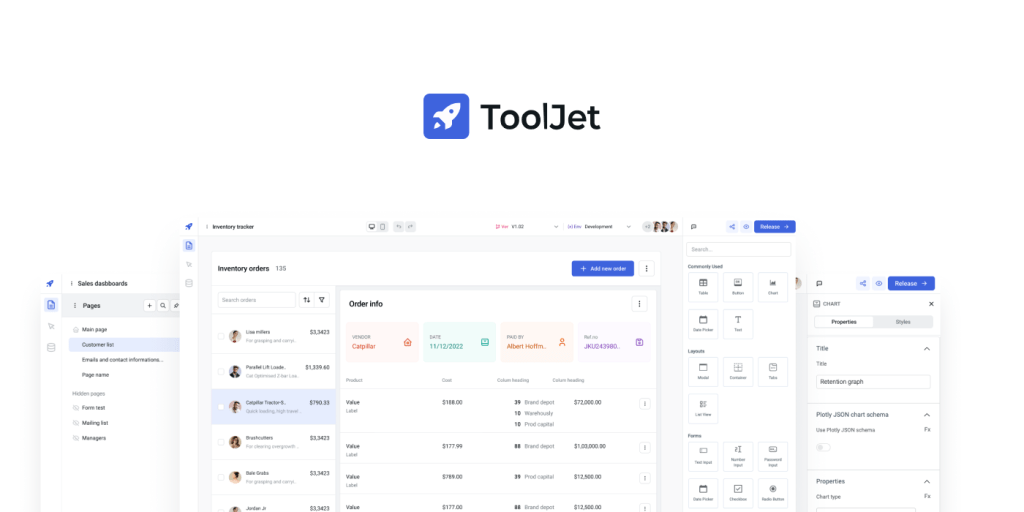
Evaluate ToolJet for internal staff applications over existing data, such as operational dashboards and approval interfaces. Suitability for a particular institution depends on the required access controls, integrations, deployment and ongoing ownership.
Key features:
- Application building: generate an initial app with AI and refine it visually; review queries, permissions and behavior before release.
- Data connections: test the actual database or API against the integration catalog, including authorized reads and writes.
- ToolJet Database: decide whether new records belong in the built-in PostgreSQL-based database or the existing institutional system.
- Automation: Workflows and Agent Builder are Self-hosted capabilities; confirm the required deployment and plan.
- Governance: verify SSO, permissions, audit and environment requirements against the current plan details.
- Operations: compare Cloud and self-hosted or managed hosting, including upgrades, backups, monitoring and support responsibilities.
2. Mendix
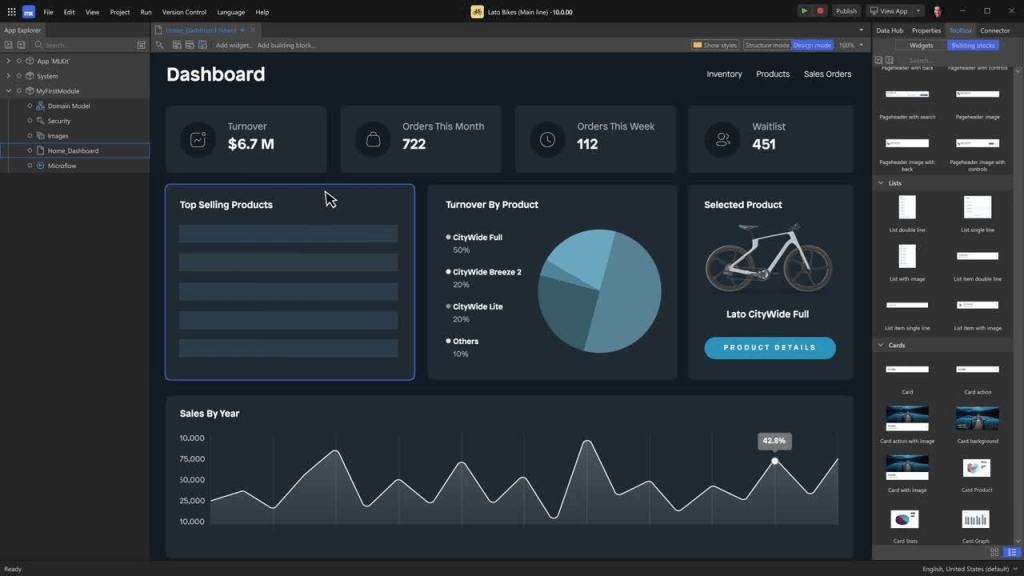
Evaluate Mendix for an institution-managed application program that needs a defined development and deployment lifecycle. Compare the required capabilities in the proposed package rather than assuming institutional size determines fit.
What to evaluate:
- Application scope: prototype the specific workflow and identify custom logic, integrations and maintenance work.
- Deployment: confirm the hosting and environment options included in the selected package.
- Governance: verify identity, access and audit requirements in the actual implementation; platform features do not automatically establish data-privacy compliance.
- Operations: confirm support, availability and the team responsible for upgrades and releases.
3. Appsmith

Appsmith is a candidate for internal applications over databases and APIs. Evaluate the technical work required for queries and logic, and distinguish community capabilities from paid governance features.
What to evaluate:
- Interface: test tables, forms and charts against the intended staff workflow.
- Data: validate the exact queries and API calls, including failed writes and unauthorized requests.
- Plan scope: Appsmith lists custom access controls and audit logs in Business, with SAML/OIDC and SCIM in Enterprise; confirm the current plan for the required users.
- Ownership: assign reviewers for queries, custom logic, deployment and ongoing support.
4. DronaHQ

Consider DronaHQ for administrative applications over existing data and services. Test the actual form, approval and mobile-browser requirements instead of assuming a generic template fits an education workflow.
What to evaluate:
- Interface: build a representative staff task and observe users completing it.
- Integration: test the required database or API, authentication and write behavior.
- Devices: distinguish responsive web, native-mobile and offline requirements and confirm each capability.
- Cost: estimate task usage, retries and enterprise features in the selected deployment.
5. OutSystems
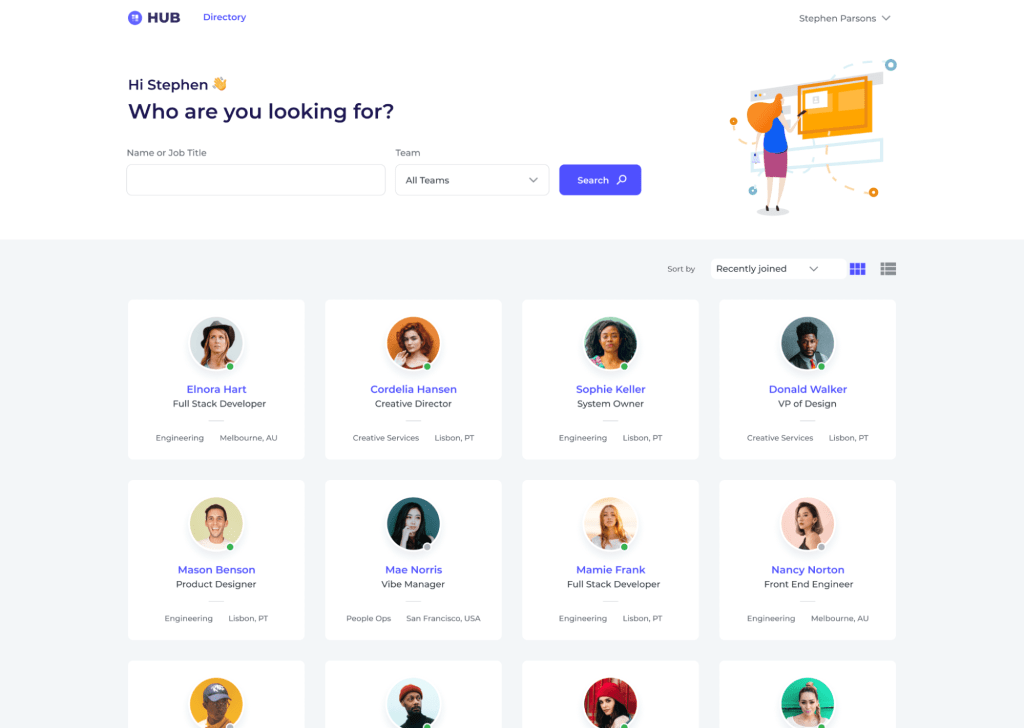
Evaluate OutSystems for an application-development program with defined engineering and operational ownership. Confirm the product edition, deployment and production subscription rather than treating a learning edition as a production solution.
What to evaluate:
- Application: test the complete workflow, integrations and custom logic with representative data.
- AI: review generated behavior and confirm approved model and data-handling requirements.
- Delivery: demonstrate testing, release and rollback across the required environments.
- Commercial scope: include applications, users, runtimes, hosting and support in the estimate.
6. Microsoft Power Apps
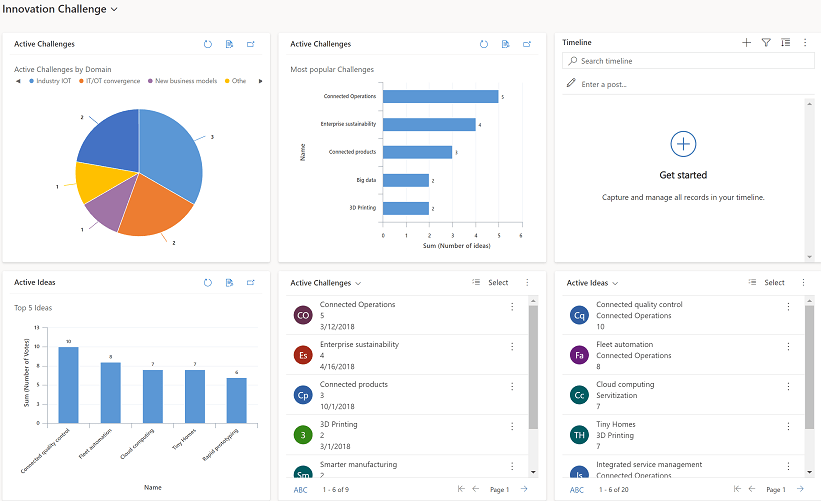
Microsoft Power Apps is a candidate when the application fits the institution’s Microsoft environment and supported data connections. Confirm tenant, identity and licensing requirements for staff, students and any external users.
What to evaluate:
- Application model: choose the app type and data architecture that fit the workflow.
- Connections: validate the exact Microsoft and non-Microsoft systems required, including any premium connectors.
- Permissions: test the underlying data permissions as well as the app interface.
- Licensing: confirm production rights, capacity and AI-related charges; existing Microsoft 365 access does not establish that every required capability is included.
Shortlist platforms around the application’s users, data, integrations and operating model. Ask each vendor to demonstrate the same workflow and confirm the capabilities and licenses required for production.
How Emeritus partnered with ToolJet to transform operations

The Emeritus case study published by ToolJet describes improvements to internal operations. It is a customer account, not a controlled comparison of education platforms.
Its focus is staff interfaces and connected systems, not replacing an LMS or demonstrating improved student learning outcomes.
The challenges Emeritus faced
The published account identifies enrollment-interface friction and disconnected systems as operational problems.
- Staff needed a better interface for enrollment operations.
- Disconnected systems created information gaps.
- Building and maintaining internal interfaces consumed engineering resources.
How ToolJet helped
The account describes integration and access-control work as part of the implementation.
- Connected sources included BigQuery, Salesforce, Canvas and Zendesk.
- The pilot used an application for the course-delivery team.
- Access was manually managed and exposure of personally identifiable information was limited during the proof of concept.
Use the example to shape a pilot, not to predict your results.
- Define the staff workflow and its source systems.
- Measure task completion and support effort before and after the change.
- Test access boundaries with representative roles.
- Expand only after the pilot meets institutional acceptance criteria.
The transferable lesson is to validate a bounded operational application and its controls before broader rollout. The case study does not establish that every institution will achieve the same results.
Conclusion
Low-code and no-code can support selected education workflows when the platform fits the task and the institution can operate it responsibly. A visual editor does not remove the need for technical and accessibility review.
Start with a limited staff workflow, a clear owner and measurable acceptance criteria. Decide whether to expand only after testing normal use, exceptions and the maintenance process.
For ToolJet, evaluate an internal application against your actual systems and access requirements. Do not assume that one platform replaces every learning, student-information or administrative system.
Before rollout, document who can change the app, approve a release, respond to failures and restore data. Include ongoing cost and support coverage in the decision.