Which Airtable alternative should you choose?
The right Airtable alternative depends on what you want to replace: a collaborative database, a project tracker, a spreadsheet, or the application people use to work with data. Baserow and NocoDB belong on a database-first shortlist. Smartsheet, ClickUp and monday.com suit project coordination. ToolJet is relevant when you need a custom application connected to Airtable, SQL databases or APIs.
This guide compares those approaches and the tradeoffs to test before switching. It is an editorial shortlist, not a benchmark or a claim that every product is a drop-in replacement. ToolJet publishes this guide; vendor documentation is linked so you can verify capabilities and plan requirements.
Airtable alternatives at a glance
| Alternative | Shortlist it for | Check before switching |
|---|---|---|
| Baserow | Collaborative database with cloud or self-hosted deployment | Check required permissions and deployment edition |
| NocoDB | Spreadsheet-style data management and external database connections | Check connector availability and licensing for your deployment |
| ToolJet | Custom internal apps on existing databases and APIs | Application development and maintenance are still required |
| Microsoft Excel | Formula-heavy analysis and existing Microsoft workflows | Not a replacement for a relational application backend |
| Google Sheets | Shared lists, lightweight tracking and analysis | Test linked-record needs and access boundaries |
| Notion | Knowledge and documents linked to structured records | Validate permissions, export and database complexity |
| Trello | Simple task boards and handoffs | Not intended as a general-purpose relational database |
| Smartsheet | Project and portfolio coordination | Check plan requirements for automation and external collaboration |
| Coda | Documents combined with tables and actions | Validate document size, automation and integration limits |
| ClickUp | Task-centered project delivery | Check how non-task business entities will be represented |
| monday.com | Team workflows and project boards | Validate cross-board relationships and guest access |
| Knack | Custom database applications and portals | Test your schema, access rules and integrations |
| Zoho Creator | Custom business applications in the Zoho ecosystem | Budget for application logic and ongoing maintenance |
Database-first alternatives and custom apps
Baserow provides collaborative databases and application building, with cloud and self-hosted options. Start here if a familiar grid and control over deployment matter. Test linked records, imports, permissions and the features included in your chosen edition.
NocoDB offers a spreadsheet-style interface for data management and connections to external databases. Verify support for your database, deployment mode and required controls before selecting an edition. A grid that looks familiar does not guarantee that formulas, automations or access rules will migrate unchanged.
ToolJet is useful when the goal is a custom operational application: a request portal, approval screen, inventory tool or support workspace. Generate an app with AI, refine it visually and connect existing data. You can also keep Airtable as a data source instead of immediately migrating every base.
ToolJet supports Cloud and self-hosted deployment. Advanced governance and BYOK depend on the Enterprise plan and add-ons; BYOK is available for both deployment models. Private AI gateway deployment and air-gapped operation are self-hosted options, and ToolJet Workflows is self-hosted only. Review pricing and plan scope against your requirements. An app builder should be evaluated as an application layer, not treated as an identical spreadsheet replacement.
Free and self-hosted Airtable alternatives: what changes the cost?
A free plan is useful for testing, but compare the limits that your base actually reaches. The following published Cloud allowances were checked on October 20, 2026; self-hosted editions have different licensing and operational costs.
| Option | Free Cloud starting point | What to check for production |
|---|---|---|
| Baserow | 3,000 rows and 2 GB storage per workspace | Permissions, automation credits and external app users; compare the self-hosted edition separately. |
| NocoDB | Three editor seats and 1,000 records | API and automation allowances. External database connections require a different plan from Cloud Plus. |
| ToolJet | Free app-building plan with plan-specific allowances | Builders, end users, apps and AI credits. Unlimited app pages do not mean unlimited users or usage. |
Price the people who need access: Airtable lists Team at $20 per user per month when billed annually. If your scenario requires 20 billable Team seats, that is $400 per month or $4,800 per year before tax and extras. This is an illustrative calculation, not a quote: check Airtable’s billable-role rules before counting viewers, collaborators or portal users. Compare the same access roles and capabilities in the replacement, rather than multiplying every employee by a headline price.
When should you keep Airtable? Keep it when its bases, interfaces, automations and access model already meet your needs at an acceptable cost. If only the employee-facing screen needs to change, connect a custom app to Airtable first. Replacing the database, interface and automations together creates a larger migration than replacing the interface alone.
Criteria for Evaluating Alternatives
Evaluate the workflow and data model you actually use. A shared task list and a multi-table customer database need different tools.
User Interface (UI) and User Experience (UX)
Ask the people who maintain the base to create a record, link it to another table, find an exception and correct a mistake. Include mobile users and external collaborators where relevant. Record where they need help rather than relying on a feature checklist.
Scalability and Performance
Test representative records, attachments, filters and simultaneous edits. Check record limits, API rate limits, automation allowances and backup procedures separately. A large storage allowance alone does not establish query speed or concurrency capacity.
Customization and Flexibility
Inventory linked records, formulas, rollups, lookups, views and forms. Identify which must migrate exactly and which can be redesigned. For custom apps, include validation, approval states and the administrator experience.
Integration Capabilities
List every system that reads or writes the base. Test authentication, pagination, failure handling and retry behavior for each critical integration. Distinguish a scheduled sync from a live connection and establish which system owns each record.
Pricing and Value for Money
Compare the same mix of editors, viewers, guests, builders and application users. Add storage, automation, AI usage, premium integrations, support and hosting where applicable. A free pilot does not establish the cost of a production rollout.
Security and Data Privacy
Test access with separate accounts for an administrator, an ordinary user and an external collaborator. Confirm that unauthorized records cannot be retrieved through exports, APIs or direct requests. Hiding a field in a view is not sufficient evidence of server-enforced authorization.
Popular Alternatives to Airtable
The following tools serve different jobs. Their screenshots are retained from the original article for context; interfaces and plan details may have changed.
Microsoft Excel
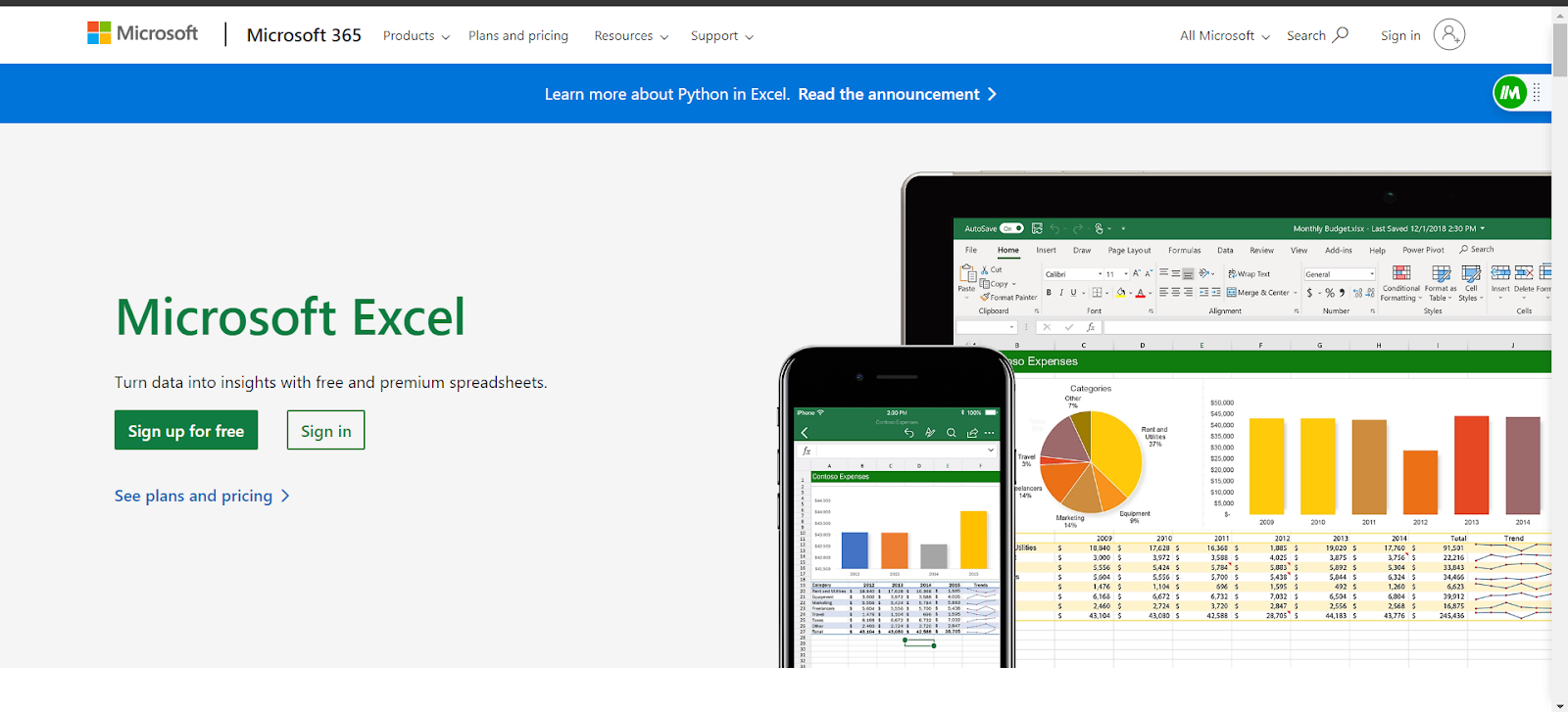
Excel is a strong candidate for calculations, analysis and teams already working in Microsoft 365. It supports co-authoring in compatible versions and supported cloud storage; the old claim that it lacks real-time collaboration was inaccurate. See Microsoft’s co-authoring requirements.
Choose it for workbook-based analysis. For linked operational records, application permissions or integrations that must run reliably without a workbook owner, evaluate a database or app platform as well.
Google Sheets
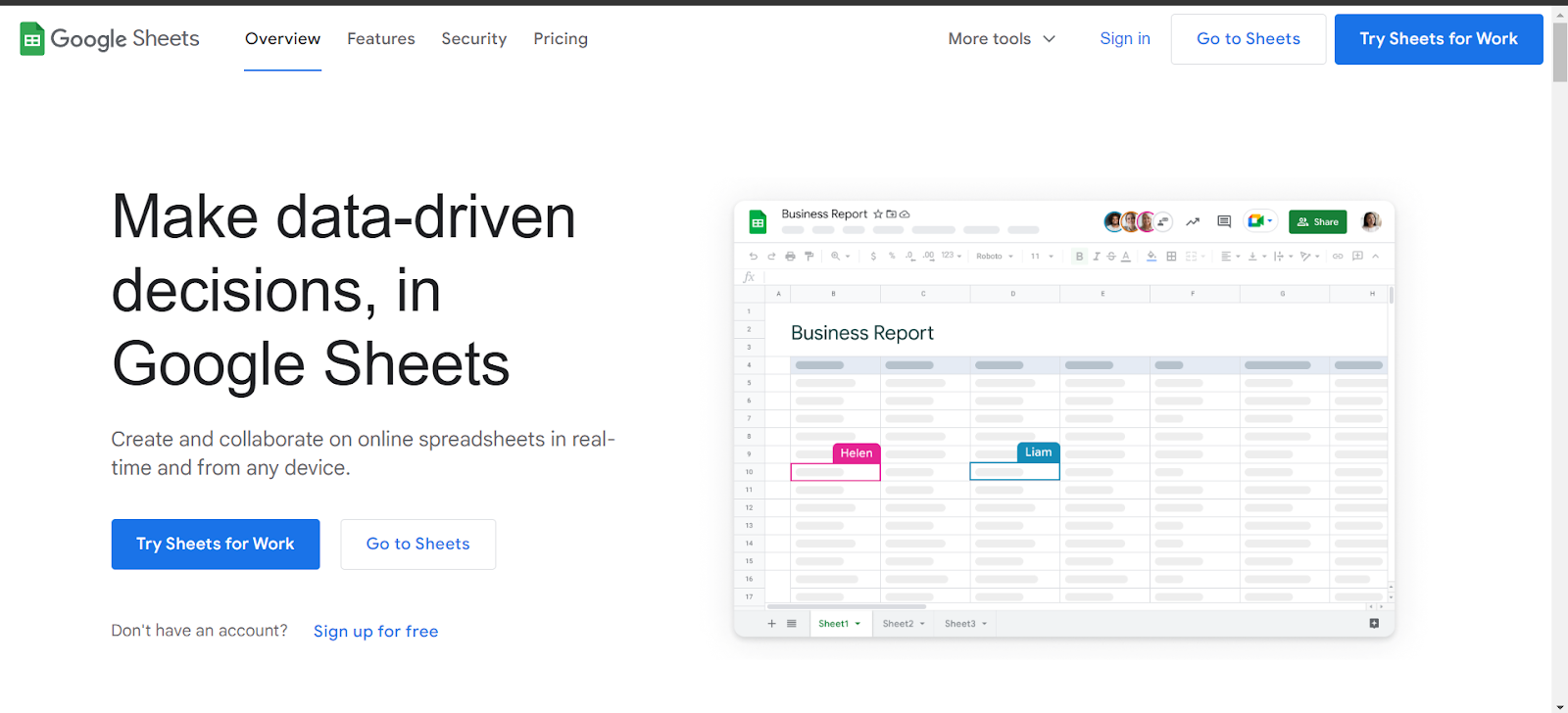
Google Sheets suits shared lists, lightweight analysis and teams using Google Workspace. It supports collaborative editing. Offline access requires preparation and supported settings, so internet connectivity is not an absolute requirement for every editing scenario.
Test formulas, protected ranges and sharing with real users. A collaborative sheet is not automatically an equivalent replacement for Airtable’s linked-record structure or a secure multi-user application.
Notion
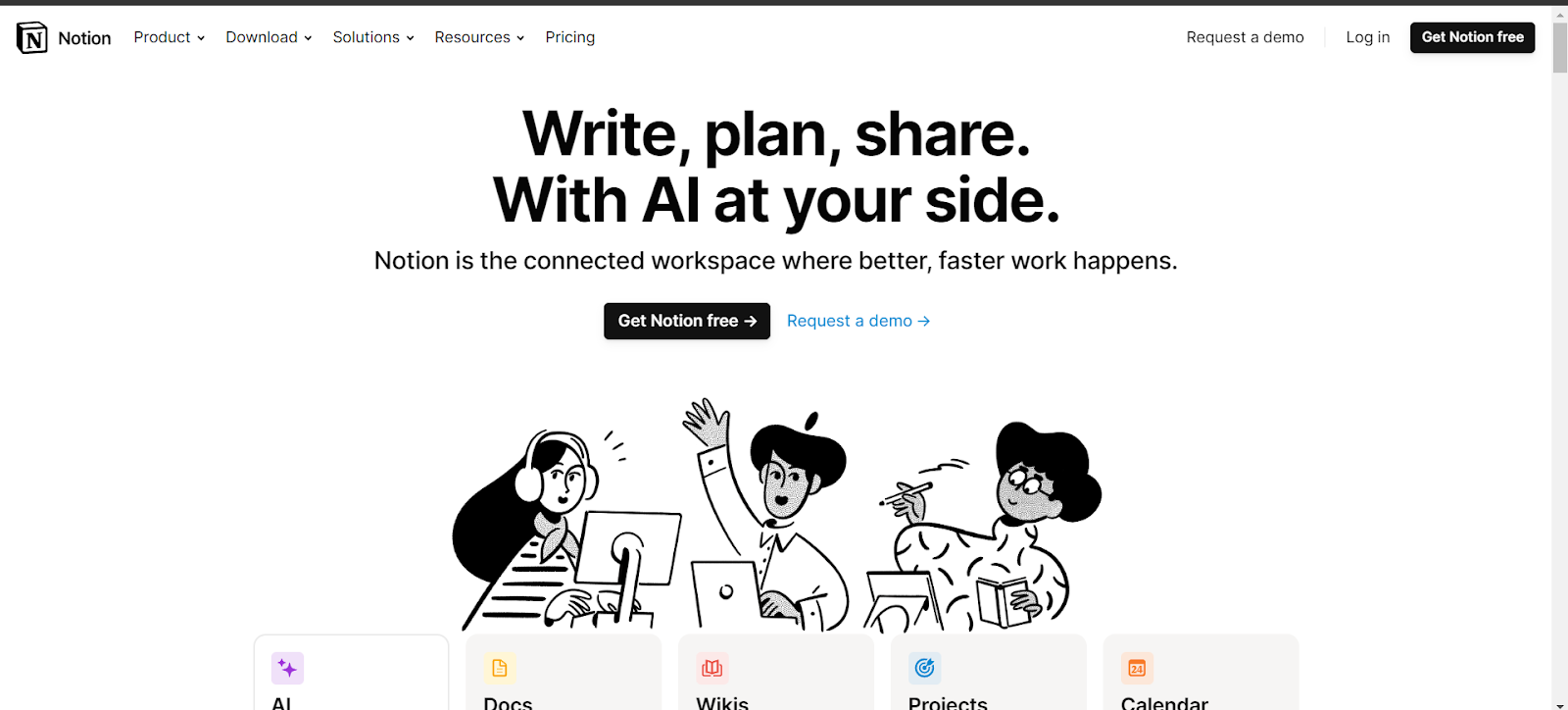
Notion databases organize pages as structured records. Consider Notion when project notes, knowledge and records belong in one workspace.
Validate relationships, export behavior and access rules for your use case. Avoid assuming that database terminology means the same capabilities as a SQL database.
Trello
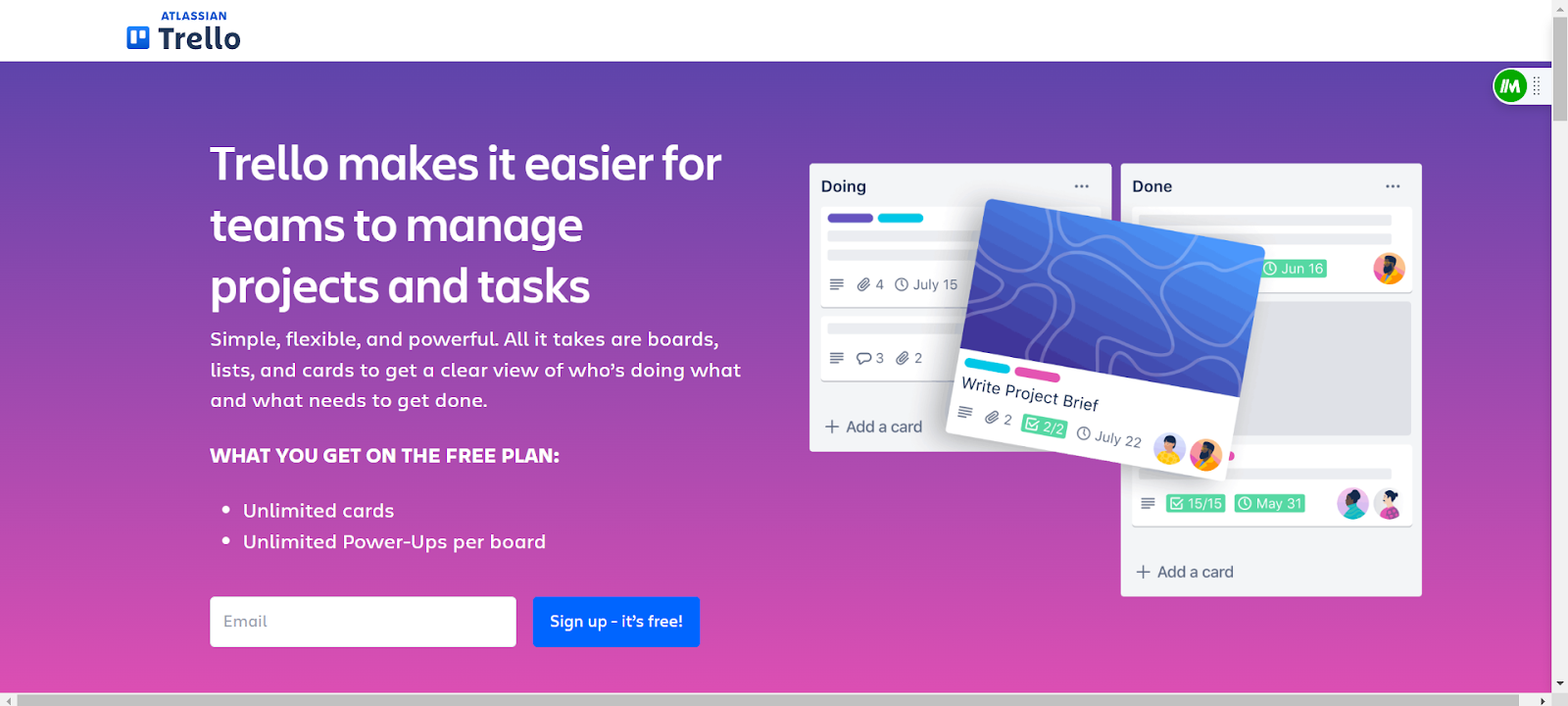
Trello fits task boards, handoffs and straightforward project tracking. A team using Airtable mainly as a Kanban board may need little more.
It is a weaker fit for a complex relational data model. Check board visibility, guest access and administration settings rather than assuming all plans have identical controls.
Smartsheet
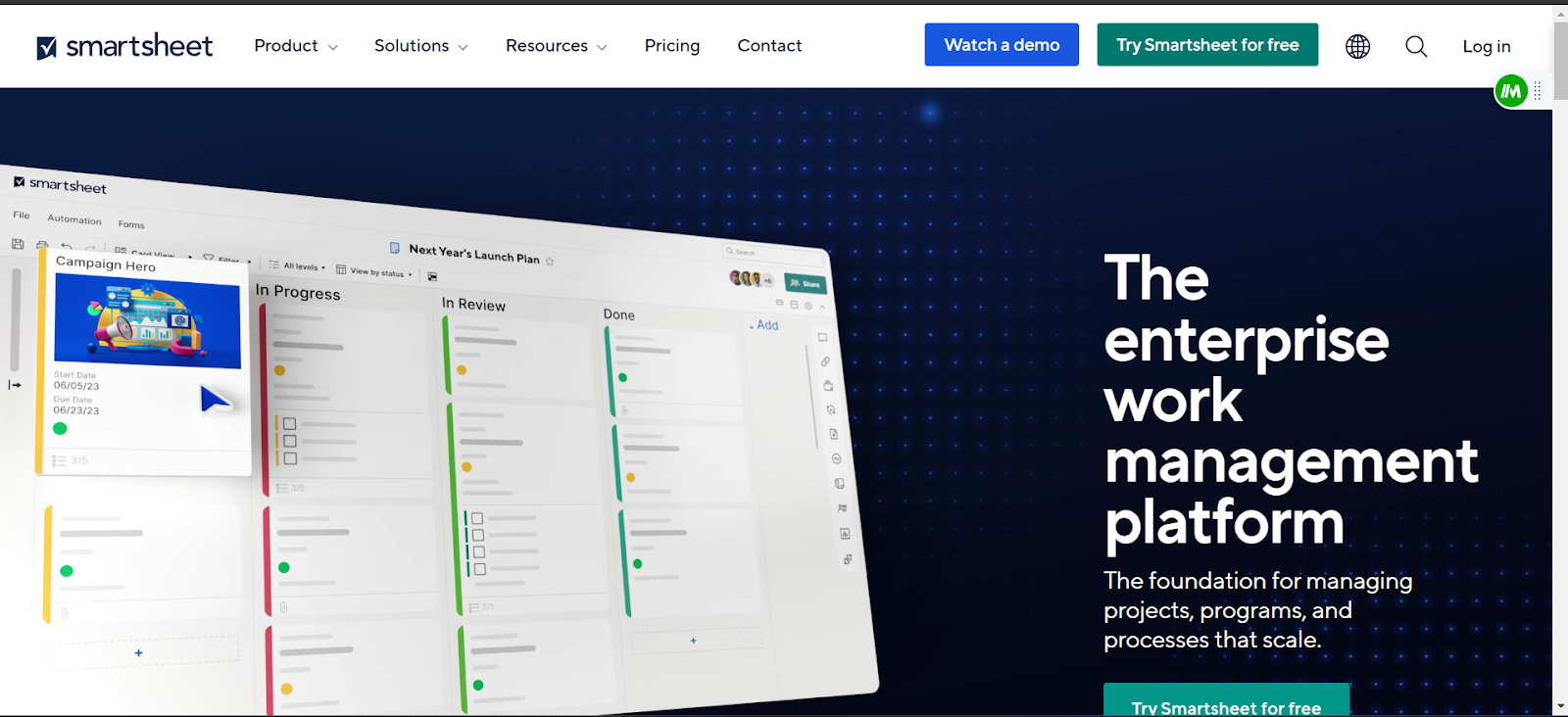
Smartsheet focuses on work, projects and portfolios. It belongs on a shortlist when schedules, ownership and reporting matter more than building a general-purpose database.
Pilot cross-project reporting, approvals, external collaboration and required integrations. Check which features need a higher plan or separate product.
Niche Alternatives for Specific Use Cases
Use these alternatives when the surrounding workflow matters more than reproducing Airtable’s interface.
Coda for Document-Centric Database Management
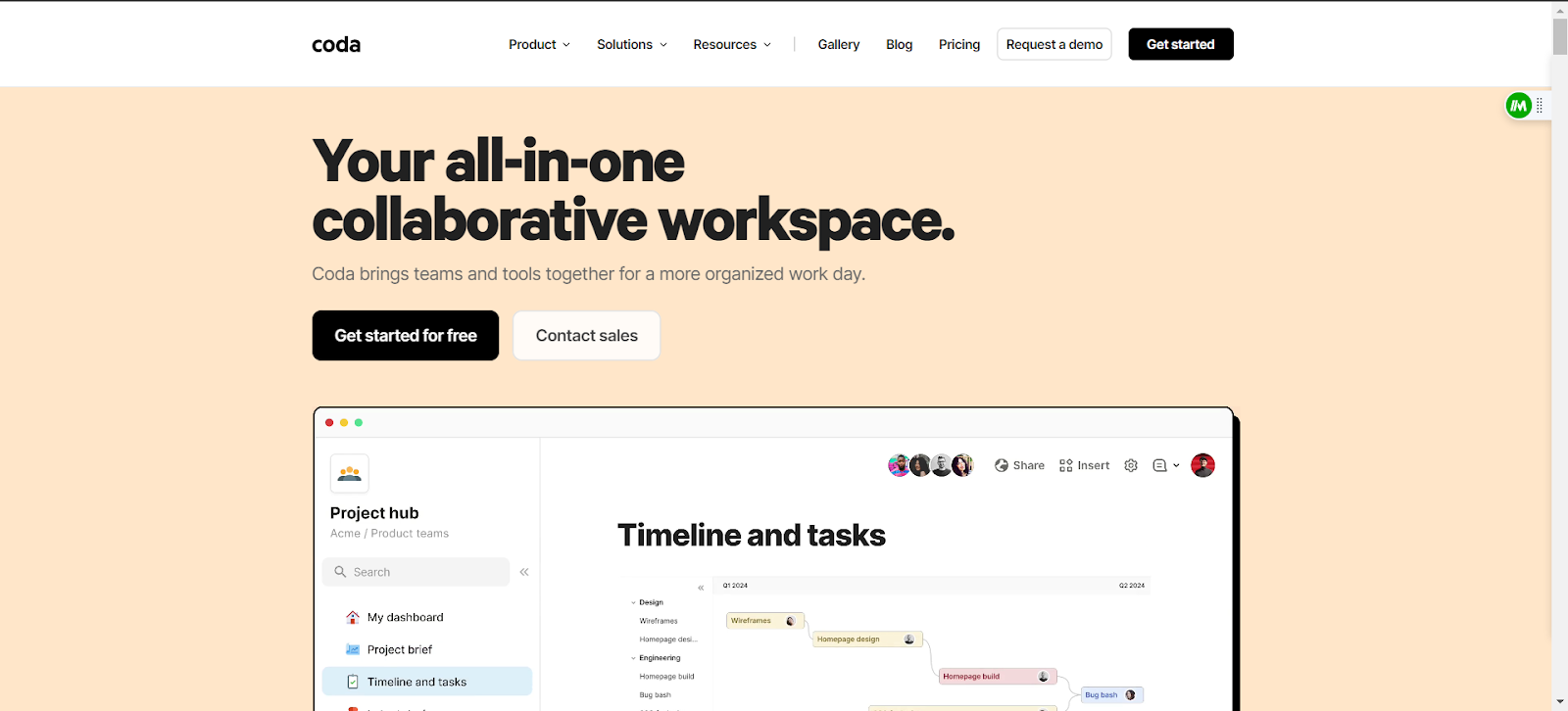
Coda combines documents, tables and actions. It suits a team that wants plans, decisions and working data in one document. Test the real document, integrations and automation volume before moving a large operational base.
ClickUp for Project Management-Focused Databases
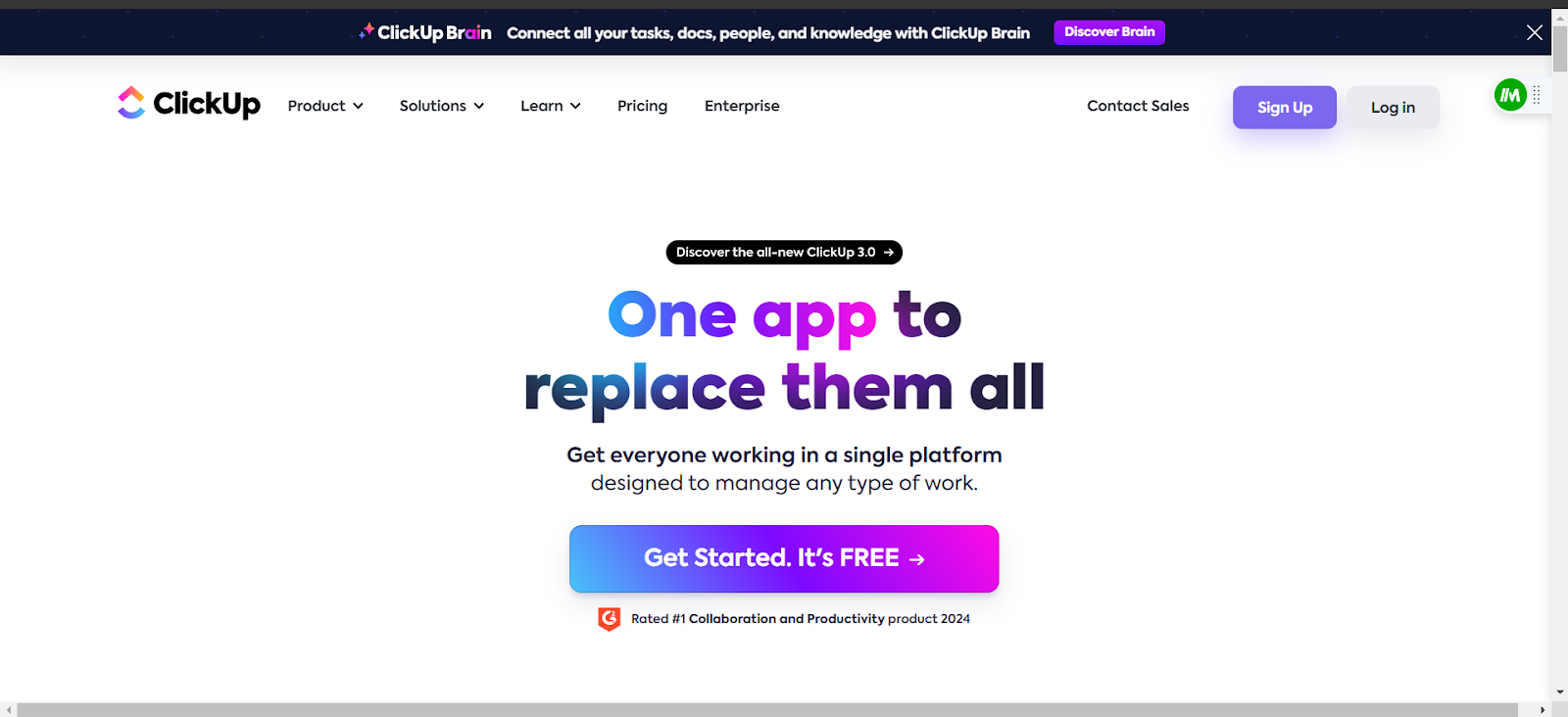
ClickUp is relevant for task-centered projects, assignments and team coordination. Map customers, assets or other non-task records carefully rather than forcing every business entity into a task.
Monday.com for Team Collaboration and Workflow Management
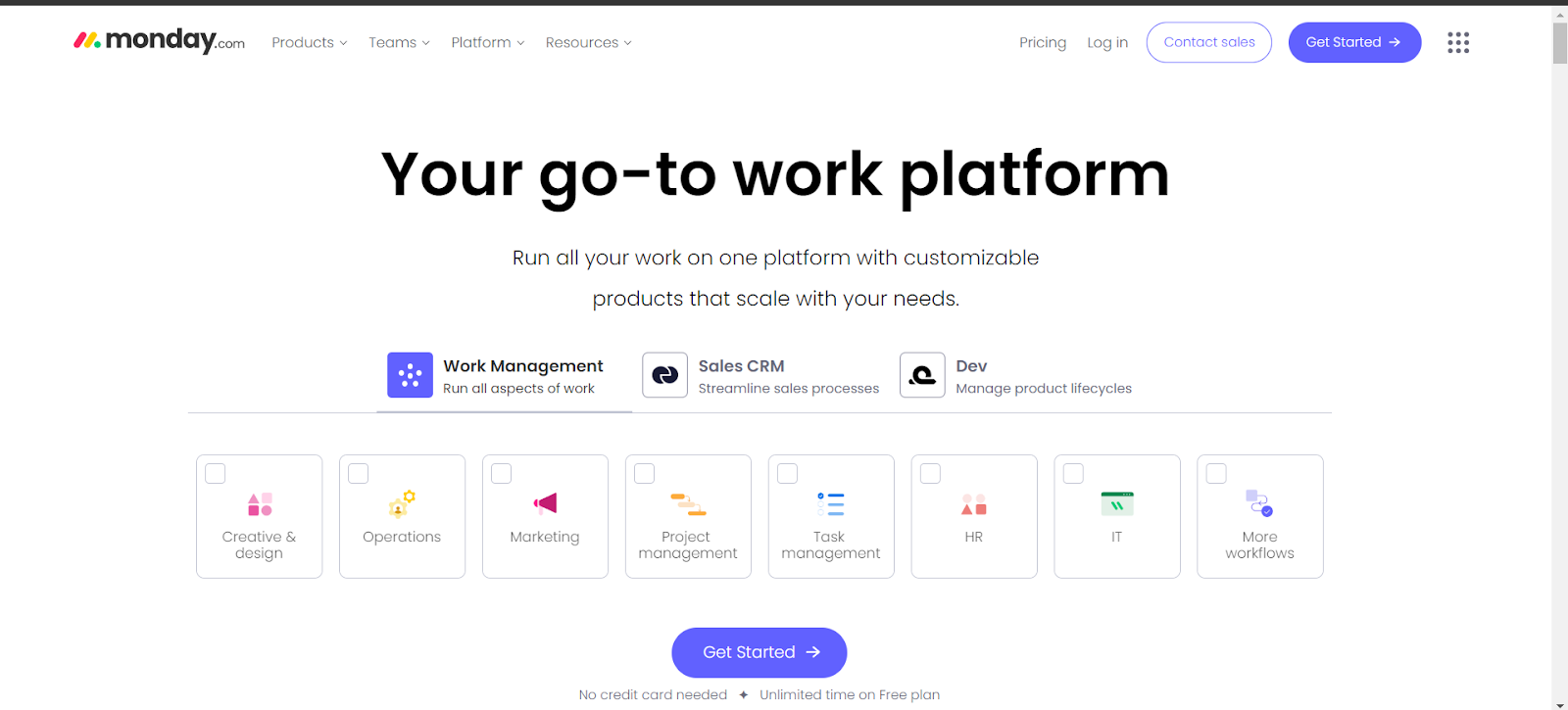
monday.com suits team workflows and project boards. Agencies should test guest permissions, cross-client reporting and what happens when a client relationship ends.
Knack for Building Custom Database Apps without Coding
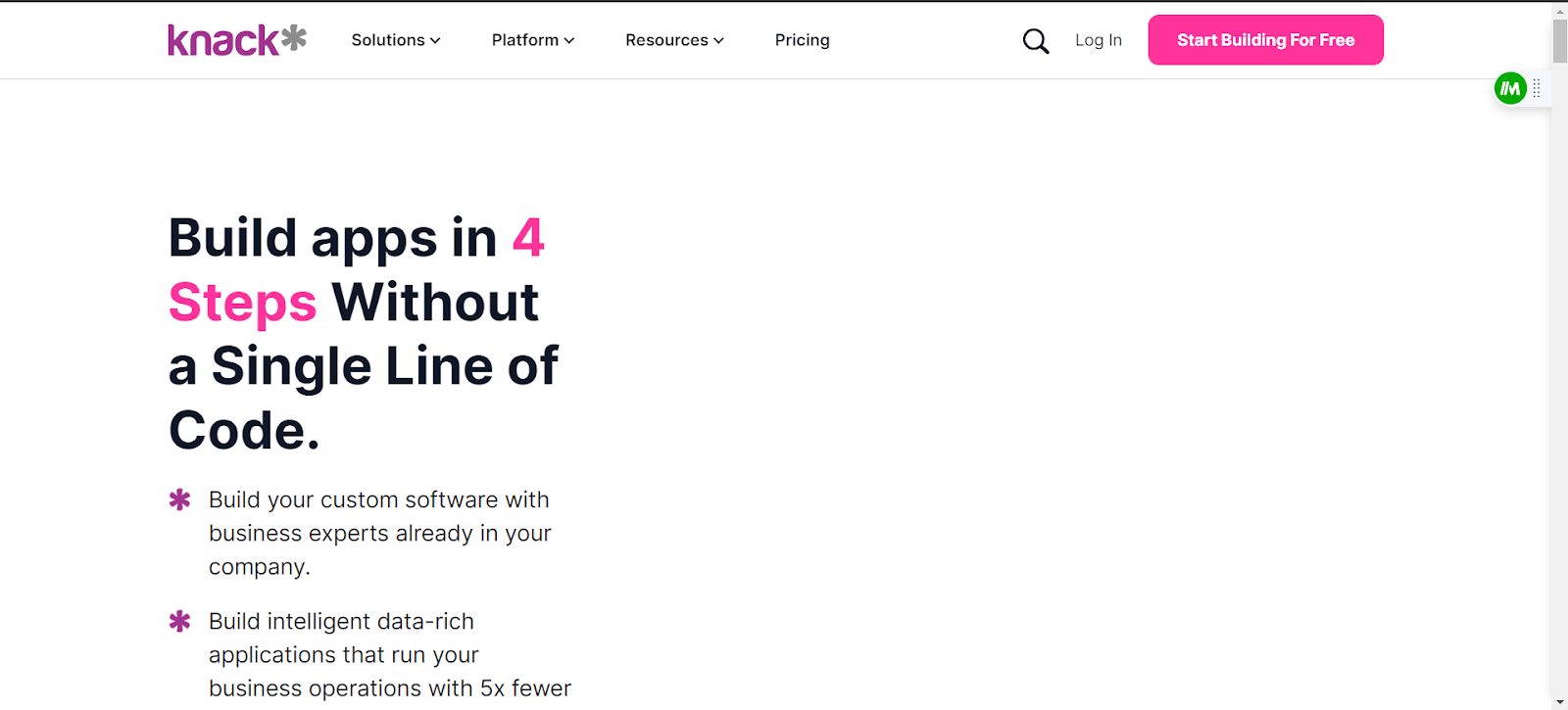
Knack supports custom database applications. Evaluate it when users need forms, connected records and a tailored portal rather than direct access to a grid. Test permissions and representative data before rollout.
Zoho Creator for Creating Custom Apps with Database Functionalities
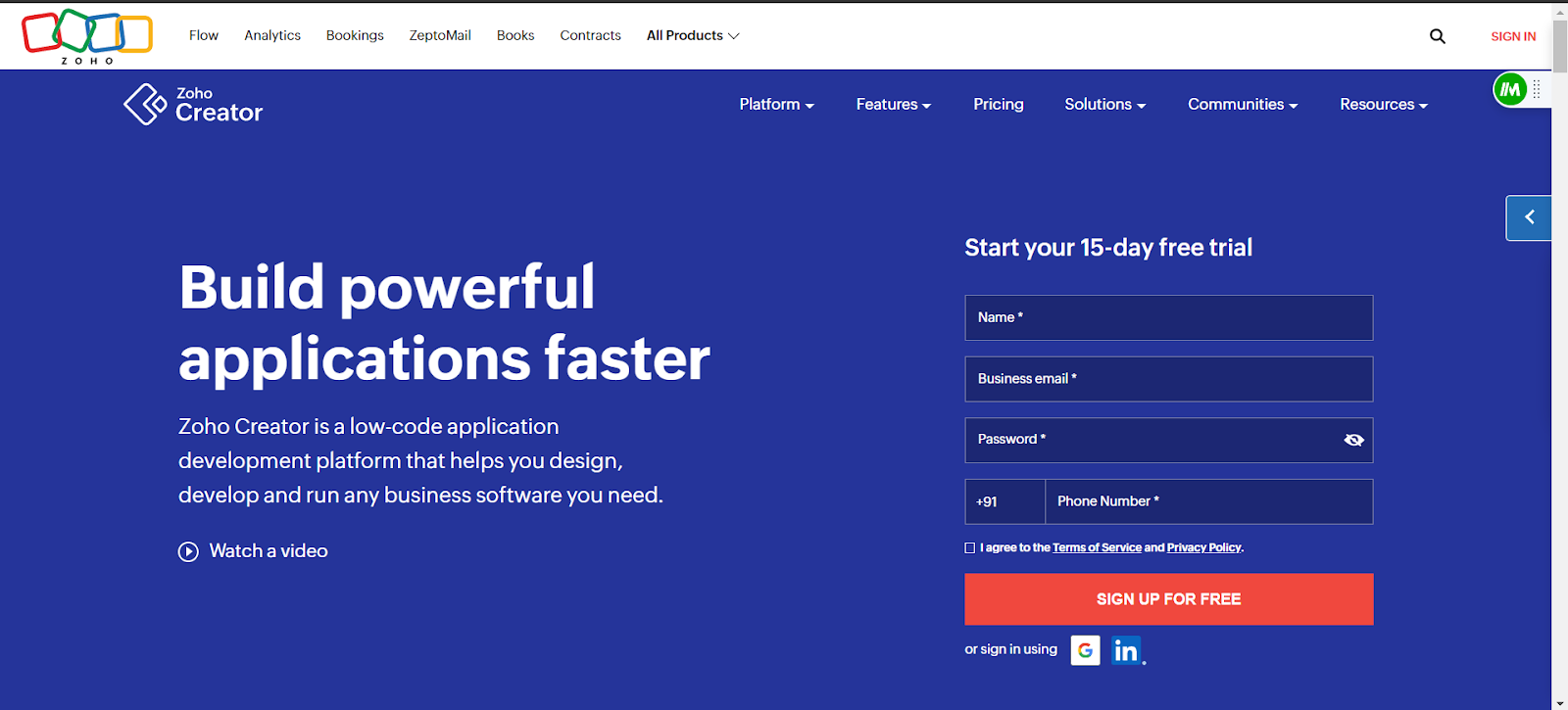
Zoho Creator supports custom business applications and is relevant to teams already using Zoho products. Include the effort to maintain application logic, integrations and access controls in the comparison.
Factors to Consider When Choosing an Alternative
Use a small migration pilot before committing to a full replacement. The following steps turn the comparison into an evidence-based decision.
Understanding Your Specific Database Management Needs:
Worked example: migrating an agency approval base. Treat Clients, Projects and Approvals as separate related tables. Preserve a stable ID for each record, then map each approval to its project and each project to its client. Export source data and attachments, rebuild formulas and notifications, and reconcile totals before inviting users. This is a suggested test scenario, not a completed customer migration.
Run the same acceptance test on both candidates: Client A cannot retrieve Client B’s projects through the interface or direct requests; a manager can approve only assigned work; an attachment still opens for an authorized user; and retrying an approval does not send two notifications. Compare failed checks, time to correct them and who can maintain the finished workflow. For project management, add dependencies, recurring work and overdue tasks.
Assessing the Learning Curve and User Adoption:
Have a non-builder perform everyday edits and an administrator change a form or workflow. Keep instructions short and record the problems. The easiest demo is not always the easiest system to maintain.
Considering Long-Term Scalability and Maintenance:
Assign responsibility for backups, recovery, upgrades and incident handling. For self-hosting, include infrastructure and operational support. For a European deployment requirement, verify the actual hosting region, subprocessors and contractual terms; a vendor’s headquarters alone does not establish data residency.
Evaluating Integration Capabilities with Existing Tools:
Import records with stable identifiers, rebuild relationships and check formula results. Verify attachment access and timestamps. Test each automation without sending duplicate messages or creating duplicate downstream records. CSV export alone does not recreate a working application.
Analyzing the Total Cost of Ownership (TCO):
Compare costs for the same production scenario and a growth scenario. Include migration, maintenance, paid extensions and support. Establish a rollback point, reconcile records during the transition and retire the old base only after owners accept the new workflow.
Conclusion
Shortlist by the job: Baserow or NocoDB for database-style collaboration, project tools for coordination, spreadsheets for analysis, and ToolJet or another app platform for a tailored operational interface. Test two candidates using the same records and access rules.
If Airtable still works as your system of record, replacing the user interface may be enough. Explore the Airtable integration and application templates before planning a larger data migration.