Searching for powerful Replit alternatives to write, run, and collaborate on code directly in your browser? Replit’s in-browser IDE has made coding accessible to students, hobbyists, and pros alike, but there are plenty of alternatives to Replit that might better fit your workflow, budget, or feature needs.
From lightweight editors to full-featured platforms, this guide covers the top websites like Replit, both free and paid. You’ll find solutions that excel in real-time collaboration, AI-powered code completion, language support, and deployment options.
Whether you need a Replit alternative for classroom use, team projects, or building production-ready apps, these apps like Replit and Replit competitors deliver robust coding experiences without compromise.
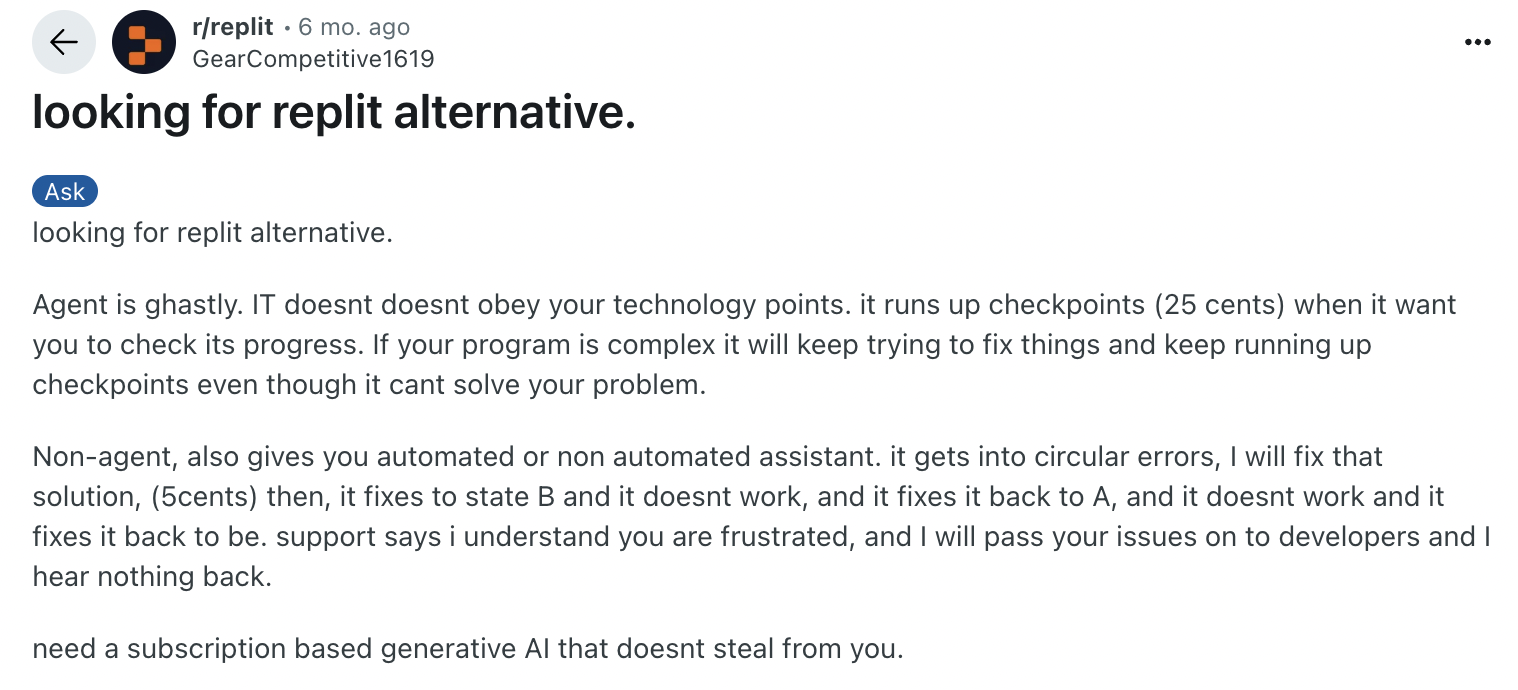
You’re not alone in exploring Replit alternatives. It’s a hot topic in developer communities, with many users actively discussing better tools for flexibility, performance, and customization.
Ready to explore the best alternative to Replit in 2026? Let’s get started.
What is Replit?

Replit is a popular online integrated development environment (IDE) that allows users to write, run, and share code entirely in the browser. Supporting over 50 programming languages, Replit provides a simple yet powerful platform for beginners and professionals alike to build projects without needing to set up complex local environments.
Its standout features include
- Real-time collaboration,
- Built-in hosting
- Easy-to-use interface
All these make coding accessible anywhere. Replit also offers AI-powered code suggestions through its Ghostwriter feature, helping developers write code faster and with fewer errors.
Whether you’re learning to code, prototyping an app, or working on collaborative projects, Replit has become a go-to platform for many, but it’s not the only option available.
Also, read: “Top 10 Supabase alternatives to fuel your app-building process in 2026.“
Why do you need to consider evaluating Replit alternatives?
While Replit offers a versatile and user-friendly online coding environment, it may not meet every developer’s unique needs.
Here are a few reasons why you might look for Replit alternatives:
1. Limited free plan
The free plan has restrictions on compute power, storage, and private projects, which can limit larger or more complex coding tasks.
2. Performance constraints
For resource-intensive applications or longer-running processes, Replit’s cloud environment may feel restrictive.
3. Feature preferences
Some developers prefer specialized tools with deeper integrations, more customization, or advanced collaboration features.
4. Pricing structure
As your projects grow, Replit’s paid plans can become costly compared to other platforms with competitive pricing or open-source options.
5. Specific use cases
Whether you need offline capabilities, support for certain languages, or better deployment workflows, other platforms might serve you better.
Exploring the best alternatives to Replit ensures you find a platform tailored to your coding style, project requirements, and budget, helping you work more efficiently and effectively.
What are the benefits of choosing a Replit alternative?
Switching to a Replit alternative can unlock new possibilities, especially if you’re looking for more flexibility, better performance, or specialized features. Here are some key benefits of exploring other platforms:
1. More control over the development environment
Some coding websites like Replit offer containerized environments, custom runtimes, or even full terminal access, giving you more control over how your code runs.
2. Better performance and scalability
Many Replit competitors provide faster boot times, greater memory limits, or dedicated compute resources, which can be essential for larger apps and advanced workflows.
3. Advanced collaboration features
If you work with a team, alternatives may offer version control integrations, real-time editing, commenting, or Git sync, making it easier to build together.
4. More language or framework support
While Replit supports many languages, some apps like Replit focus on specific ecosystems (like JavaScript, Python, or full-stack frameworks), offering deeper toolsets and integrations.
5. Open source or Self-hosted options
Prefer full ownership? Some Replit alternatives allow you to self-host or use open-source code editors in the browser, ideal for enterprise teams or educators.
6. Budget-friendly plans
Several free Replit alternatives offer generous resource limits, unlimited private projects, or bring-your-own infrastructure, helping you save while building more.
Choosing the right alternative to Replit means finding a platform that fits how you code, collaborate, and ship projects, without unnecessary trade-offs.
Also, Read: “Top 10 Retool alternatives you should try in 2026.”
Quick overview: Top 10 Replit alternatives we will discuss
| Top Replit alternative | Pricing | Headquarters |
| ToolJet | Free plan available. Paid AI starter plan starts at $19/month/builder | San Fransisco, USA |
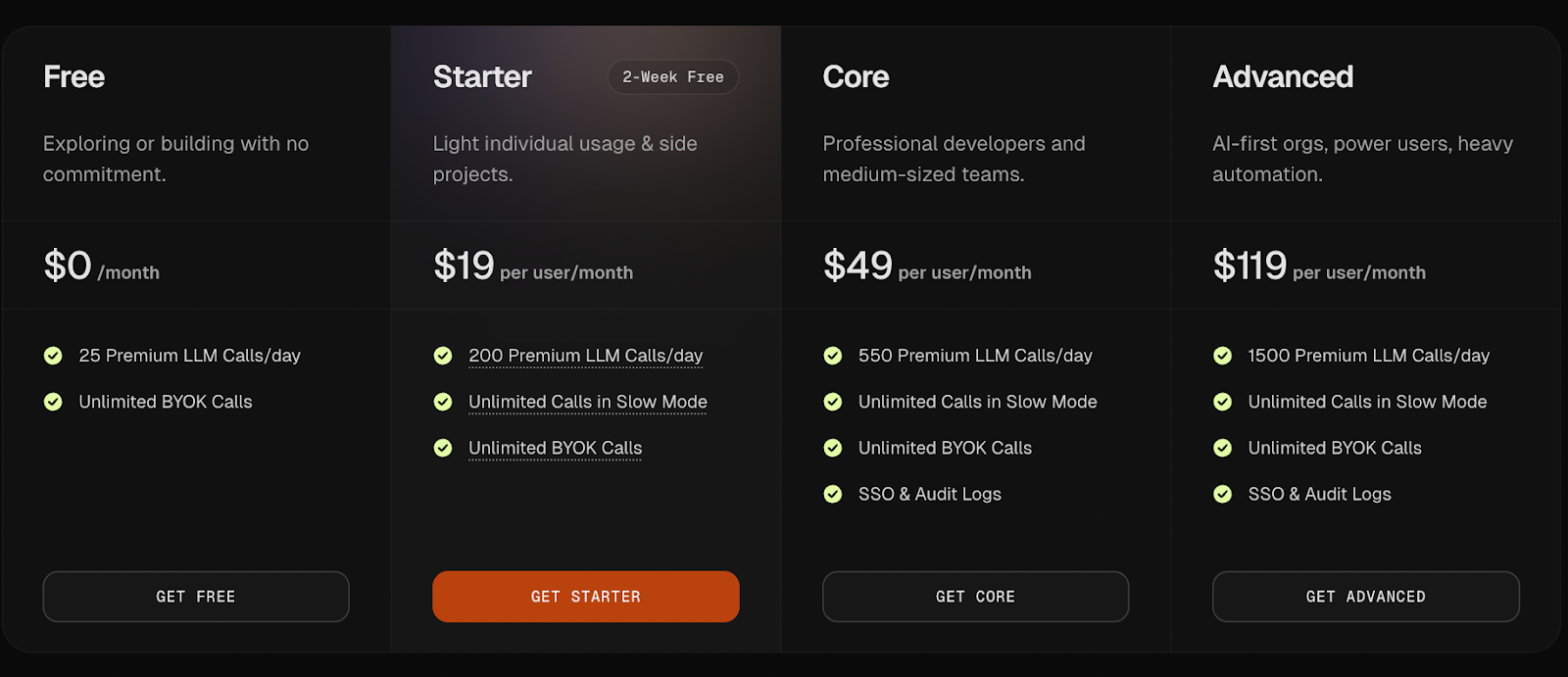
| Zencoder | Free trial + paid plans start at $19/user/month | California, USA |
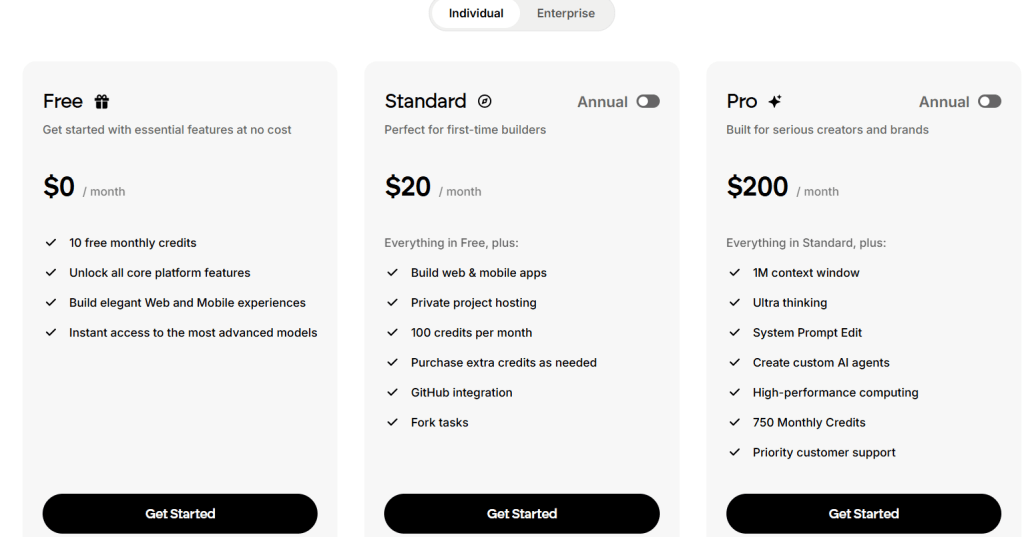
| Emergent | Free plan available with limited monthly credits. Paid plans start at $20/month | Headquarters – San Fransisco, USA |
| Visual Studio Code | Free and open-source | Redmond, WA, USA |
| Eclipse Che | Free & open-source | San Francisco, CA |
| Gitpod | Free & custom pricing is available | New York, USA |
| StackBlitz | Free & Paid plans available at $18/month | San Fransisco, USA |
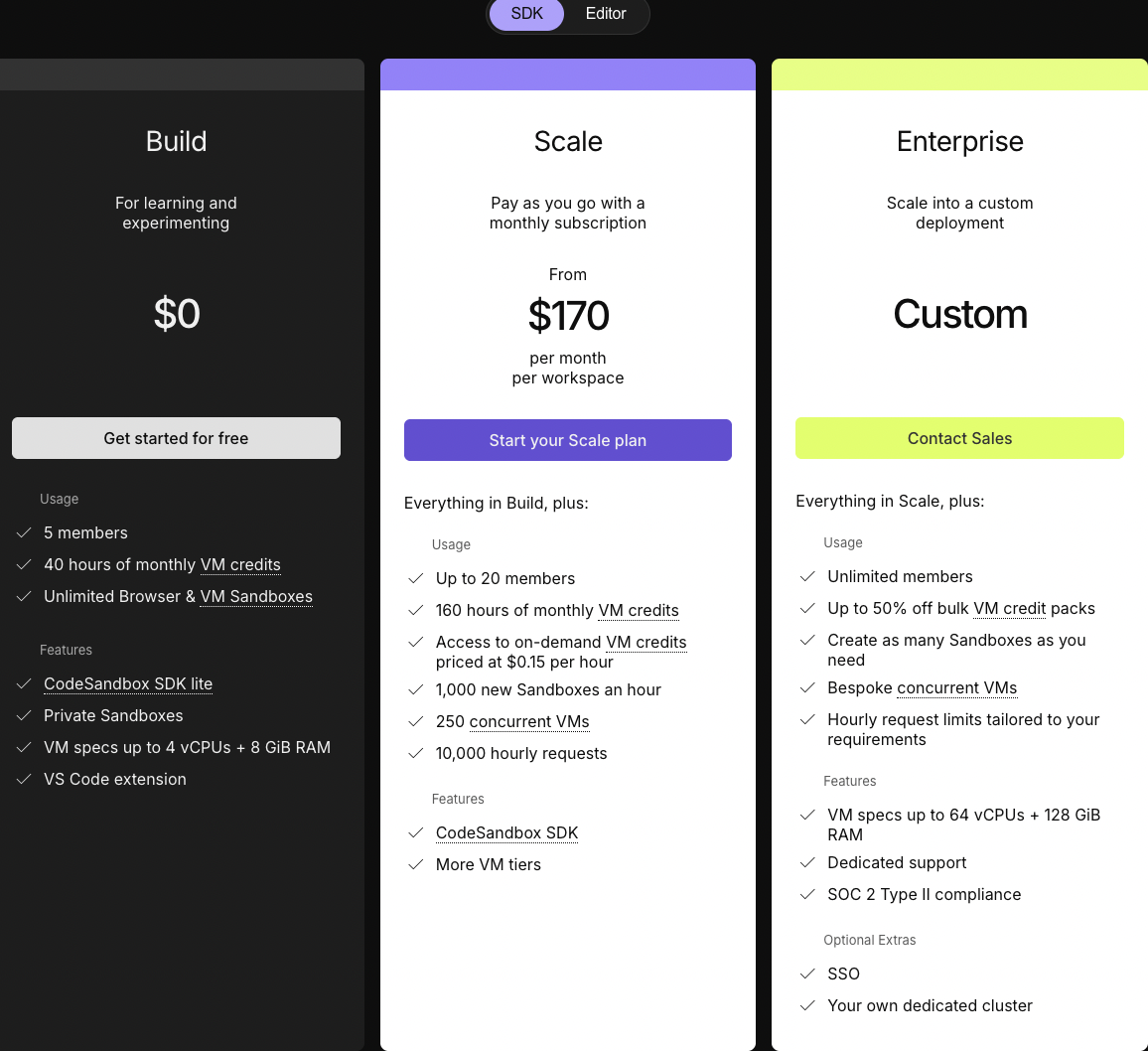
| CodeSandbox | Free plan available & paid plan starts at $170/month/workspace | Netherlands |
| PaizaCloud | Free plan available. Paid plan starts at $9.80/month | Japan |
| GitHub Codespaces | Free plan available. Paid plan starts at $4/user/month | San Francisco, California, U.S |
| Coder | Community and premium plans are available | Austin, Texas, USA |
Top 10 Replit alternatives: A detailed overview
1. ToolJet
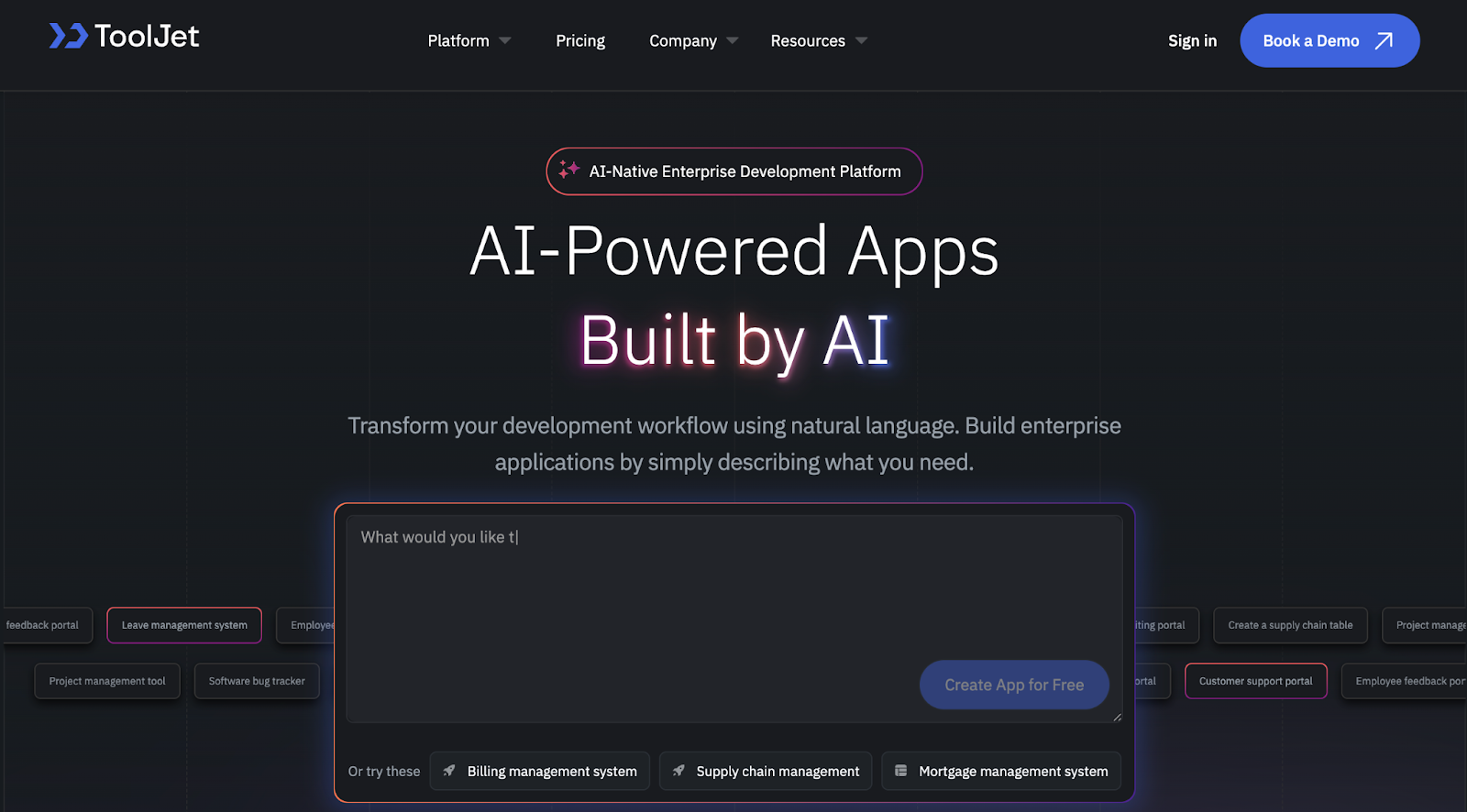
An open-source, AI-powered, enterprise-grade platform that lets you build full-stack apps quickly, ideal if you’re ready to go beyond just an in-browser IDE. With support for JavaScript, database integration, API connections, and visual UI design, it offers flexibility without the headaches of infrastructure.
ToolJet’s AI-first platform enables you to describe your internal workflow or app in natural language. Its AI then scaffolds the application, including front-end and back-end logic, and data models. You can customize everything through a drag-and-drop builder, and developers can intervene at any point using custom code.
Designed for dev teams, non-technical ops, and IT leaders who want governance, flexibility, and AI speed, all in one.
Best for: Mid-market and enterprise teams building secure, production-grade internal tools with AI and low-code.
Key features
- Drag-and-drop UI builder
- Custom scripting in JavaScript or Python
- Database and API integrations
- Visual workflow automation
- Built-in auth, audit logs, and role management
- Combines frontend + backend in one tool
- Open-source with an active GitHub community
- Dedicated support channel
- Works with any database (PostgreSQL, MongoDB, MySQL, etc.)
- Self-host for full control or use ToolJet Cloud
- Cost-effective. Pay only for the builder. Not for users.
- Enterprise-grade security
- Granular access control
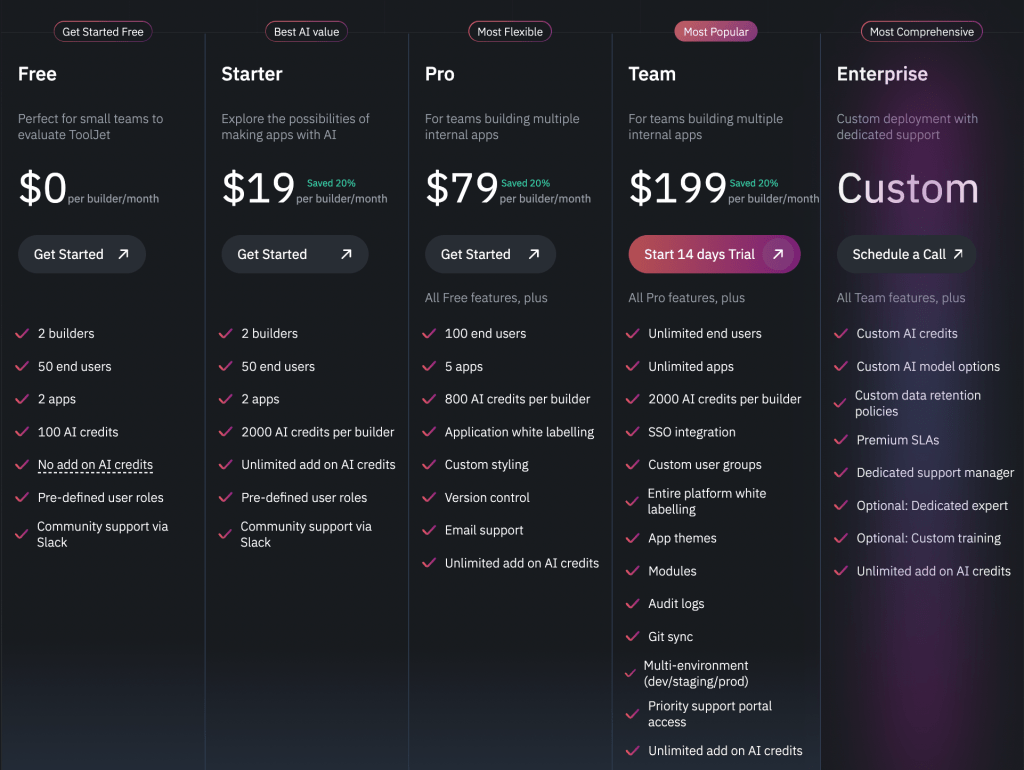
Pricing: Free (self-hosted), AI starter plan starts at $19/user/month, and a custom enterprise plan is available.
2. Zencoder
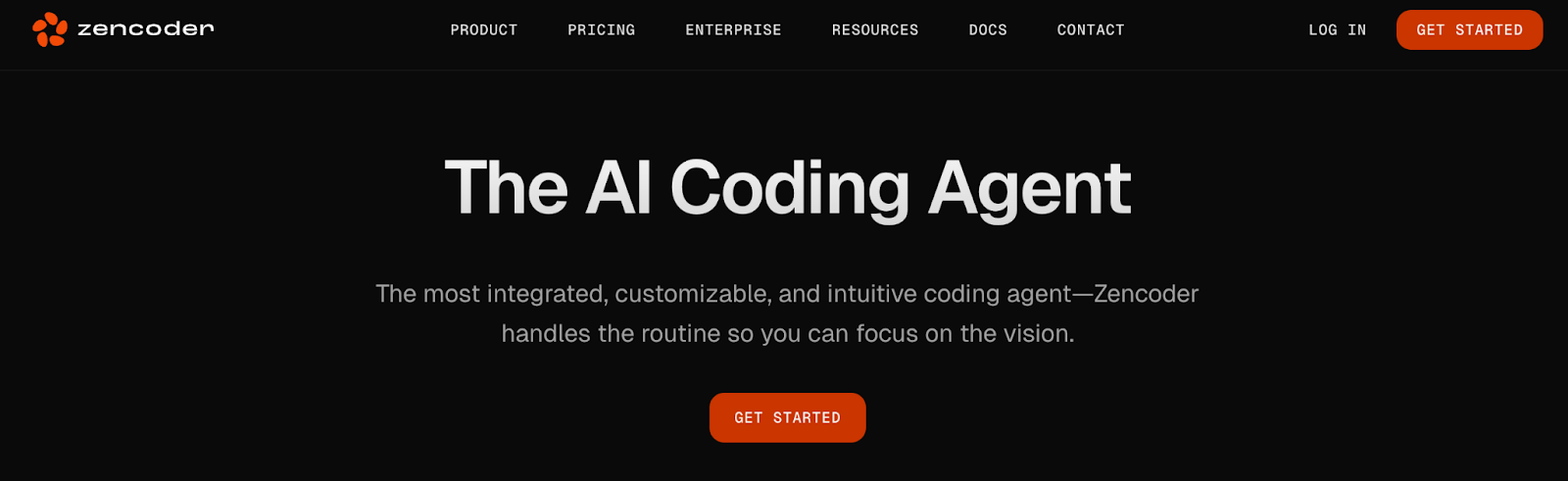
An AI-driven coding assistant focused on streamlining the Software Development Lifecycle (SDLC) with smart code analysis and recommendations.
Features:
- Repo Grokking for comprehensive codebase understanding
- Support for 70+ languages and integrations with 20+ IDEs (VS Code, JetBrains, etc.)
- AI code generation, debugging, and optimization
- Compliance with ISO 27001, GDPR, and CCPA
Pricing: Offers a free trial; paid plans begin at $19/user/month
3. Emergent
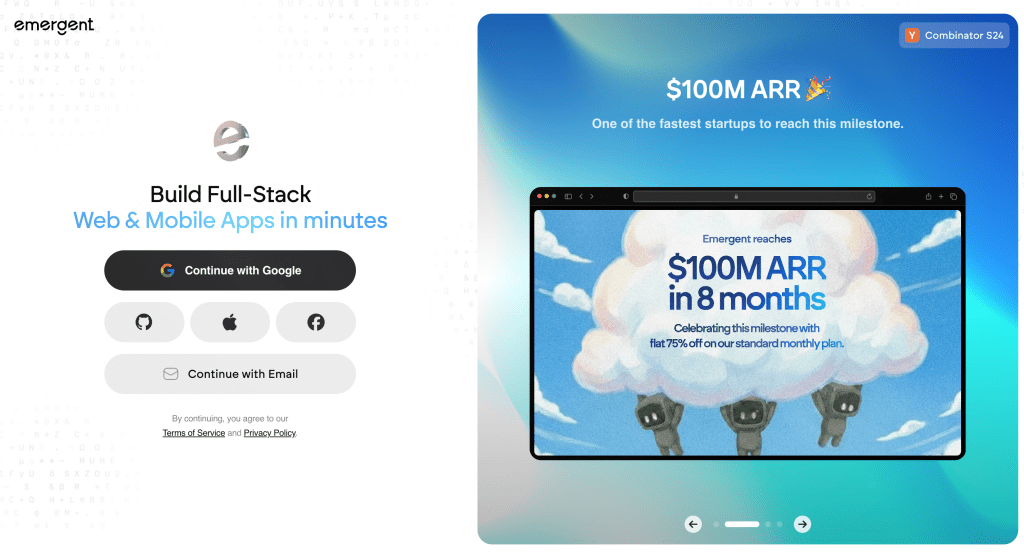
Emergent enables users to build full-stack applications using AI agents that handle everything from code generation to testing and deployment. It’s designed for developers and non-technical builders who want to turn ideas into working software without managing complex development workflows.
Key features:
- Multi-agent system for building, testing, and deploying applications
- Prompt-driven development for generating full-stack features
- Live preview for real-time iteration
- GitHub integration for version control and export
- Browser-based environment with no setup required
Pricing:
- Free plan available with limited monthly credits
- Paid plans start at $20/month with higher usage, advanced features, and collaboration support
4. Visual Studio Code
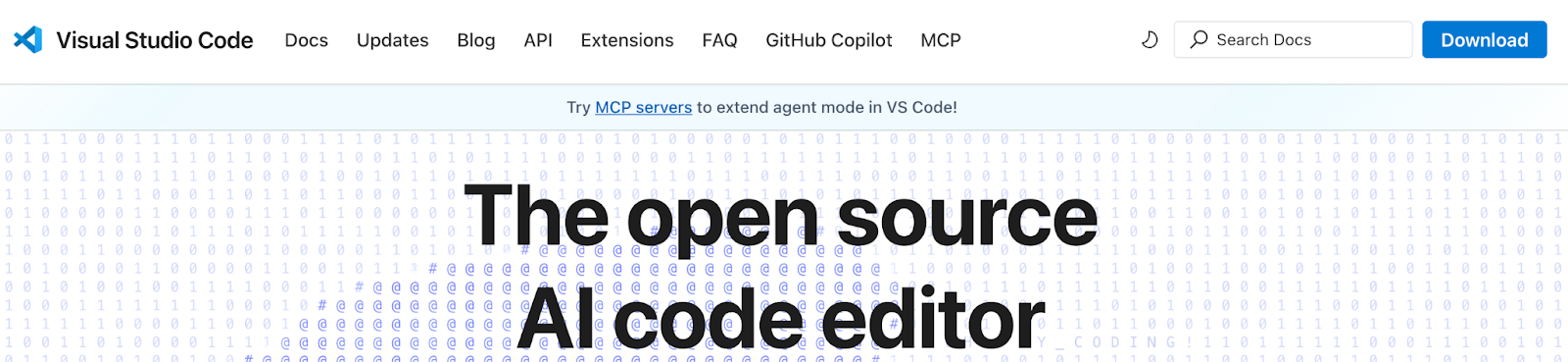
VS Code is a lightweight yet powerful open-source code editor developed by Microsoft. It supports multiple languages, a massive extension library, and deep Git integration, making it a favorite for frontend and backend developers alike.
Key features:
- IntelliSense and powerful debugging tools
- Extensions for Python, JavaScript, Go, etc.
- Integrated Git and terminal support
- Remote dev tools and containerized workspaces
Pricing:
- Free and open-source
5. Eclipse Che

Eclipse Che is a cloud IDE and developer workspace server built for teams using Kubernetes. It allows developers to spin up containerized environments with pre-installed tools and dependencies.
Key features:
- Kubernetes-native workspaces
- Supports Docker and custom dev environments
- Multi-user collaboration
- Git version control integration
Pricing:
- Free and open-source
6. Gitpod
Gitpod is a cloud-based development platform that provides pre-configured, containerized dev environments directly from Git repositories. It’s designed to boost developer productivity and eliminate setup issues.
Key features:
- Prebuilt dev environments from GitHub/GitLab
- Browser-based VS Code support
- Config as code (.gitpod.yml)
- Automatic workspace shutdown to save costs
Pricing:
- Free plan
- Custom enterprise pricing available
7. StackBlitz

StackBlitz offers instant development environments in the browser, ideal for web developers working on React, Angular, or Vue projects. It uses WebContainers to run Node.js apps securely without a backend server.
Key features
- Instant launch, no setup required
- Supports modern JavaScript frameworks
- Real-time collaboration and live preview
- Secure browser sandboxing
Pricing:
- Free tier available
- Paid plans from $18/month

8. CodeSandbox
A browser-based IDE known for its fast startup and deep integration with modern JavaScript frameworks. Ideal for React, Vue, and Svelte development, it also offers real-time collaboration and GitHub syncing.
Key features
- Live previews and hot reloading
- GitHub integration and pull-request flow
- Code completion and dependency management
- Team collaboration tools
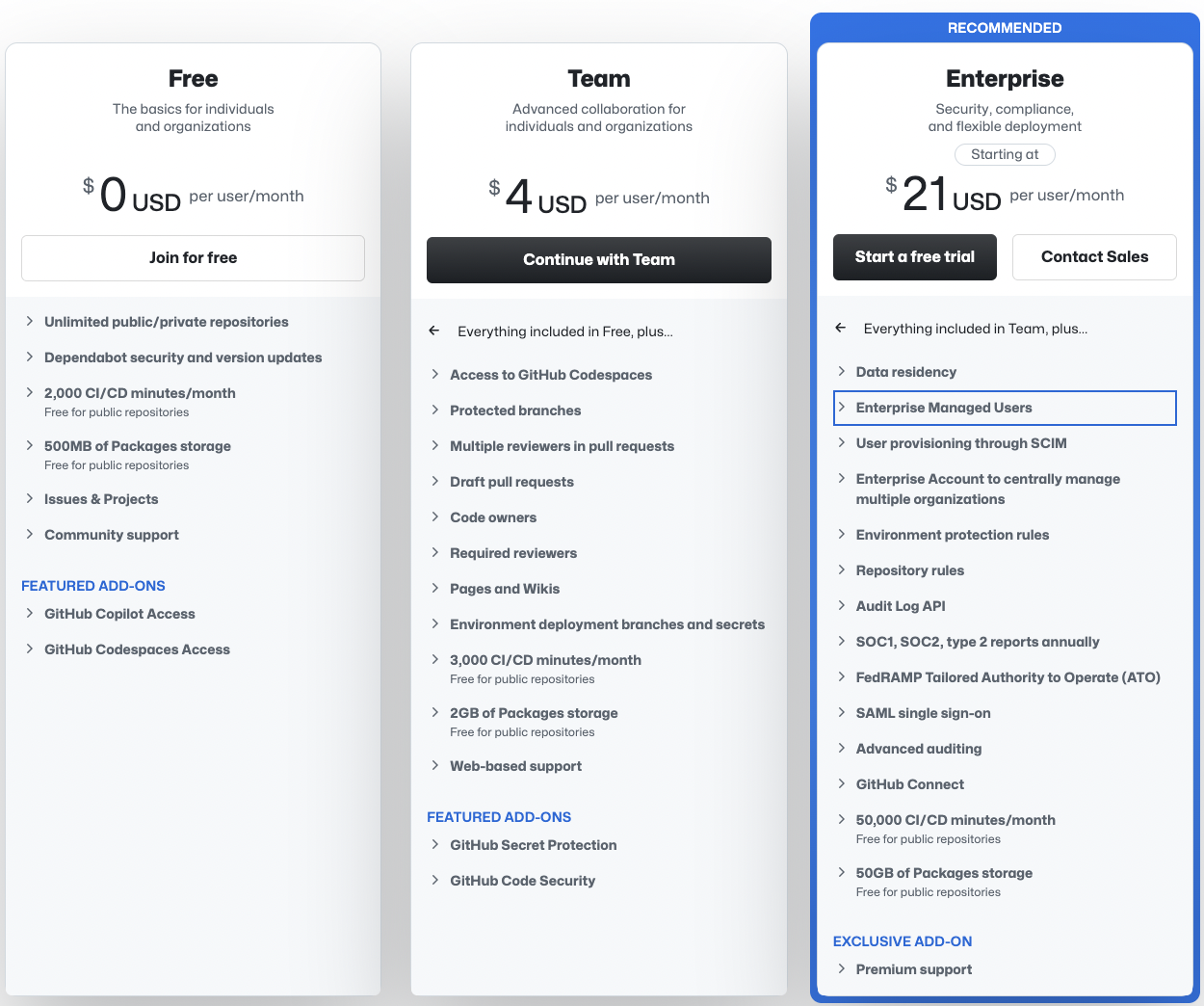
6. GitHub Codespaces
Deeply integrated with GitHub, Codespaces offers fully configured, containerized dev environments in the browser or VS Code. It’s a seamless GitHub-native IDE with live previews and easy setup.
Key features
- GitHub-based, preconfigured workspaces
- Code editing via browser or VS Code
- GitHub Actions integration
- Pay-as-you-go compute billing
Pricing: Free plan available, Team plans start at $4/user/month, and enterprise plans start at $21/user/month.
9. PaizaCloud IDE

A cloud IDE with full Linux environment access, PaizaCloud offers instant terminals and scripting capabilities directly in the browser, for power users who need shell and Python/Ruby support.
Key Features
- Browser-based Linux terminal
- One-click hosting of web services
- Support for multiple languages
- Persistent storage and project history
Pricing: Free; Paid from $9.80/month

10. Coder
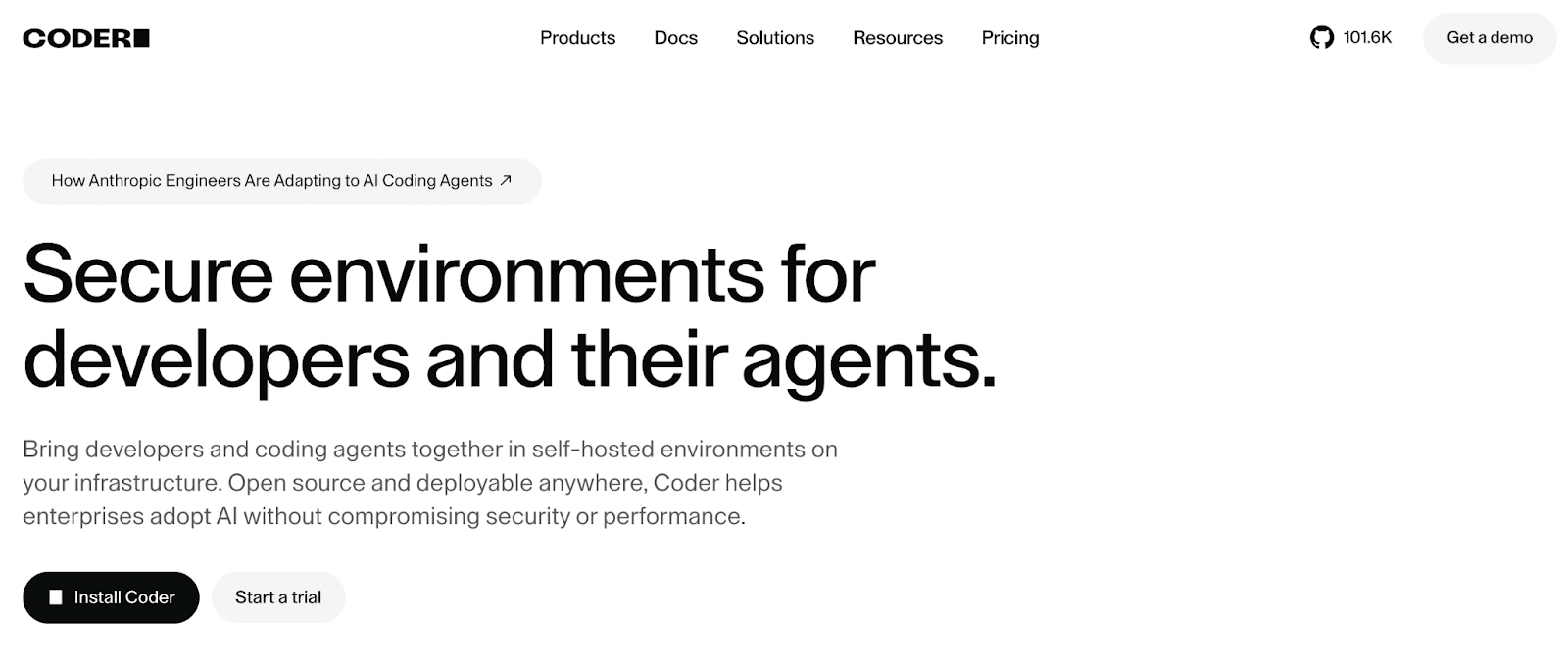
Coder lets teams host and manage remote dev environments on their infrastructure (Kubernetes, Docker, VMs). It’s built for enterprises that need high control over developer environments, security, and compliance.
Key features:
- Self-hosted platform with enterprise-grade control
- Admin dashboard for workspace orchestration
- Policy enforcement and access control
- Compatible with JetBrains and VS Code
Pricing:
- Free community edition
- Custom enterprise plans
Also, Read: “Appian alternatives: Top 10 competitors for BPM & workflow automation in 2026“.

Why is Tooljet the best Replit alternative in 2026?
If you’re looking for a powerful, flexible, and enterprise-ready alternative to Replit, ToolJet stands out as the top choice. While platforms like Gitpod and CodeSandbox offer fast cloud-based environments, ToolJet goes a step further by enabling you to build production-grade internal tools, automate workflows, and integrate with any data source or API, all without managing complex infrastructure.
Here’s why ToolJet is the best Replit alternative in 2026:
- Visual + code flexibility: Combine no-code UI building with full JavaScript support to build dynamic applications quickly.
- Self-hosted & secure: Host ToolJet on your own infrastructure for complete control, data privacy, and compliance.
- AI-powered development: Generate entire applications, components, and workflows using ToolJet Copilot.
- Integrations galore: Connect seamlessly with databases, REST/GraphQL APIs, SaaS tools, and more.
- Team & role management: Ideal for businesses with access controls, audit logs, and collaborative workflows.
If you are an enterprise looking for scalable enterprise-grade apps, ToolJet assists you in going from idea to execution in minutes, not weeks.
Try ToolJet for free or explore our open-source GitHub repo.
Ready to level up from Replit?
Replit has been a go-to for many developers looking to code in the cloud. But as your projects grow and your needs evolve, you may require more flexibility, better performance, or enterprise-level control. That’s where the alternatives come in.
Whether you need a fully-featured enterprise-grade AI-native platform like ToolJet, a lightning-fast browser IDE like StackBlitz, or a Kubernetes-native environment like Eclipse Che, there’s a solution tailored to your workflow, much like a masterarbeit schreiben lassen adapts to different writing styles and needs.
If you’re searching for the perfect blend of ease of use, extensibility, and scalability, ToolJet is your best bet. It empowers teams to build internal apps, automate operations, and leverage AI in a secure platform.
Explore, compare, and choose the best tool for your dev journey.
 Table of contents