Bubble.io is still one of the strongest no-code platforms available. That is exactly why so many people search for an alternative. They are not looking for something weaker. They are looking for a better fit.
After reviewing the leading options in 2026, one thing is clear. There is no single best Bubble alternative for everyone. The right choice depends on what you are building, how much architectural control you need, and what matters most after the MVP stage.
Some tools are built for internal ops. Some are stronger for mobile. Some give you more frontend freedom. And a newer group is betting on AI-first workflows over traditional visual builders. In 2025, that group got a lot more credible.
What are you actually building, and what will matter more six months from now: speed, control, scalability, or simplicity?
That question gets you to the right answer faster than any feature checklist.
Why People Look for a Bubble Alternative
The reasons are consistent. The best Bubble alternatives in 2026 are FlutterFlow, ToolJet, Glide, and Softr. Choose FlutterFlow for mobile apps, ToolJet for internal tools, Glide for MVPs, and Softr for simple portals.” They show up across Reddit threads, community forums, and product team retrospectives.
1. Pricing becomes harder to predict
Bubble can be cost-effective in the early stages. As usage grows, costs feel less predictable. Teams building active apps start doing uncomfortable math around workload units and plan limits.
2. Some teams want more architectural control
Bubble gives you a lot in one place: visual editor, workflows, database, hosting, and deployment. That is genuinely useful. But over time, some teams want:
- Clearer separation between frontend and backend
- More flexibility with infrastructure choices
- Easier integration with an existing stack
- Less dependence on one platform’s internal logic
3. Design flexibility matters more than expected
This becomes obvious once a product moves beyond “good enough.” If your app needs to feel polished or highly branded, design freedom becomes a major factor quickly.
4. Mobile-first teams often want different tools
If mobile is central to the product, Bubble may not be the natural fit. Some teams are better served by tools built with app workflows as the starting point.
5. AI-first workflows are changing buyer expectations
A newer class of builders is reducing setup time significantly. In 2025 and 2026, this is no longer just hype. Tools like Lovable and ToolJet shipped serious AI features. Founders who care most about speed are genuinely reconsidering their starting point.
| Criteria | Why it matters |
| Ease of use | A powerful platform that is slow to operate creates drag for small teams |
| Frontend flexibility | Critical for products that need strong UX and brand control |
| Backend and integration options | Real apps need real data connectivity, not just demos |
| Scalability and maintainability | What feels fast at launch can become painful in six months |
| Pricing clarity | Founders need fewer surprises as their user base grows |
| Self-hosting and data control | New in 2025: a much bigger factor for enterprise and regulated teams |
| Best-fit use case | The best tool is the one that fits the job, not the longest feature list |
How I Evaluated the Best Bubble Alternatives
I looked at each platform through the lens of real product decisions, not marketing pages.
I added self-hosting and data control as an explicit criterion this year. The number of teams asking about GDPR compliance and data residency before choosing a no-code platform has grown sharply in 2025 and 2026.
Quick Comparison of the Best Bubble Alternatives
| Platform | Best for | Main strength | Main tradeoff |
| WeWeb | Web apps with your own backend | Strong frontend freedom | Less all-in-one than Bubble |
| FlutterFlow | Mobile-first products | Better for app workflows | Steeper learning curve |
| Softr | Portals and business apps | Very fast setup | Limited for complex products |
| Glide | Spreadsheet-based tools | Extremely fast to launch | Not ideal for full SaaS |
| Retool | Internal tools | Best for ops-heavy software | Not for polished consumer apps |
| Appsmith | Internal tools with more control | Open-source and extensible | Better for technical teams |
| ToolJet | Internal tools with AI and self-hosting | AI-native, open-source, no end-user fees | Smaller community than Appsmith |
| Webflow | Design-led websites | Best-in-class visual control | Not a full app logic replacement |
| Adalo | Fast mobile MVPs | Simple path to mobile creation | Better for simpler products |
| Lovable | Prompt-first MVP generation | Fastest idea-to-prototype flow | Product maturity still on you |
| Atoms | AI-assisted websites and lightweight apps | Fast build from a plain-language brief | Not for deep custom builds |
Top 11 Bubble Platforms
1. ToolJet for Building Developer-Focused Internal Tools
Best for: Technical teams building complex internal operations, custom business logic and who want AI-native development, self-hosting, with no end-user fees.

Why I would pick it?
ToolJet has surged since 2025 as the go-to open-source alternative to Retool and Bubble for internal tool solution builds. Unlike Bubble, which tries to be a “black box” for everything, ToolJet is designed to be a “glass box”, you can see how it works, host it on your own VPC, and extend it with JavaScript.
ToolJet sits between Appsmith and Retool but with a more deliberate AI strategy than either. The low code platform launched its AI app builder in early 2025, learned quickly where AI helps, and shipped a much more mature version by the end of the year.
The pricing model change is also significant as ToolJet charges only per builder, not per end user. In large organizations where internal tools are used by hundreds of employees, that model removes a tax that historically discouraged broad rollout.
ToolJet also added production observability through OpenTelemetry in 2025. Internal apps are now observable systems, not blind spots. That matters when those tools run mission-critical workflows.
The 2026 Update: Their new AI native capabilities automate the generation of complex SQL queries and JS transformations, making it much faster for “low-coders” to act like “pro-coders.”
I would look at ToolJet for:
- Internal tools at organizations where hundreds of employees are end users
- Teams that want AI-assisted development without sacrificing control
- Companies with self-hosting or data sovereignty requirements
- Teams moving away from Retool over pricing concerns
What to watch out for?
The community and ecosystem of ToolJet matches that of Retool and Appsmith. Large number of pre-built templates and actively answered questions in forums indicates long-term dedication. Teams comfortable with open-source tools will find it compelling. Teams focusing on frontend design should not opt for ToolJet as its made for delivering developer-based apps.
2. WeWeb for No-Code Web Apps
Best for: Teams that want strong frontend control while keeping their own backend stack.
Why I would pick it?
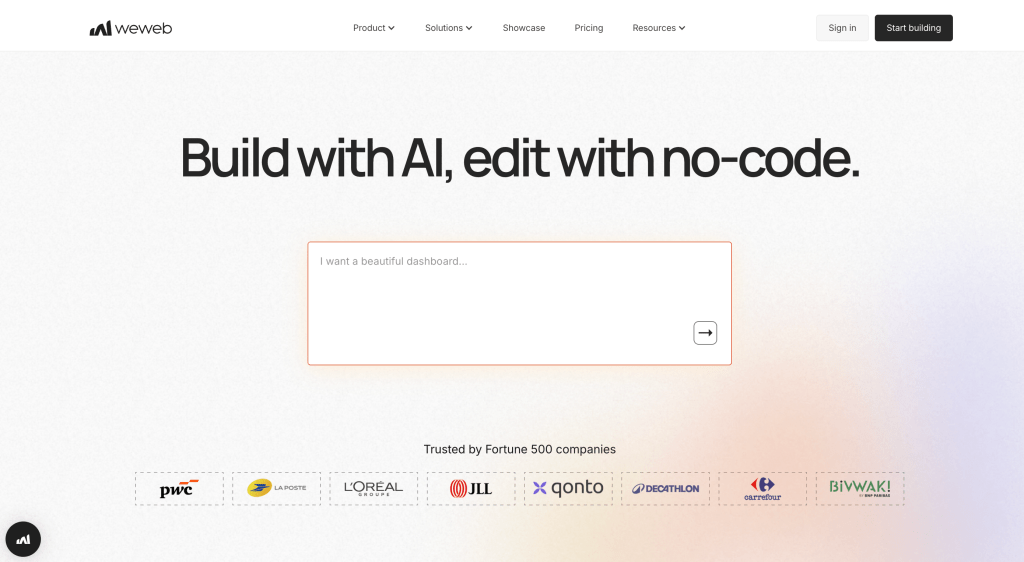
WeWeb is the strongest alternative if your problem with Bubble is not speed but structure. It makes sense for teams that want a cleaner frontend layer, external APIs, a modular architecture, and less platform lock-in.
It is also one of the few no-code platforms that takes self-hosting seriously. For teams with data residency requirements or GDPR obligations, that matters more than it used to.
I would look at WeWeb for:
- Serious web apps that need custom design and branding
- Teams connecting to existing databases or APIs
- Products with a professional developer somewhere on the team
- Organizations with EU data residency requirements
What to watch out for?
It is not the same all-in-one experience in WeWeb as Bubble. You need more clarity about your stack before you start.
3. FlutterFlow for Web Apps
Best for: Teams building mobile-first products that need to work across iOS, Android, and web.
Why I would pick it?
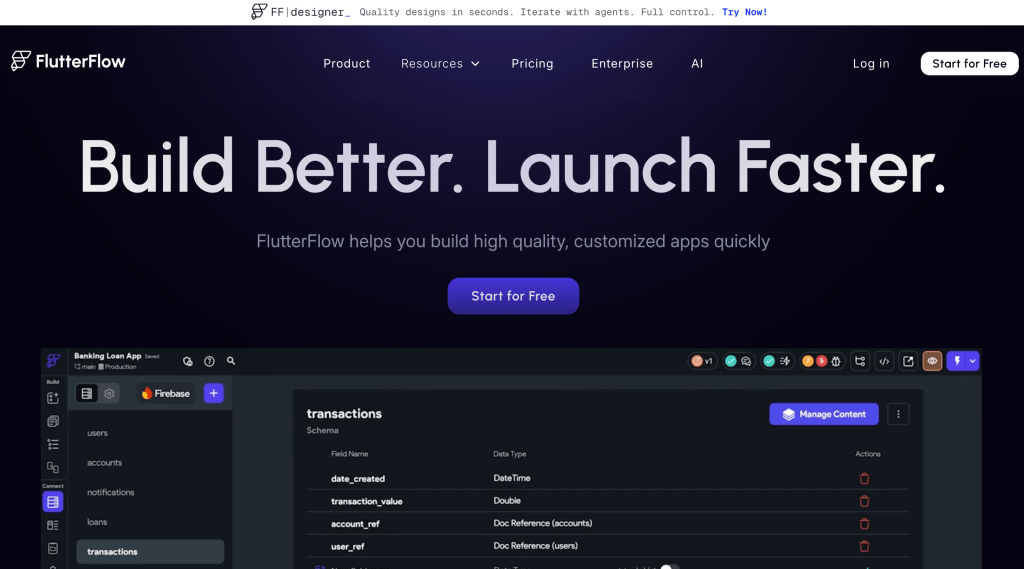
If mobile is part of the core product strategy, FlutterFlow makes more sense than a general web-first builder. It was designed with app workflows in mind. That shows in how it handles navigation, state, and device-specific interactions.
In 2025, FlutterFlow improved its AI features significantly. You can now generate full screen flows from prompts and refine them visually. The gap between idea and working prototype has narrowed.
I would look at FlutterFlow for:
- Startup apps with a mobile-first roadmap
- Products where UI consistency across devices matters
- Teams that want stronger app-oriented workflows than Bubble provides
What to watch out for?
It can feel less beginner-friendly than simpler no-code tools. The ceiling is higher, but the entry point is steeper.
4. Softr for Portals and Business Apps
Best for: Client portals, partner dashboards, member areas, and data-driven business tools.
Why I would pick it?
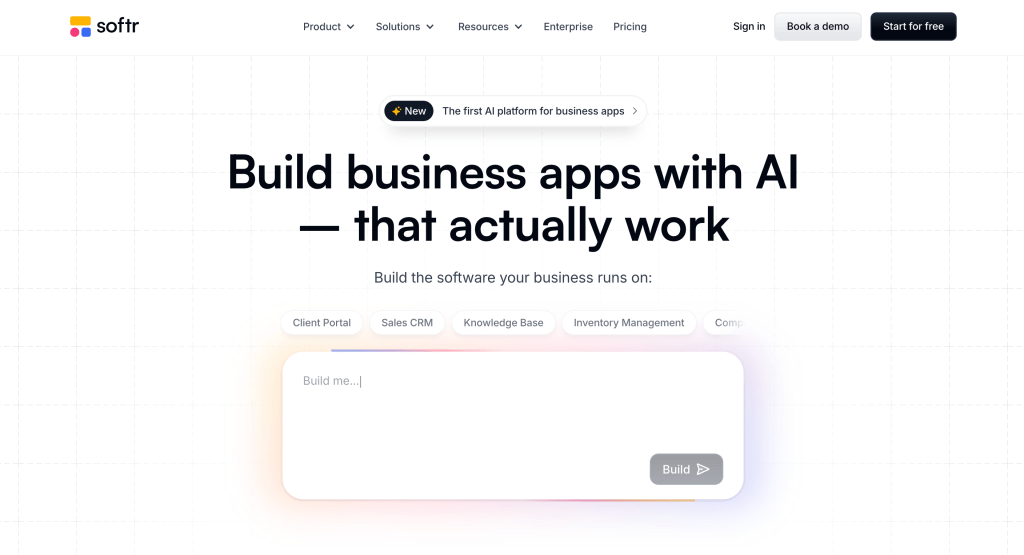
Softr does not try to be everything. That focus is what makes it good. If the goal is to ship a useful business product fast, Softr removes a lot of friction. It connects to Airtable, Google Sheets, and most common data sources without configuration headaches.
I would look at Softr for:
- Customer portals and member areas
- Internal dashboards with straightforward data needs
- Business apps where speed to launch matters most
- Non-technical founders who need something live this week
What to watch out for?
If your product needs deep logic, advanced customization, or a highly differentiated UX, Softr will feel limited over time.
5. Glide for Data-Driven Tools
Best for: Spreadsheet-based apps and operational business tools that need to go live fast.
Why I would pick it?
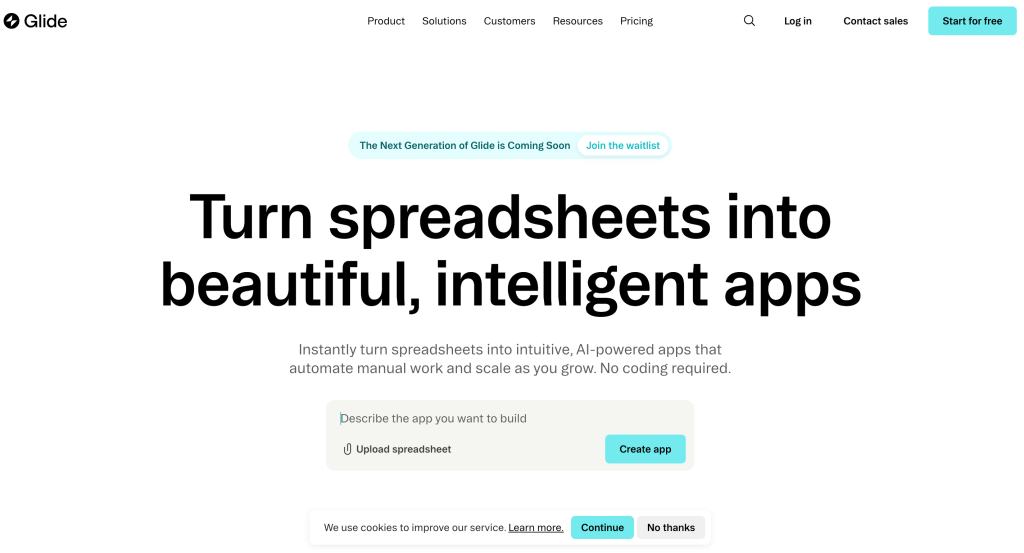
Glide has one of the clearest value propositions in this space. Take structured data and turn it into usable software. It is especially strong when the problem is operational. Field teams, inspection workflows, and process tracking are where it consistently performs well.
I would look at Glide for:
- Operations tools that live on top of spreadsheets or databases
- Field workflows and process automation
- Internal business tools where speed beats polish
What to watch out for?
Glide is excellent for operational problems. It is less convincing for complex SaaS products with custom behavior.
6. Retool for Internal S/W
Best for: Internal software for operations, support, finance, and admin teams.
Why I would pick it?
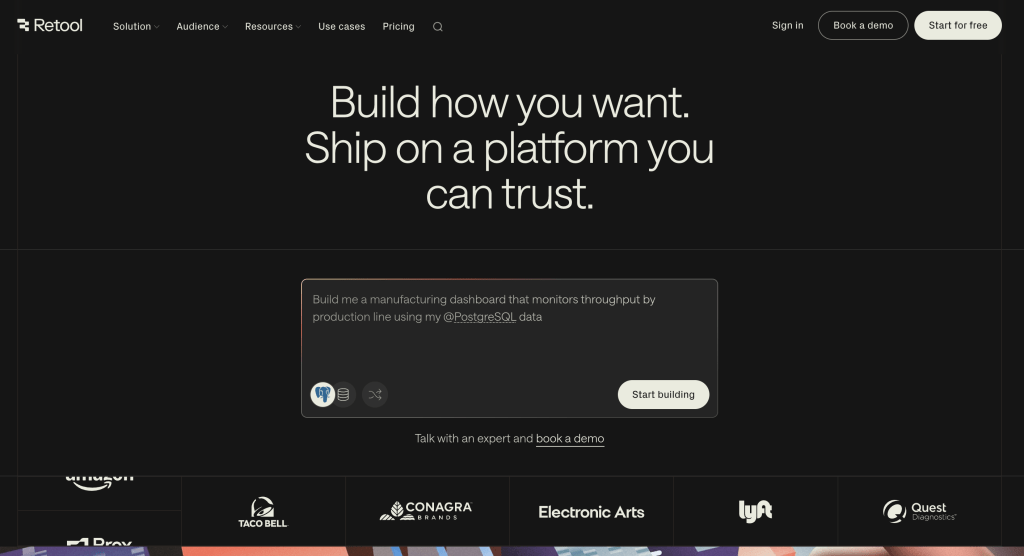
Retool is one of the most grounded products in this space. It is not trying to be a magical platform for everything. It is built for internal tools, and that focus is exactly why it works.
Retool also moved aggressively on AI features in 2025. Its AI-generated queries and component suggestions now meaningfully reduce build time for data-heavy dashboards.
I would look at Retool for:
- Admin panels and review queues
- Support and ops workflows
- Internal dashboards connected to live databases
- Teams that need to ship internal tooling at scale
What to watch out for?
End-user pricing can become expensive at scale. If you have hundreds of internal users, the cost model deserves close attention before committing.
7. Appsmith for Open Source Internal Tools
Best for: Technical teams that want internal tool power with full control and no vendor lock-in.
Why I would pick it?
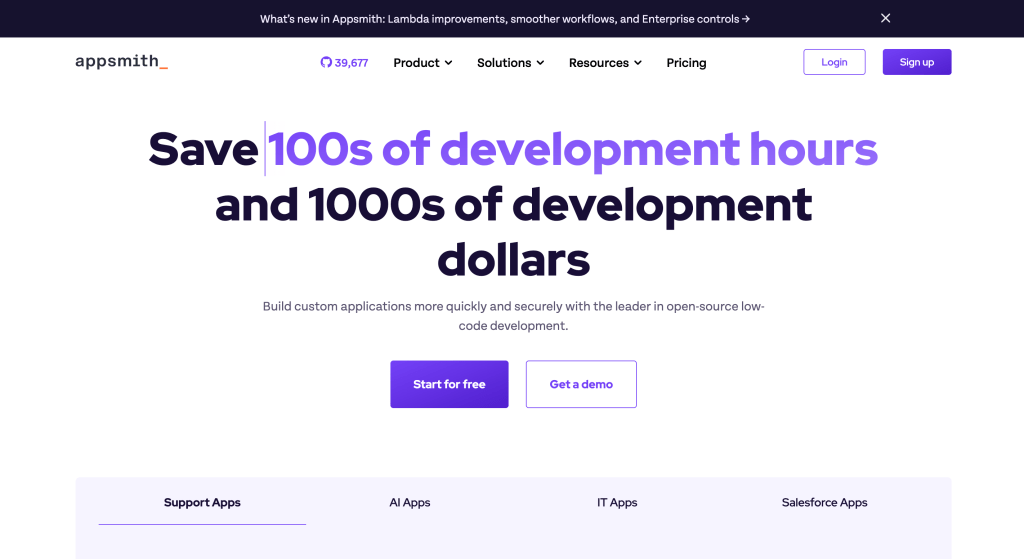
Appsmith lives in a similar category to Retool, but the open-source angle changes the decision. Self-hosted deployment is free. You control the infrastructure, the data, and the upgrade cycle. For teams with data sovereignty requirements, that is a serious differentiator.
Appsmith added a workflow feature in 2025. It is still maturing compared to dedicated automation tools, but it closes a gap that used to send teams looking elsewhere.
I would look at Appsmith for:
- Technical teams that want full extensibility with JavaScript
- Organizations needing self-hosted deployment for compliance
- Teams that want lower long-term cost than Retool
What to watch out for?
Less technical teams may prefer a more guided experience. Appsmith rewards developers who know what they want to build.
8. Webflow for Design-Led Websites
Best for: Design-led websites, content-heavy projects, and premium marketing experiences.
Why I would pick it?
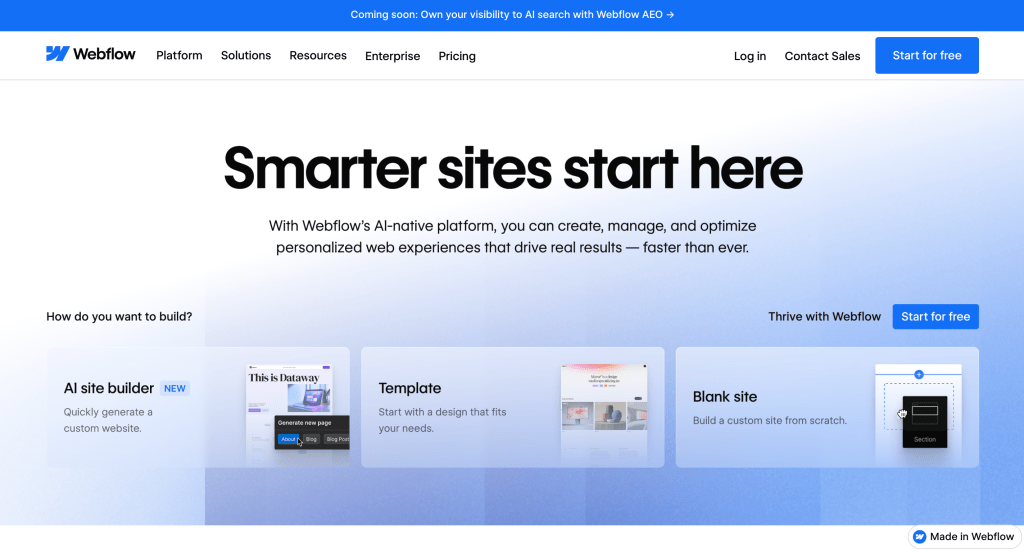
Bubble and Webflow get compared often, even though they do different jobs. That comparison is still useful because some teams reach for Bubble when they actually need a strong website platform.
If the goal is a high-quality marketing presence, a CMS-driven blog, or a branded landing experience, Webflow is the right tool and Bubble is the wrong one. That distinction is worth making early.
I would look at Webflow for:
- Branded marketing sites and landing pages
- Content-driven growth sites with editorial needs
- CMS-heavy experiences with design precision requirements
What to watch out for?
Webflow is not the right choice for complex product logic or app workflows. It is a top-tier website platform, not a full Bubble replacement.
9. Adalo for Consumer Mobile MVPs
Best for: Fast consumer mobile MVPs where speed to first user matters most.
Why I would pick it?
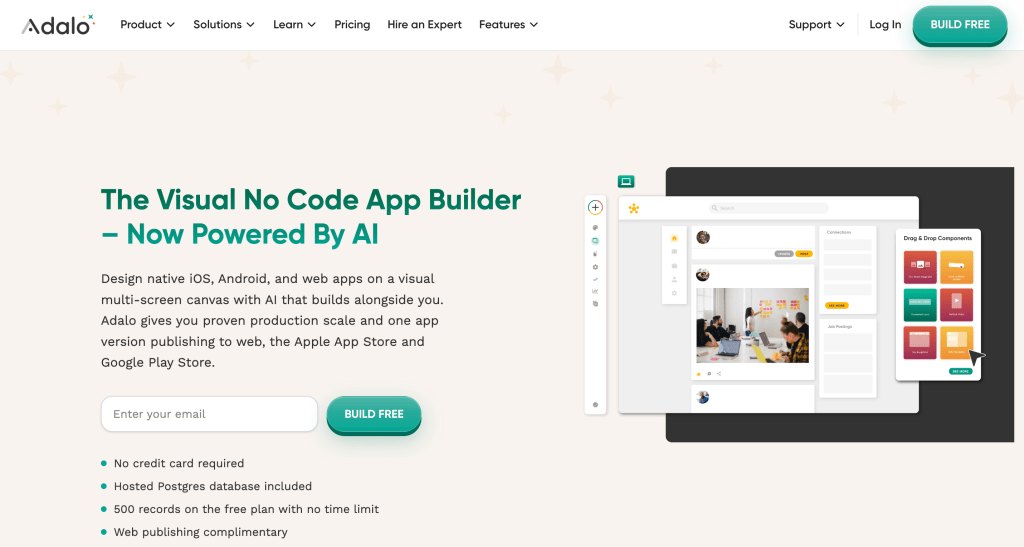
Adalo still makes sense for founders who want to get a mobile product in front of users quickly without heavy setup. The path from idea to app store submission is shorter here than most alternatives.
I would look at Adalo for:
- Early-stage app ideas that need fast validation
- Consumer MVPs where simplicity beats architecture
- Founders prioritizing speed over long-term flexibility
What to watch out for?
Adalo is more MVP-friendly than long-term architecture-ready. Be honest about your stage before committing to it as your core platform.
10. Lovable for AI-App Builder
Best for: Prompt-first MVP generation and rapid idea validation.
Why I would pick it?
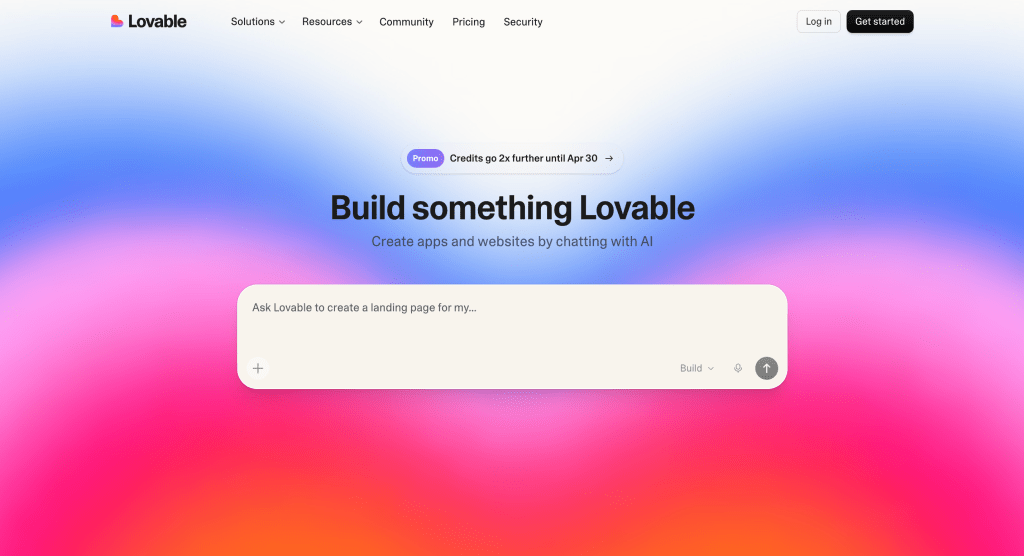
Lovable is part of the newest wave of AI-native builders and it matured considerably in 2025. The core appeal is clear: move from concept to first working version faster than any traditional no-code tool allows. For solo founders and early-stage teams, that speed is genuinely valuable.
What changed in 2025 is that Lovable got more reliable. The earlier version produced demos that fell apart quickly. The current version holds together better for real use cases.
I would look at Lovable for:
- Solo founders who need to validate an idea fast
- Concept validation before committing to a larger build
- Teams that want to start from a prompt instead of a blank canvas
What to watch out for?
AI speed is real, but it does not solve system design, edge cases, or data architecture. It helps you start faster. It does not remove the need for product judgment.
11. Atoms for AI-Assisted Websites
Best for: AI-assisted websites, lightweight apps, and fast iteration from a plain-language brief.
Why I would pick it
Atoms belongs in this conversation because it reflects where the category is moving. It fits teams that want to go from idea to working product faster, especially when the workflow starts with a brief or concept rather than a fully mapped system.
I would look at Atoms for:
- Fast AI website and lightweight app creation
- Early-stage experimentation and iteration
- Teams that value speed over configuration
What to watch out for?
Atoms is an AI-native builder, not an architecture-driven app platform. That is a strength in the right context, not a limitation.
How to Choose the Right Bubble Alternative for Your Team
1. Start with the product type
Before comparing platforms, get specific about what you are actually building.
| Product type | Better-fit platforms |
| Internal tool | Retool, ToolJet, Appsmith |
| Client or partner portal | Softr, Glide, WeWeb |
| Mobile app | FlutterFlow, Adalo |
| Design-led website | Webflow |
| Prompt-first MVP | Lovable, Atoms |
| Internal tools at scale (large org) | ToolJet, Retool, Appsmith |
2. Decide between all-in-one and modular
This is one of the biggest strategic decisions you will make.
All-in-one simplicity
- Fewer moving parts
- Faster initial setup
- Less infrastructure thinking
- Easier for non-technical teams
Modular control
- Architecture flexibility
- External backend choices
- Clearer system ownership
- Better as complexity grows
Always
- Choose WeWeb for more frontend freedom with your own backend
- Choose FlutterFlow for mobile-first products
- Choose Softr or Glide for fast business apps and portals
- Choose Retool for established internal software needs
- Choose ToolJet for established internal tools at scale with AI, self-hosting, and no end-user fees
- Choose Appsmith for open-source internal tools with developer control
- Choose Webflow for design-led websites and marketing experiences
- Choose Adalo for simple consumer mobile MVPs
- Choose Lovable or Atoms for AI-first speed and quick validation
3. Think about data control earlier than you expect
In 2025 and 2026, this has become a first-tier concern for many teams. EU data residency requirements, GDPR obligations, and enterprise security policies are now driving platform decisions before a single line of logic is written.
If your users are in the EU or your company handles regulated data, check self-hosting and data residency options before anything else. Retrofitting this later is expensive.
4. Ask the handoff question early
A tool that helps you launch is not always the tool that helps your team maintain the product later. Ask these before committing:
- Who will own this after launch?
- How many people need to work inside the system?
- Will this become more complex in six months?
- How painful will changes be after the initial build?
5. Be realistic about AI-first builders
AI-native tools are useful. In some cases, genuinely impressive. But they are best when your main bottleneck is speed. They are not automatically better when your bottleneck is:
- System design and data architecture
- Complex permissions and user roles
- Long-term maintainability
- Production reliability at scale
Final Thoughts
If this entire article came down to one sentence, it would be this: the best Bubble alternative is the one that matches your product shape, not the one with the loudest homepage.
Bubble is still a serious competition. But the alternatives are sharper now. ToolJet in particular has closed a lot of ground in 2025 with its AI features, pricing change, and observability work.
My honest advice is the same as always. Do not ask which platform looks most impressive on paper. Ask which one creates the fewest expensive mistakes for the next stage of your product.